Table of Contents
- What separates a gateway from a node
- The regulatory picture, honestly counted
- Licence-free ISM operation
- 70 cm with an amateur licence
- LoRaWAN does not belong under your licence
- MeshCom: the Austrian network
- Meshtastic in licensed mode
- LoRa APRS iGate
- What about MeshCore?
- Hardware: small, medium, large
- Site beats everything
- Antenna, cable, enclosure
- Power
- What is running in Austria
- Practice that has proven itself
- Videos on the topic
- Your first gateway
- Transparency Notice
LoRa devices carry messages over kilometres, but somewhere that RF traffic has to cross into an IP network: the internet, HAMNET or a map. That is what a gateway does. Holding an amateur licence lets you do more than an ISM user, although not quite what is often claimed.
This article covers the gateway types, what the licence really gives you in legal terms, which hardware and software are current, and why the site decides between success and disappointment. For the wider mesh picture, see our comparison of MeshCom and Meshtastic.
What separates a gateway from a node
A LoRa gateway bridges the radio interface and an IP network. It receives LoRa packets and passes them on via Ethernet, Wi-Fi, HAMNET or cellular, and the other way round. An ordinary node only talks within the mesh, with no path to the outside. The gateway is what couples local RF islands into a larger network.
Four variants matter in an amateur radio context:
- MeshCom gateway: bridge between the MeshCom mesh and HAMNET or the internet, a project from the Austrian community
- Meshtastic MQTT gateway: connects a Meshtastic mesh to the internet over MQTT
- LoRa APRS iGate: picks up APRS packets and feeds them into APRS-IS
- LoRaWAN gateway: the classic eight-channel IoT box talking to a network server such as ChirpStack or The Things Network. It belongs in the ISM band, and the reason follows below
The regulatory picture, honestly counted
LoRa can be operated two ways in Europe, and the differences are large. Just not large in every respect the way many guides suggest.
Licence-free ISM operation
- 868 MHz: 25 mW ERP with a one percent duty cycle across 868.0 to 868.6 MHz where most LoRa channels sit, meaning 36 seconds of transmit time per hour. Other sub-bands have their own figures, 869.4 to 869.65 MHz for instance allows ten percent
- 433 MHz: 10 mW ERP and a ten percent duty cycle under ERC Recommendation 70-03 for short-range devices
- Encryption: permitted and normal
- Licence: none required, but no protection from interference either
70 cm with an amateur licence
- Power in Austria: 200 watts for licence class 1 on 430 to 439.1 MHz. One kilowatt exists only with power level B or C and exclusively for EME and meteor scatter using a Yagi of at least 15 dBd gain. Details in our article on the frequency utilisation ordinance
- Duty cycle: no restriction, continuous operation is allowed
- Antennas: free choice, gain and height are not an approval issue because it is not the radiated power that is capped as in the ISM band
- Encryption: not permitted, all transmissions must be readable
- Callsign: mandatory, every station identifies
Now the reality check you rarely read. Those 200 watts are practically meaningless. An SX1262 module, the chip inside every Heltec or LILYGO board, delivers about 22 dBm at most, roughly 160 milliwatts. Even modules with a built-in amplifier reach one watt. Transmitting LoRa at 200 watts would require a linear amplifier for a constant-envelope signal, and nobody does that. The real benefit of the licence lies elsewhere: no duty cycle, no 10 mW ceiling, free choice of antenna.
The second misconception concerns interference. The range 433.05 to 434.79 MHz is an ISM band and sits entirely inside the 70 cm amateur allocation. That is precisely where MeshCom operates on 433.175 MHz and LoRa APRS on 433.775 MHz. You share those frequencies with wireless thermometers, weather stations, garage door openers and headphones. The licence grants more rights there, but not cleaner spectrum. Genuinely protected amateur spectrum would mean moving above 434.79 MHz or below 433.05 MHz, which neither the available hardware nor the established networks are set up for.
LoRaWAN does not belong under your licence
This deserves a clear statement, because the opposite circulates widely. LoRaWAN encrypts by design. Every packet carries AES-128 encryption of the payload using the AppSKey plus integrity protection with the NwkSKey. It cannot be switched off, it is part of the specification. Encrypted transmissions are not allowed in the amateur service.
It follows that LoRaWAN, The Things Network and ChirpStack are ISM technology. You run them on 868 MHz at 25 mW with a one percent duty cycle and no licence at all. If you want your own sensors on amateur frequencies, you do not use LoRaWAN, you use raw LoRa with an open protocol: MeshCom, Meshtastic in licensed mode, or a small packet format of your own.
MeshCom: the Austrian network
MeshCom is the network with the strongest amateur radio focus in the German-speaking countries, carried by the ÖVSV community and the Institute of Citizen Science. The essentials:
- Frequencies: 433.175 MHz for messaging, 433.775 MHz for position reports
- Firmware: an independent development maintained under icssw-org on GitHub, currently the 4.x line, latest release v4.35s from 3 September 2026
- Encryption: none, the PSK is set to NONE deliberately, which is what the amateur rules require
- Hardware: LILYGO T-Beam, LILYGO TTGO LoRa, Heltec LoRa 32, RAK WisBlock 4631, in other words ESP32 or nRF52 with a LoRa chip
- Gateway link: the gateway speaks the APRS protocol to a MeshCom server, over HAMNET or the internet
- Overview: which nodes and gateways are currently up is shown on the dashboard at meshcom.oevsv.at
Building one takes a supported board, the MeshCom firmware, a callsign and a site with Wi-Fi or HAMNET access. Configuration runs through the built-in web interface.
Meshtastic in licensed mode
Meshtastic is the larger international ecosystem and ships configured for ISM use. For amateur operation it has a dedicated switch that you need to know about.
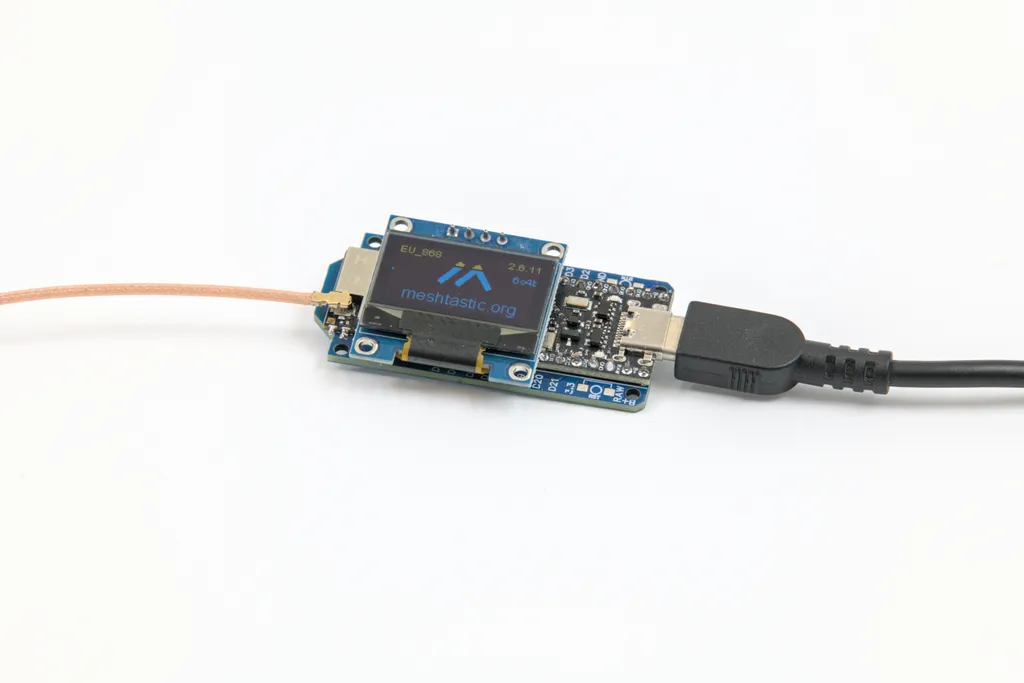
The key points for licensed operation:
- Set region EU_433. After a factory reset the device lands on slot 4 at 433.875 MHz in that region
- Know the factory limits. For EU_433 the firmware itself caps output at 10 dBm and enforces a ten percent duty cycle, calculated every minute over a rolling hour. Those are ISM constraints in software, not amateur regulations
- Enable HAM mode. The documentation is explicit: if you operate under a licence, enable HAM mode and turn encryption off. With
is_licensedset, the firmware lifts its power limits - Put your callsign in the long name. That satisfies identification
- Check the PSK yourself. Do not assume the key disappears automatically, open the channel settings and clear it if it is still there
You turn this into a gateway by enabling the MQTT module on a board with Wi-Fi, entering a broker and allowing uplink and downlink on the channel. Optionally, "map reporting" registers the device on the global map.
LoRa APRS iGate
An iGate receives LoRa APRS packets on 433.775 MHz and forwards them to APRS-IS so the stations appear on sites such as aprs.fi, with no classic TNC and no 1200 baud packet involved. The widely used firmware comes from CA2RXU and runs on LILYGO T-Beam or Heltec boards. Flashing happens through a web flasher in the browser, configuration through a built-in web page for callsign, Wi-Fi and APRS-IS credentials.
With a decent rooftop antenna such an iGate hears packets from 30 to 50 kilometres away, considerably more from a summit. Here too, operating on 433.775 MHz is amateur radio and requires a licence.
What about MeshCore?
MeshCore is the third large mesh ecosystem and currently the fastest growing one in Austria, carried among others by the Carinthian CarinthiaMesh initiative. Technically it forwards traffic differently from Meshtastic: only fixed repeaters relay packets, handhelds merely transmit and receive. That produces noticeably less background traffic, but it needs people who put repeaters in good places. How fast that can go is documented in our report on 32 sites in two weeks.
For this article one point decides everything: MeshCore runs in the 868 MHz ISM band and uses encryption. Channel keys are derived from the channel name and direct messages are end to end encrypted. Exactly like LoRaWAN, that makes it unsuitable for the amateur band and firmly licence-free operation at 25 mW with a duty cycle. That is not a shortcoming, it is a different goal: MeshCore wants to work without an exam and without a callsign.
In practice the split is clean. If you want a gateway with licence privileges, you end up with MeshCom or Meshtastic in HAM mode on 70 cm. If you want a network for everyone, including neighbours without a licence, you put up a MeshCore repeater on 868 MHz. The same board does both, the decision happens at flashing time, and plenty of radio amateurs simply run two devices. Which nodes are active nearby is shown for Meshtastic on our Meshmap.
Hardware: small, medium, large
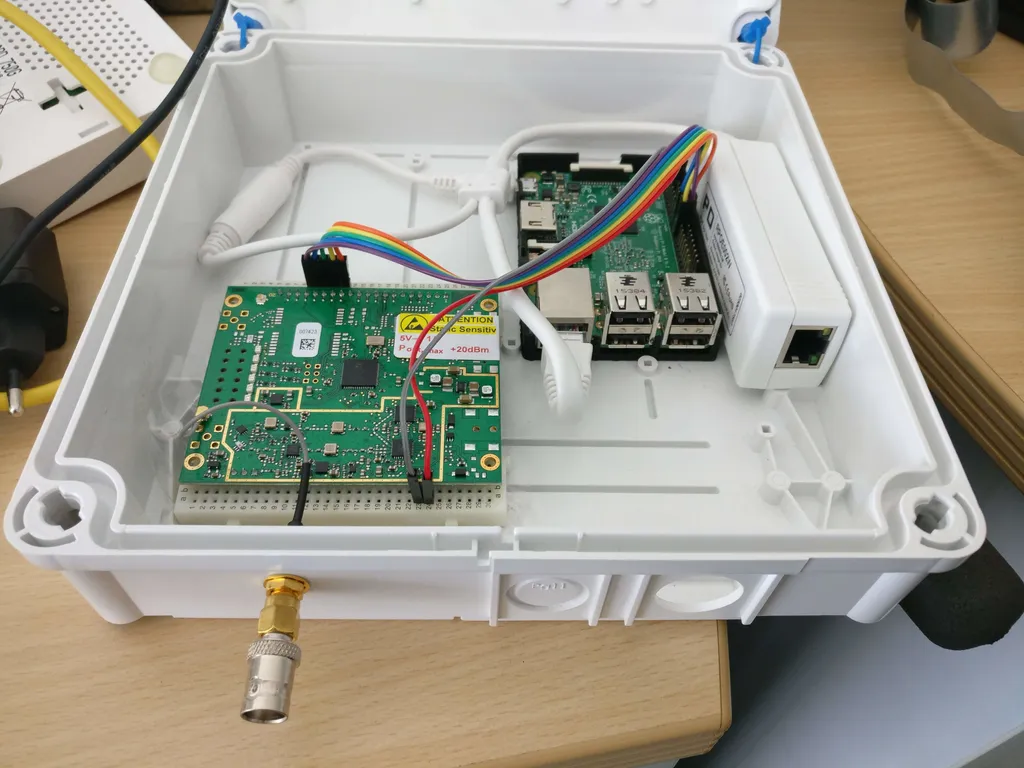
Single-channel boards are entirely sufficient for MeshCom, Meshtastic and LoRa APRS, because these networks use one fixed frequency:
- Heltec LoRa 32 V3: compact with an OLED, the classic for a fixed gateway with an external antenna
- LILYGO T-Beam: ESP32 with GPS and an 18650 holder, handy if the device should report positions too
- RAK WisBlock 4631: an nRF52 platform with very low idle current, first choice for solar. Paired with the RAK13800 Ethernet module it is also the common route to a gateway on a cable rather than Wi-Fi
Eight-channel gateways such as the RAK WisGate or Dragino LPS8 are LoRaWAN hardware for the ISM band. The amateur networks do not need them.
Site beats everything
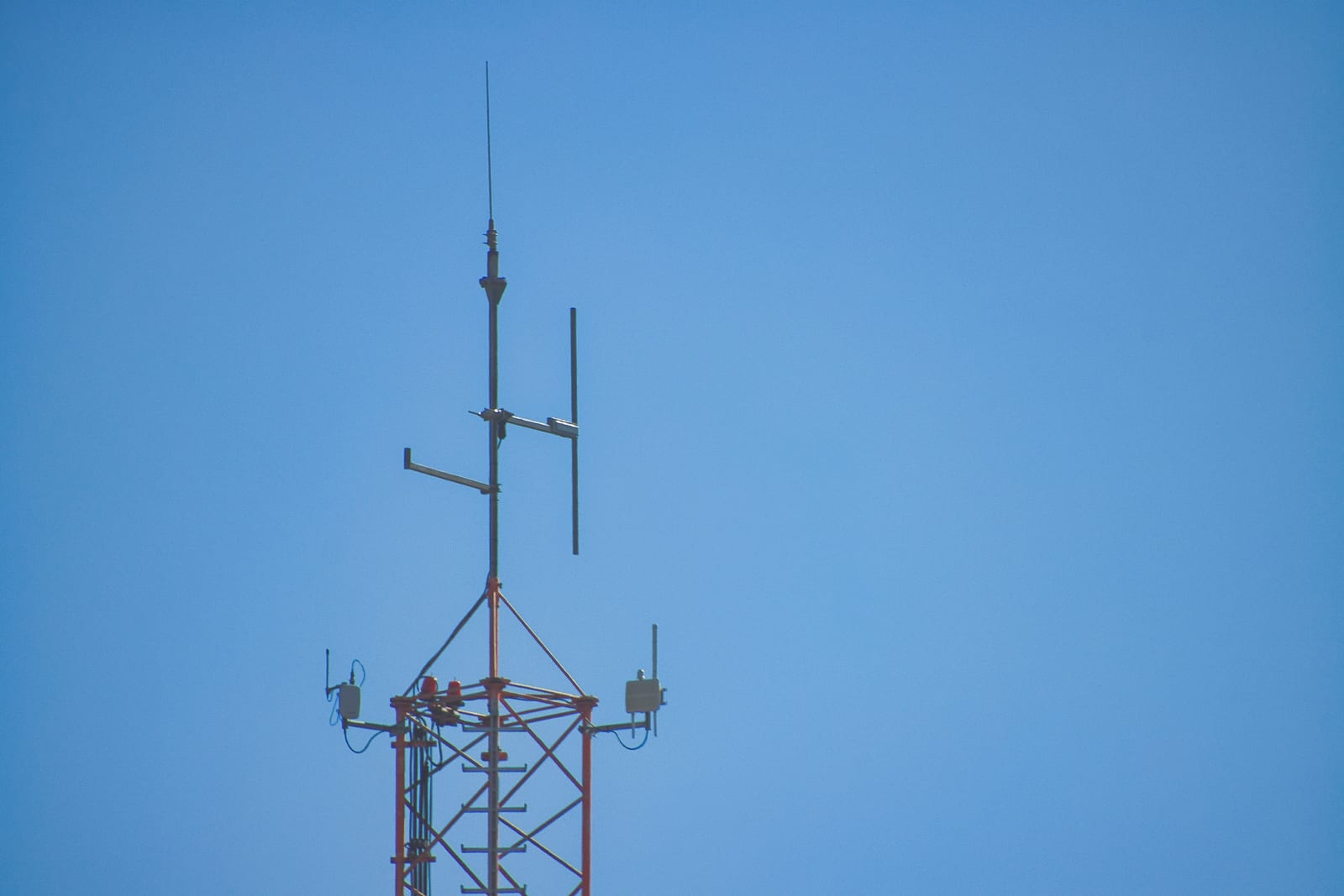
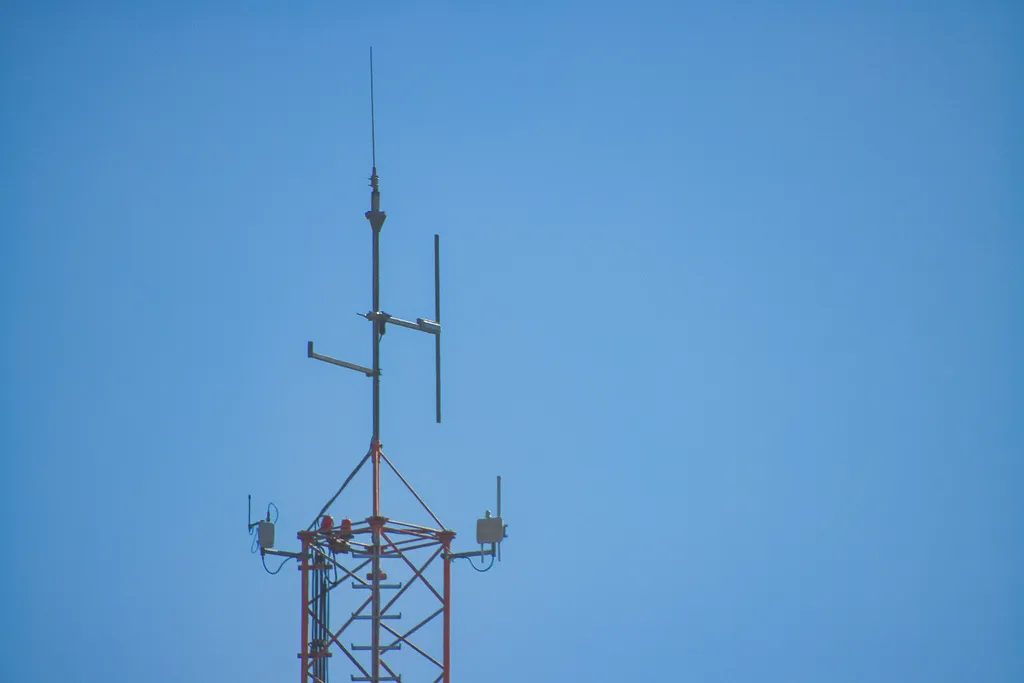
LoRa on 433 MHz behaves largely like line of sight. Buildings, hills and wet forest attenuate hard, and no software setting compensates for that. The dominant parameter is antenna height, and nothing else comes close.
One Fresnel zone rule of thumb gets misquoted constantly. The radius of the first Fresnel zone at mid path is
r ≈ 8.66 · √(D / f), with D in kilometres and f in gigahertz.
On 433 MHz that gives roughly 13 metres at 1 kilometre, about 29 metres at 5 kilometres and around 42 metres at 10 kilometres. Anyone quoting 13 metres for a ten kilometre path is planning three times too optimistically. In practice keeping about 60 percent of that zone clear is enough, but a stand of trees directly in the line still costs noticeable signal.
Free tools are plenty for planning: HeyWhatsThat shows which horizons are visible from a point, and the MeshCom and Meshtastic maps reveal which nodes are actually active nearby.
Antenna, cable, enclosure
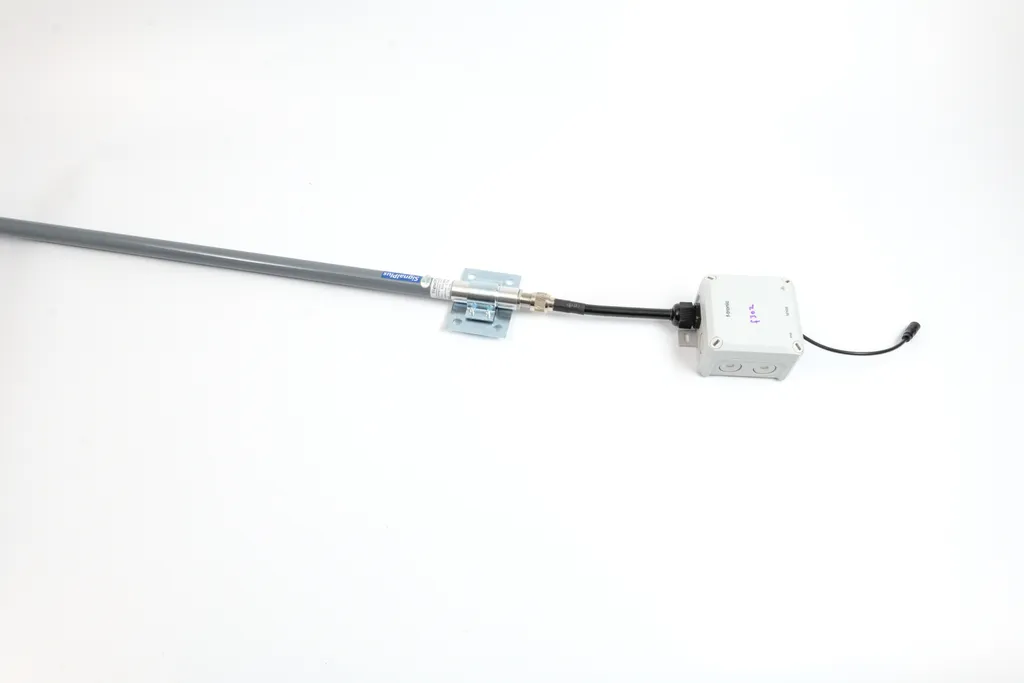
The stub antenna on the board is unsuitable for a fixed gateway. An external antenna is the most effective investment you can make:
- Collinear omni with 5 to 8 dBi: the gateway standard, usually 0.5 to 1 metre long
- Homebrew ground plane: a quarter-wave radiator of about 16.5 centimetres for 433 MHz plus four radials, material cost near zero
- Yagi: for fixed point-to-point links between two sites, with useful gain and a clear preferred direction
Cable follows the usual UHF rules: keep it short, and at 433 MHz use RG-58 only for a couple of metres. Longer runs deserve Aircell 7, Ecoflex 10 or LMR-400, see our coax comparison. Two metres of thin cable eat more than most people expect, and reception suffers just as much as transmit power.
Power
- PoE: the elegant rooftop answer, one cable for power and network. The small boards have no PoE input, so a splitter to USB for a few euros does the job. If you want Ethernet at the node itself, combine a RAK4631 with the RAK13800
- Mains adapter: perfectly adequate indoors, an ESP32 gateway draws under a watt
- Solar: for remote sites. An nRF52 board such as the RAK4631 with a small panel and a LiFePO4 cell runs autonomously through winter, while a Raspberry Pi gateway at three to five watts needs a much larger panel and more battery
For summit sites the combination of panel, charge controller and LiFePO4 is the proven route, because those cells tolerate cold better than lithium-ion.
What is running in Austria
- MeshCom: gateways on summits and at club sites, densest in Upper Austria, Styria and Tyrol. Current status is visible on the dashboard
- LoRa APRS: numerous iGates on 433.775 MHz, visible on aprs.fi
- HAMNET as the backbone: many gateway sites hang off HAMNET rather than commercial internet and stay reachable through provider outages
- TTN: in the ISM band, mainly around Vienna and Lower Austria, for IoT sensors without a licence
- AREDN: combined at some sites, LoRa for narrowband messaging, AREDN for the wideband IP link
If you want to see your own traffic rather than just read it: a WebSDR lets you follow LoRa packets in the waterfall and even decode them, described in our article on LoRa mesh in OpenWebRX+.
Practice that has proven itself
- Antenna before power. Three more metres of height beat any firmware setting
- Respect airtime. Amateur radio has no duty cycle, but the mesh itself certainly has a capacity limit. Short telemetry intervals and generous hop limits will choke a network that runs fine with sensible values
- Plan lightning protection. A rooftop antenna means bonding and a surge arrestor in the coax, not an optional extra
- Build for weather. IP65 enclosure, cable glands, a drip loop. Water finds every opening
- Plan for remote maintenance. Nobody wants to climb to the roof for a firmware update, so allow for Wi-Fi coverage or OTA updates
- Verify callsign and plain text. Before leaving it running, check that encryption really is off and the callsign is being sent
Videos on the topic
Your first gateway
- Pick hardware: Heltec LoRa 32 V3 for an easy start, RAK4631 for solar, plus the RAK13800 if it should be Ethernet rather than Wi-Fi
- Get an antenna: a 433 MHz omni with 5 dBi, matching cable and surge protection
- Flash firmware: MeshCom, Meshtastic or the LoRa APRS iGate build, depending on the target network, all via web flasher in the browser
- Configure: enter your callsign, set region EU_433 or the MeshCom frequency, encryption off, gateway mode on
- Mount it: as high as possible, with a clear view towards where traffic is expected
- Verify: check the dashboard or aprs.fi to confirm the gateway appears and is passing packets
For around 60 euros you have a working gateway on the roof, and every additional gateway improves coverage for everybody nearby. That is the actual appeal: you are not only building for yourself, you are building a network that only exists collectively.
73 – your oeradio.at team
Transparency Notice
This article was researched and written with AI assistance (Claude, Anthropic). The editorial team reviewed and edited all content. Power figures come from the Austrian frequency utilisation ordinance, network data from the ÖVSV wiki and the MeshCom project. Corrections are welcome at [email protected].