A guest article by Mohammad Bahrololoum, ex EP2MHB
Morse code is often called a universal language. A dah is a dah in Vienna, in Dubai and in Tehran. But the material that teaches it isn't universal. Almost all of it is written in English, and most of the rest is in other European languages. A Persian or Arabic speaker who wants to learn CW in their own language finds very little.
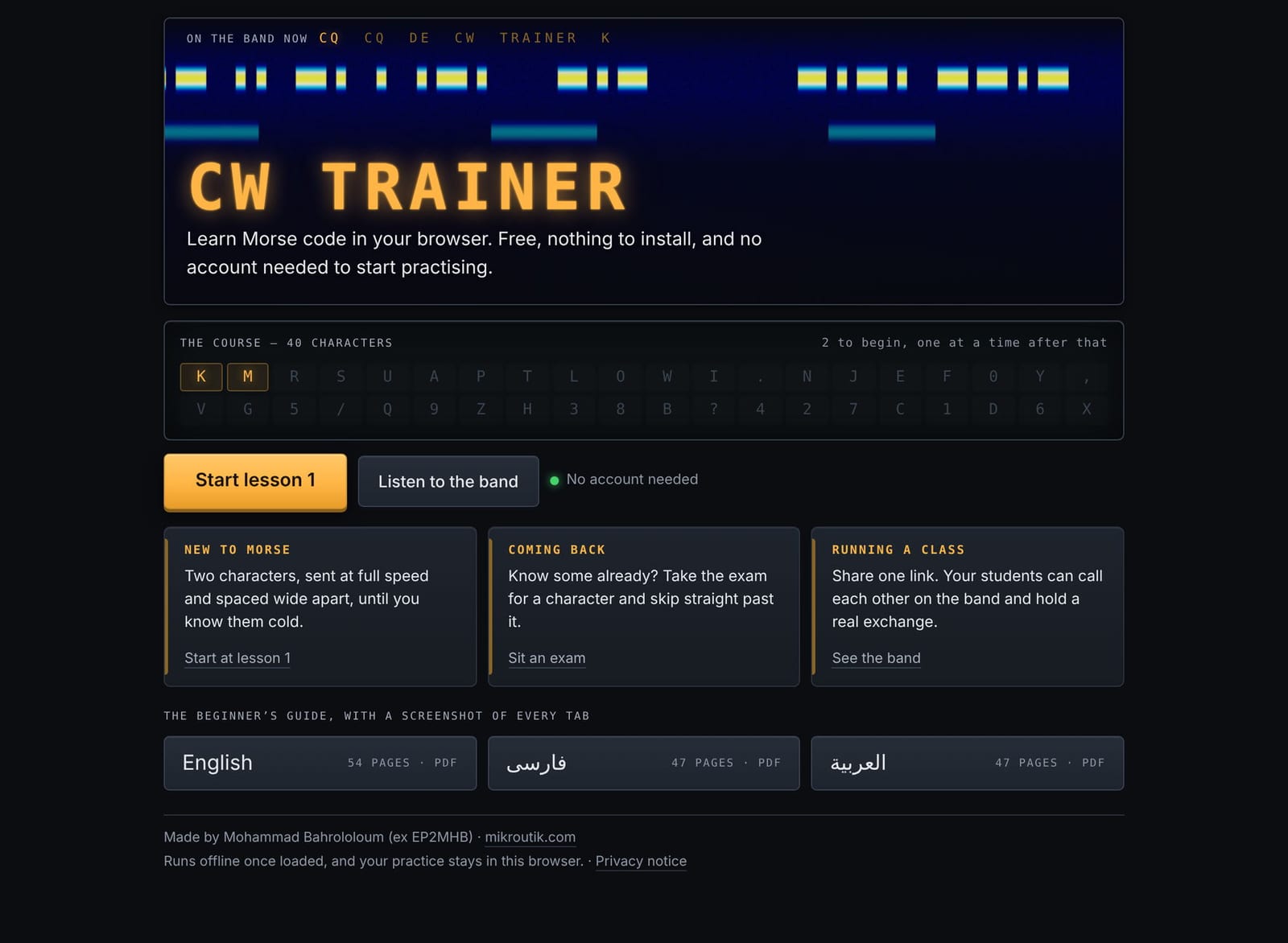
I maintain a free browser trainer, CW Trainer (cw.mikroutik.com), and this autumn I wrote its manual in three languages: English, Persian and Arabic, about 150 pages in all. I expected translation to be the work. It was the smaller part. What follows are the problems I didn't see coming, in the hope that the next person to do this sees them sooner.
Translate from the source, never from a sibling edition
The English manual came first, then the Persian, then the Arabic. The Arabic prose was translated from the English, chapter by chapter, as it should be. But the Persian edition was already finished and laid out, so it was used as the structural template: the chapter order, the headings, the pattern of each chapter title.
That template carried one word across with it. In Persian, a tab in a user interface is زبانه (read Zabaneh), which literally means "little tongue". It is correct Persian. The chapter-title pattern brought it straight into Arabic as لسان (read Lesan), which also means "tongue" and nothing else. The Arabic word for a UI tab is تبويب (read Tabweeb).
It appeared 48 times, in every heading of every chapter about a tab. It was the most repeated noun in the manual. Every automated check passed: the file parsed, the PDF built, the figures were numbered, and the structure matched the other two editions line for line. I caught it reading a single page, when I asked myself what "tongue" was doing at the start of every paragraph.
A calque from an earlier translation is invisible to the translator and obvious to the reader. The rule I took from it is simple: translate from the original, and use a sibling edition for layout only, never to choose a word.
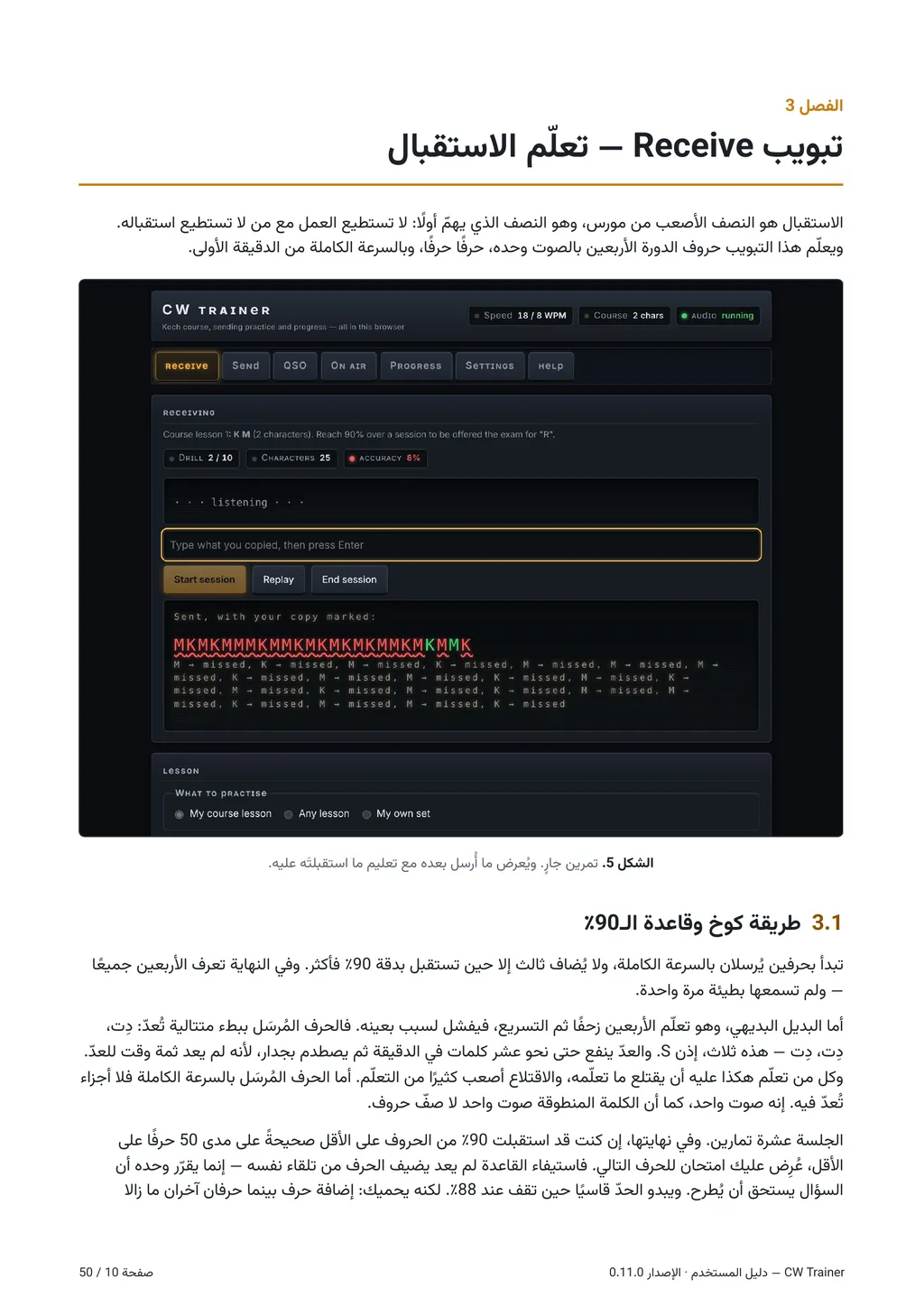
Keep the control names in Latin script, then pay for it
A manual has to tell the reader which button to press. If the screen says Receive and the manual says دریافت (read Daryaft), the reader has to translate it back before they can find the button. So both the Persian and Arabic editions keep every control name exactly as it appears on screen, in Latin script.
That decision has a cost. A Persian or Arabic paragraph runs right to left. Drop an English word into it and the Unicode bidirectional algorithm has to decide which way each neighbouring character belongs. Punctuation is the usual victim: a full stop or a closing bracket next to an English word can land on the wrong side of it. A callsign or a value like "20 WPM" can be reordered so that it reads wrongly while looking almost right.
The fix is to isolate every left-to-right fragment explicitly, so the paragraph treats each one as a single sealed unit rather than guessing. In the manual's build that means every control name, keyboard key, code fragment and callsign is wrapped and marked as isolated left-to-right text. Do it for every fragment from the start. Fixing them one at a time, as complaints come in, never ends.
The typeface matters more than it looks
Persian and Arabic share a script, so it is tempting to set both in one font. I first used Vazirmatn, an excellent Persian typeface, for both. It renders Arabic text correctly: every letter is there and every word joins properly.
But it draws them with Persian letterforms. Several letters and the digits look different in the two traditions, and an Arabic reader notices at once. The page reads as Persian typography wearing Arabic words. The Arabic edition is now set in Noto Sans Arabic, and the Persian stays in Vazirmatn. Choosing a script is not enough; choose a typeface made for the language.
Numerals
Arabic has its own digits, ٠١٢٣٤٥٦٧٨٩, and Persian has a related but different set. The obvious choice would be to use them throughout. The Arabic edition doesn't. It uses Western digits, 0 to 9.
There are two reasons. First, it follows the convention of technical writing in the Gulf, where the edition is most likely to be read. Second, in a CW manual the numbers almost never stand alone. They sit next to Latin values: 20 WPM, a 599 report, a callsign such as A61XX. Mixing two digit systems inside one exchange is harder to read than using one. In technical material, the convention of the field can outweigh the convention of the language.
Underneath all of it: Morse is script-neutral, the Koch order is not
This is the point I most want people to take away.
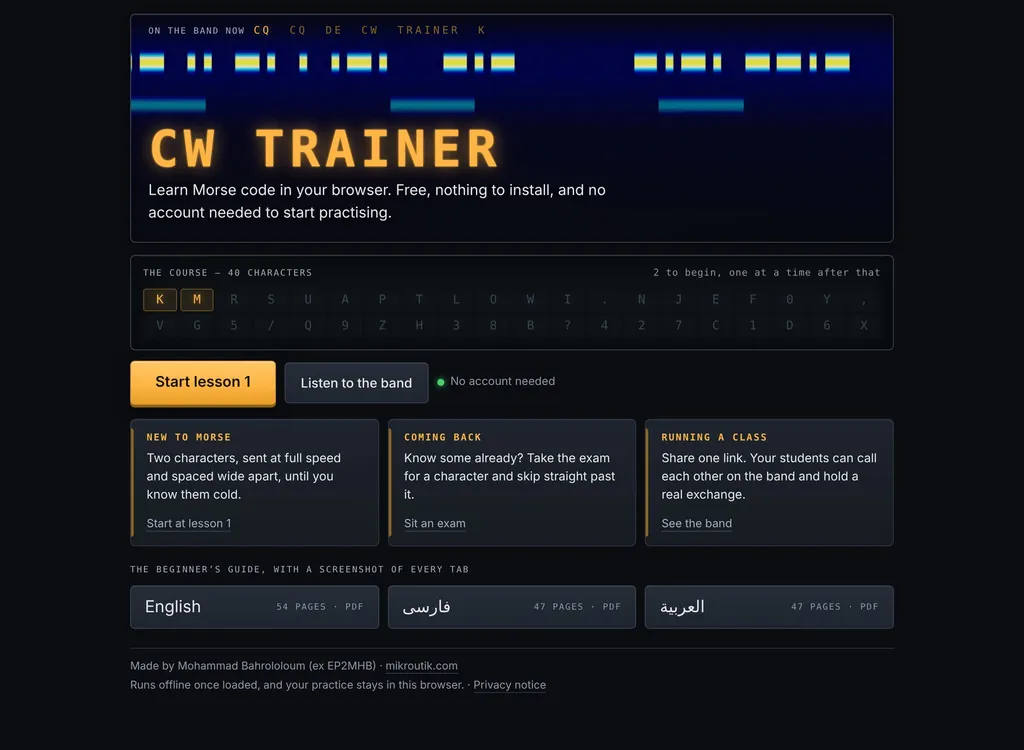
The Koch method introduces characters one at a time, at full speed, in a fixed order. My trainer uses the 40-character order from G4FON's Koch trainer, which begins K, M, R, S, U; others, LCWO among them, use orders of their own. But every one of those orders is a sequence of Latin letters, and the exchanges you are training for — callsigns, RST, Q-codes, names and QTHs — are written in Latin letters too.
Persian and Arabic have Morse alphabets of their own. Amateur radio doesn't use them. So an English speaker learning CW learns one thing, a code for letters they already know. A Persian or Arabic speaker learns two things at once: the code, and the Latin letters it stands for, along with the habit of reading them left to right. When a learner copies "K" and can't connect it to a sound, the problem may not be the Morse.
None of this makes the course harder to build. It makes the explanation matter more. The manual in Persian and Arabic has to explain the alphabet as well as the code, and do it without talking down to someone who may be an experienced engineer reading in a second script.
What I would tell the next person
- Translate every edition from the original, never from another translation.
- Keep on-screen names in the script the screen uses, and isolate every left-to-right fragment from the start.
- Pick a typeface designed for the language, not just for the script.
- Decide numerals by the convention of the field as well as the language.
- Remember that your reader may be learning an alphabet as well as a code.
- And find a native-speaking operator to read it. My Arabic edition still waits for that reading, and I would welcome one.
CW Trainer is free, has no adverts and needs no account to practise. Its source is open (github.com/ep3mhb/cw-trainer), and the manual is available in all three languages from the Help tab.
Related: Learning CW in 2026: Modern Training Methods with Apps, Web Tools, and AI