
Stand at Lake Ossiach in summer and look up towards the Gerlitzen, and from late morning on you will see the first canopies circling in the thermals. What you do not see: most of them are transmitting. Every few seconds a short data packet goes out on 868 MHz carrying position, altitude, climb rate and an identifier. Glider pilots do the same thing with FLARM, motor gliders and microlights increasingly with ADS-L, and a handful of tinkerers with home-built ESP32 trackers.
All of this is picked up by ground stations that radio amateurs, clubs and airfields run voluntarily. The network behind them is called the Open Glider Network, OGN for short, and it consists of nothing more than many small Linux machines with an SDR dongle and an antenna. If you already have a mast, you can build such a station in an afternoon. And because a Raspberry Pi today does more than saturate a single task, you can run your own WebSDR on the same box. That is what this article is about: what is actually flying up there, why joining in is worth it, and how to get OGN and OpenWebRX+ to live side by side on one device.
What is actually transmitting up there
The band in question is the European SRD band at 868 MHz. It is licence free, power limited, and next to radio sensors, smart meters and LoRa mesh networks it also hosts the small electronics of sport aviation. Four systems matter.
FLARM is the classic in gliding. Originally built as a collision warning system between sailplanes, it broadcasts position and flight vector to its surroundings so the instruments in the cockpit can warn. These transmissions are what OGN picked up, and what made the network interesting in the first place.
FANET is the equivalent for paragliding and hang gliding. It uses LoRa in the same band, comes from vario manufacturer Skytraxx and the protocol is openly documented. You find it in devices from Skytraxx, Syride, Naviter and in the beacons around the burnair platform. FANET does two things that set it apart: pilots see each other directly, without any infrastructure, and it also carries weather station data and thermal reports.
ADS-L is the new, official route. EASA published the technical specification for the SRD 860 band in early 2023. It uses 868.2 and 868.4 MHz plus 869.525 MHz and was deliberately designed so that existing hardware can join in. For radio amateurs the interesting part is that for the first time there is an open, regulator-endorsed standard for electronic conspicuity in light aviation.
Home-built trackers finally run on ESP32 boards, typically a LilyGO T-Beam with an SX1276 radio chip and GPS, for under 40 euros. The firmware is open source and, depending on the project, transmits OGN, FANET, ADS-L and PilotAware. Important for anyone rebuilding: the frequently linked esp32-ogn-tracker repository has been unmaintained for years, the current one is pjalocha/ogn-tracker, with SoftRF as an alternative. And the band variant has to be right, 868 MHz in Europe.
Why you should do it
The honest answer first: because there are gaps and you can close them. The OGN network is dense over the Alps but not seamless, and the gaps are typically where mountains block the path and nobody runs a receiver. A radio amateur with a mast on a slope often covers exactly the valley nobody else hears.
Four concrete reasons follow from that.
Search and rescue. This is the one that counts. When an aircraft or a canopy goes missing, the last received positions are the most valuable thing the rescue services can get. OGN keeps live data, archived traces and the FlightBook, which lets you narrow down even unregistered devices by departure site and time. The project itself points out that this data can be ambiguous and needs careful checking before it is passed to the rescue coordinator. Still, the denser the receiver network, the shorter the final gap in the track. That is what the network was originally built for.
Benefit for local aviation. Clubs see who is airborne and who has landed. Instructors can debrief training flights. Paraglider pilots receive wind reports from mountain stations on their vario over FANET, which on a gusty afternoon is worth more than any forecast.
Technical insight. An OGN station is a permanently running measurement point for your own antenna system. The coverage map that emerges after a few weeks shows mercilessly where the site is shadowed, what a preamplifier actually contributes and how badly the neighbouring transmitter interferes. Anyone already receiving ADS-B or chasing radiosondes knows the effect.
And the low barrier to entry. A receiving station needs no licence and no exam. That makes it an ideal project for newcomers, for the youth section of a club and for anyone who wants to listen before they transmit.
The hardware
The shopping list is short and the most expensive item is the antenna, not the receiver.
- Computer: Raspberry Pi 3 or 4. A Pi 4 is the sensible choice because FANET and PilotAware cost extra processing power. A Pi Zero or Pi 1 only manages simple reception with compromises. Any small Linux box or thin client works too.
- SDR dongle: The RTL-SDR Blog V3 with TCXO, SMA connector and switchable bias tee is the project's recommendation. Note, and this surprises many people: the newer V4 is currently explicitly not recommended for OGN because it performs worse in this application. If a V4 is all you have in the drawer, use it for the WebSDR side.
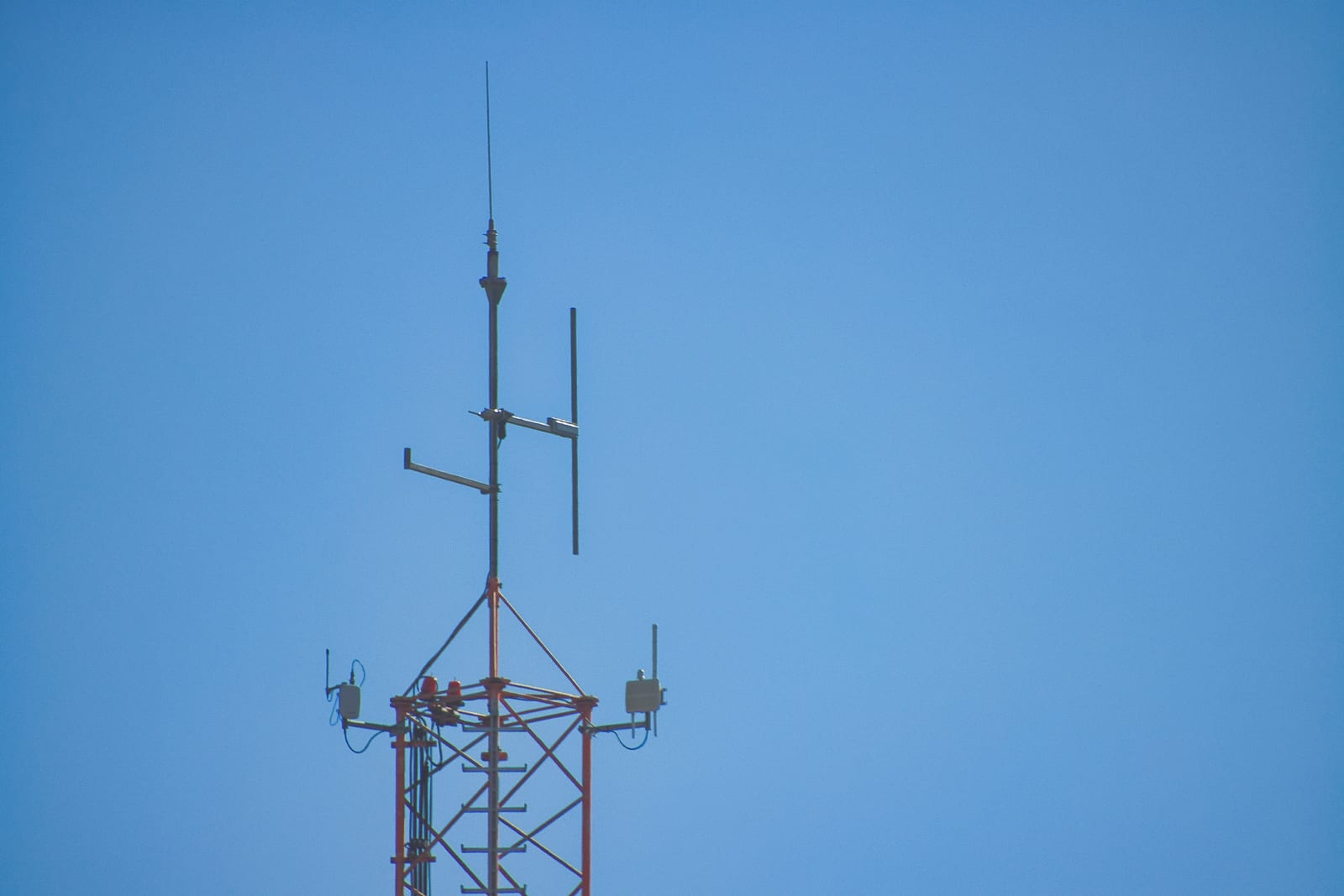
- Antenna: Vertical omnidirectional for 868 MHz, collinear with 5 to 9 dBi. The widely used 165 cm fibreglass antenna in the 9 dBi class serves as the reference. Vertical polarisation and a clear view are what matter.
- Optional but effective: A filtered masthead preamplifier from Uputronics adds roughly 3 to 5 dB, mounted right at the antenna and fed over bias tee. If you live near strong transmitters you rather need a cavity filter for 863 to 870 MHz, otherwise intermodulation eats your range.
- Cable: Short and good. Loss ahead of the first amplifier comes straight off your sensitivity. For the mechanical side see our article on towers and masts.
- Power and network: Stable 5 V, ideally a proper power supply and a powered USB hub once two dongles are attached. Wired Ethernet wherever possible.
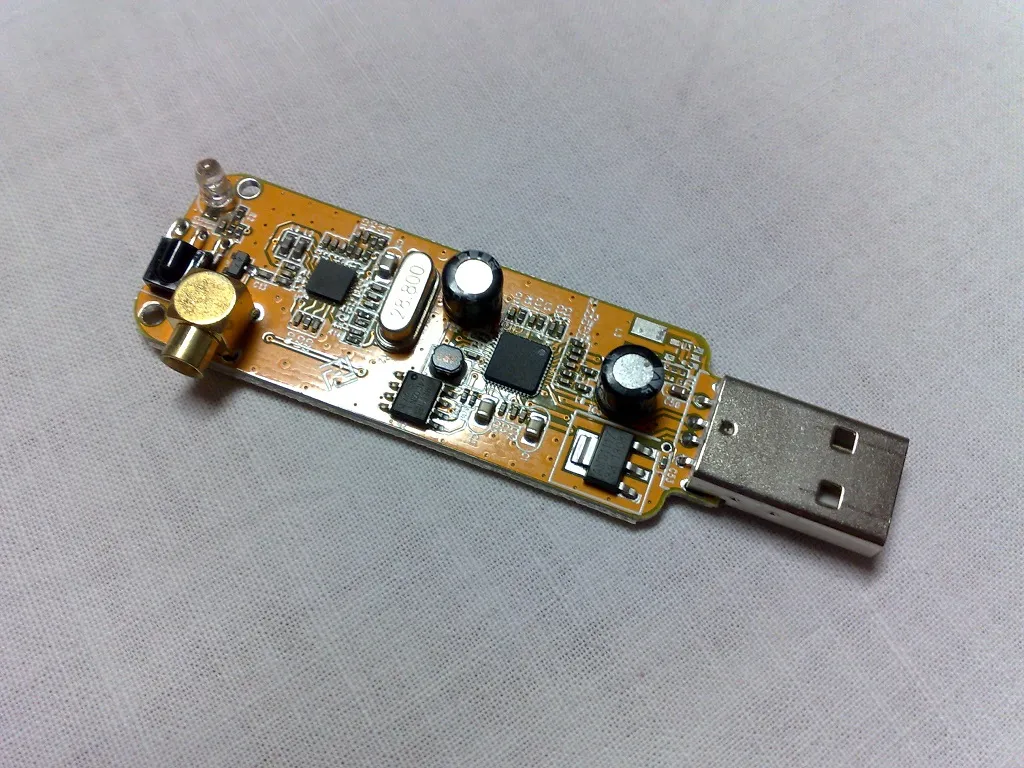
Guide, part 1: the OGN station
The basis is a freshly installed Raspberry Pi OS Lite with SSH enabled and the system up to date. The procedure follows the official guide in the OGN wiki, and the short version looks like this.
Install packages. The software needs a few libraries:
sudo apt update && sudo apt full-upgrade -y
sudo apt install -y libconfig9 libjpeg-dev libfftw3-dev procserv telnet lynx ntpsec
On newer systems libjpeg8 is missing from the package sources. The wiki describes two ways around this, either building libjpeg from source or using prepared ARM64 binaries. This is the one step where installation on current images regularly stalls, and the reason many stations deliberately still run an older Raspberry Pi OS.
Fetch the software and create the pipe. The matching rtlsdr-ogn package comes from the project's download area, the GPU variant for the Pi. Then create the named pipe through which the RF part talks to the decoder:
cd ~/rtlsdr-ogn
mkfifo ogn-rf.fifo
Measure the frequency error. Dongles without a TCXO run a few ppm off, which costs sensitivity. The bundled tool measures the error against GSM channels:
./gsm_scan --ppm 50 --gain 20With a V3 and its TCXO you can skip this and leave FreqCorr at 0. During operation the software recalibrates against GSM anyway.
Write the configuration. The file, here mystation.conf, is compact. Position and altitude must be entered accurately, the software also derives the regional frequency plan from them:
RF:
{
  FreqCorr    = 0;             # ppm, 0 for TCXO dongles
  BiasTee     = 1;             # power for the masthead preamp
  DeviceSerial = "OGN01";      # address the dongle unambiguously
  PipeName    = "ogn-rf.fifo";
} ;

Position:
{
  Latitude    =  46.6883;      # decimal degrees, north and east positive
  Longitude   =  13.9186;
  Altitude    =   900;         # metres above sea level
} ;

APRS:
{
  Call        = "OE8XYZ";      # max. 9 characters, publicly visible
} ;

HTTP:
{
  Port        = 8080;          # status page of the station
} ;
The name under Call is the public identity of the station. Airfields use their ICAO code, private stations a meaningful place name or their own call sign. Avoid special characters, nine characters maximum.
Run it as a service. The project's start scripts use procserv, and the configuration file is registered in /etc/rtlsdr-ogn.conf:
sudo service rtlsdr-ogn start
lynx http://localhost:8080
From here the station is running. The status page on port 8080 shows noise levels, received packets and the list of heard devices, and a few minutes later the station appears on the map at live.glidernet.org. If you want to see what arrives at your own site: the receiver names visible there are exactly these stations, in Carinthia for instance LOKF at Lake Ossiach.
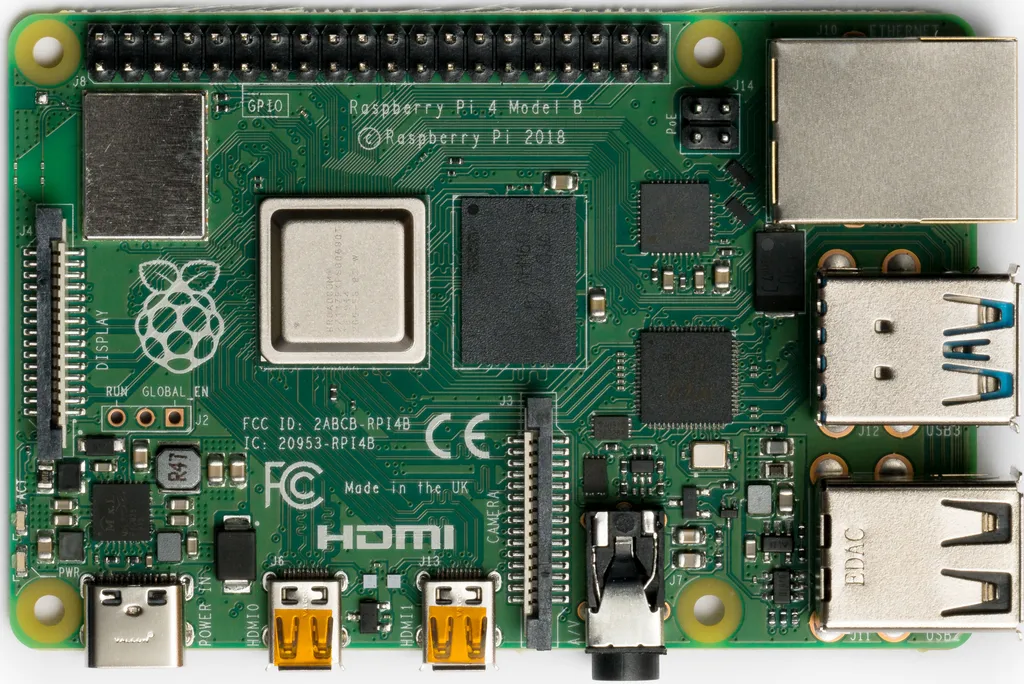
Guide, part 2: OpenWebRX+ alongside
OpenWebRX+ is Marat Fayzullin's fork, which added a whole range of decoders to the original OpenWebRX: SSTV, FAX, AIS, POCSAG, FLEX, RDS, CW, RTTY, plus ADS-B, ACARS, VDL2 and HFDL. It installs from the project repository, here for Debian Bookworm, which the current Pi images are based on:
curl -s https://luarvique.github.io/ppa/openwebrx-plus.gpg \
  | sudo gpg --yes --dearmor -o /etc/apt/trusted.gpg.d/openwebrx-plus.gpg
sudo tee /etc/apt/sources.list.d/openwebrx-plus.list <<<"deb [signed-by=/etc/apt/trusted.gpg.d/openwebrx-plus.gpg] https://luarvique.github.io/ppa/bookworm ./"
sudo apt update
sudo apt install openwebrx
Two pitfalls: the original OpenWebRX repository must not additionally be configured on Bookworm, it carries Bullseye packages. And for the digital voice modes you need to run sudo install-softmbe.sh once. If you prefer to start from scratch, take one of the project's ready-made SD card images, but be aware that the 32 bit image does not serve the Pi 5 and the 64 bit image excludes Pi 1, Pi 2 and Zero 1.
After that, create an admin user, open the web interface on port 8073 and add the second dongle in the device section, addressed by its serial number rather than its index. If you want the receiver reachable from outside, our article on Cloudflare Tunnels describes the route without an open port.
The combination: why two dongles are mandatory
The obvious idea of serving both services from one dongle does not work, for three reasons.
First, an RTL-SDR dongle is always claimed by exactly one process. There is no sharing at driver level. Second, the OGN software does the one thing that rules out shared operation for good: it periodically retunes the dongle into the GSM band to track the oscillator error. A waterfall that jumps away every few minutes is not a waterfall. Third, and this is often overlooked, OpenWebRX+ has no OGN decoder. Its built-in ISM branch is based on rtl_433 and reads radio sensors, it cannot do LoRa and therefore cannot do FANET. On 868 MHz you see the bursts in the waterfall, but nothing decodable comes out of it.
The solution is unspectacular: two dongles. So that both services grab the right device after a reboot, give them unambiguous serial numbers:
rtl_eeprom -d 0 -s OGN01
rtl_eeprom -d 1 -s WEBRX1
Then set DeviceSerial = "OGN01" in the OGN configuration and select the second dongle in OpenWebRX+ via WEBRX1. The rest is operational practice, and the three points are well known: the Pi's USB ports do not reliably supply enough current for two dongles, so a powered hub belongs in the setup. Under continuous load it gets warm, so use heat sinks or better a quiet fan. And the two dongles should not sit directly next to each other, a short USB extension decouples them noticeably.
Incidentally, the same pattern scales. The OGN wiki explicitly describes running multiple receivers on a quad-core Pi, each with its own pipe, its own configuration and its own HTTP port. So if you want OGN, ADS-B and a WebSDR on one box you can have it, but you have to get serious about power supply and cooling. What else runs on a Pi in the shack is collected in Raspberry Pi in the Shack.
Site, range, expectations
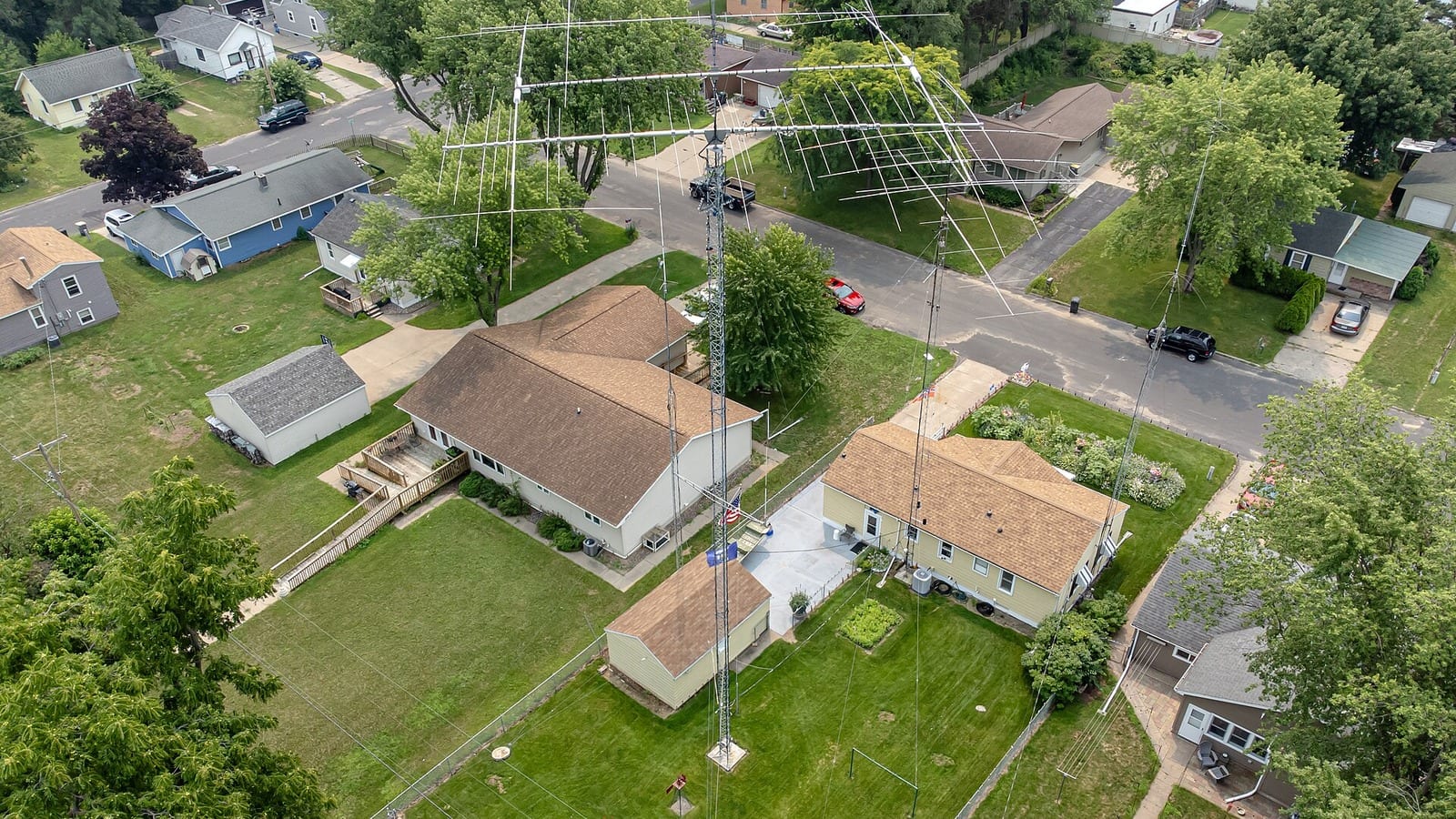
On 868 MHz line of sight rules without mercy. The antenna belongs as high and as free as possible, and every metre of height pays off more than any decibel of gain. At a quiet site 50 to 100 kilometres is achievable, more with line of sight across a valley. Near mobile or broadcast transmitters, on the other hand, the range can collapse to a few kilometres because the receiver runs into intermodulation. Only filtering helps against that, not more gain.
For the Alps this means: good sites are slopes and mountain stations with a view into the valley, not the valley floor itself. If you already run a mast for APRS or a repeater, half the installation is already standing. The combination of an exposed site and a FANET-capable station is worth considerably more to the local paragliding scene than yet another station in the already well covered lowlands.
Privacy and legal situation
The most important point first, because it was discussed emotionally in the flying community and is cleanly solved today: tracking can be switched off. Anyone who does not want to be visible sets the corresponding flag in the OGN device database DDB or enables the no-tracking option in their FLARM unit from firmware 6.x onwards. The position is then neither shown nor recorded. As a station operator you should be able to explain that, it takes the heat out of the discussion immediately.
As for reception itself: a receiving station does not transmit, so it needs no authorisation. The transmissions in the SRD band are unencrypted position beacons whose entire purpose is to be heard by others. When redistributing data, however, keep a sense of proportion. Secrecy of telecommunications knows no exception for interesting data, and OGN has its own usage rules for passing data on. Anyone feeding the official network operates within those rules. Anyone publishing their own analyses should know them. Our article on amateur radio legislation in Austria gives an overview of the legal framework.
And one clarification that belongs in every station description: OGN is not a safety system. Collision warning happens in the cockpit, between the devices, in real time. The ground network only sees what happened to be within range of a station, with delay and with gaps. It is a tool for debriefing, for live tracking and, in an emergency, for the search, not for the second in which it matters.
What it costs
- Raspberry Pi 4 with power supply, case and card: around 90 to 120 euros
- RTL-SDR Blog V3: about 35 euros, and the same again for the second dongle for the WebSDR
- 868 MHz collinear antenna: 40 to 120 euros depending on the model
- Cable, connectors, mast hardware: 30 to 80 euros
- Optional masthead preamp or filter: 40 to 90 euros
All in, a solid dual station lands at roughly 250 to 400 euros, assuming the mast is already there. For comparison: a ready-made vario with FANET costs more. If you just want to sniff around, start with a single RTL-SDR dongle and an improvised antenna and see what arrives at all.
Conclusion
An OGN station is one of the few projects where tinkering fun and genuine use meet this directly. The effort is an afternoon plus antenna work, the running cost is a few watts of electricity, and in return your receiver sits in a network that in an emergency delivers the last known position of a missing pilot.
That a WebSDR can run on the same machine is the bonus. The rule for it is simple: one service, one dongle, unambiguous serial numbers, proper power supply. Follow that and you end up with a box that serves local aviation and opens your own reception to everyone on the web at the same time. For a hobby that lives on listening, that is not a bad trade.
73 – your oeradio.at editorial team
Transparency Notice
This article was researched and written with the support of AI (Claude, Anthropic). Sources included the Open Glider Network wiki with its pages on hardware, Raspberry Pi installation, the configuration file, multiple receivers, SAR and the opt-out rules, the package instructions of Marat Fayzullin's OpenWebRX+ project, EASA's ADS-L specification for the SRD 860 band, the project pages on FANET and the ESP32 trackers, as well as a live query of the OGN map for the alpine region. The title image shows a paraglider above the Gerlitzen in Carinthia (Photo: Superbass, CC BY-SA 4.0, via Wikimedia Commons), the other photos also come from Wikimedia Commons and are credited at each figure. Editorial responsibility and review lie with the oeradio.at editorial team. We accept no liability for accuracy or completeness; legal questions are settled case by case by the telecommunications authority. Corrections and additions, very welcome from operators of their own OGN stations, to [email protected].