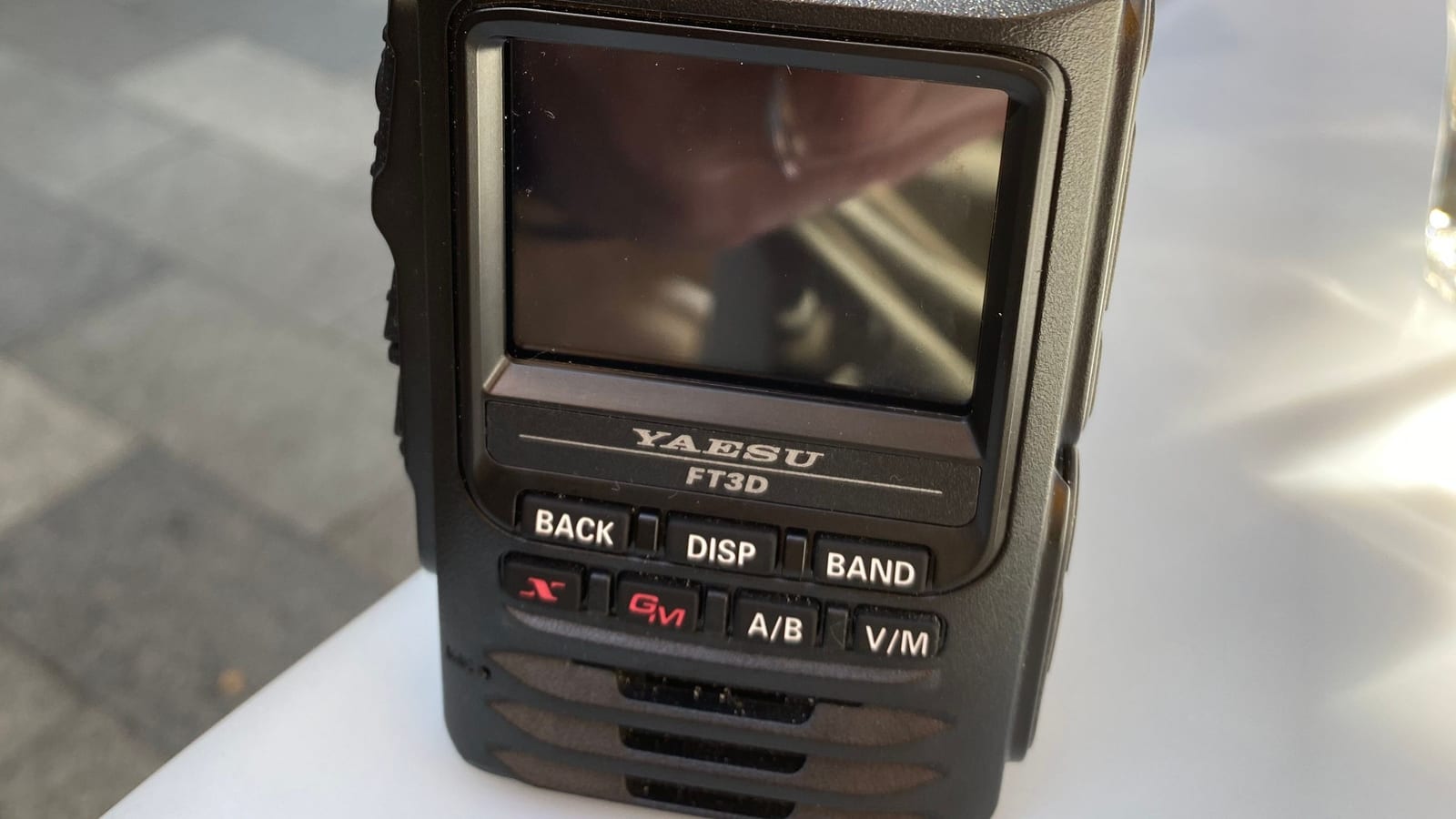
For the analogue world we showed the SA818 hotspot with SVXLink. For digital voice modes — DMR, D-STAR and C4FM — Pi-Star is the standard solution. This open-source software turns a Raspberry Pi and a small radio modem into a personal hotspot that connects you to networks worldwide via the internet.
What Pi-Star Is
Pi-Star is a ready-made operating system distribution for the Raspberry Pi that combines the MMDVM software with a convenient web interface. Via an MMDVM modem (a plug-on radio board), the Pi generates a low-power signal on 2 m or 70 cm and connects on the other side to the digital networks. A single hotspot supports multiple modes — DMR, D-STAR, C4FM and more. Alongside the classic Pi-Star there is WPSD, a modern, actively maintained successor that works in exactly the same way.
Hardware
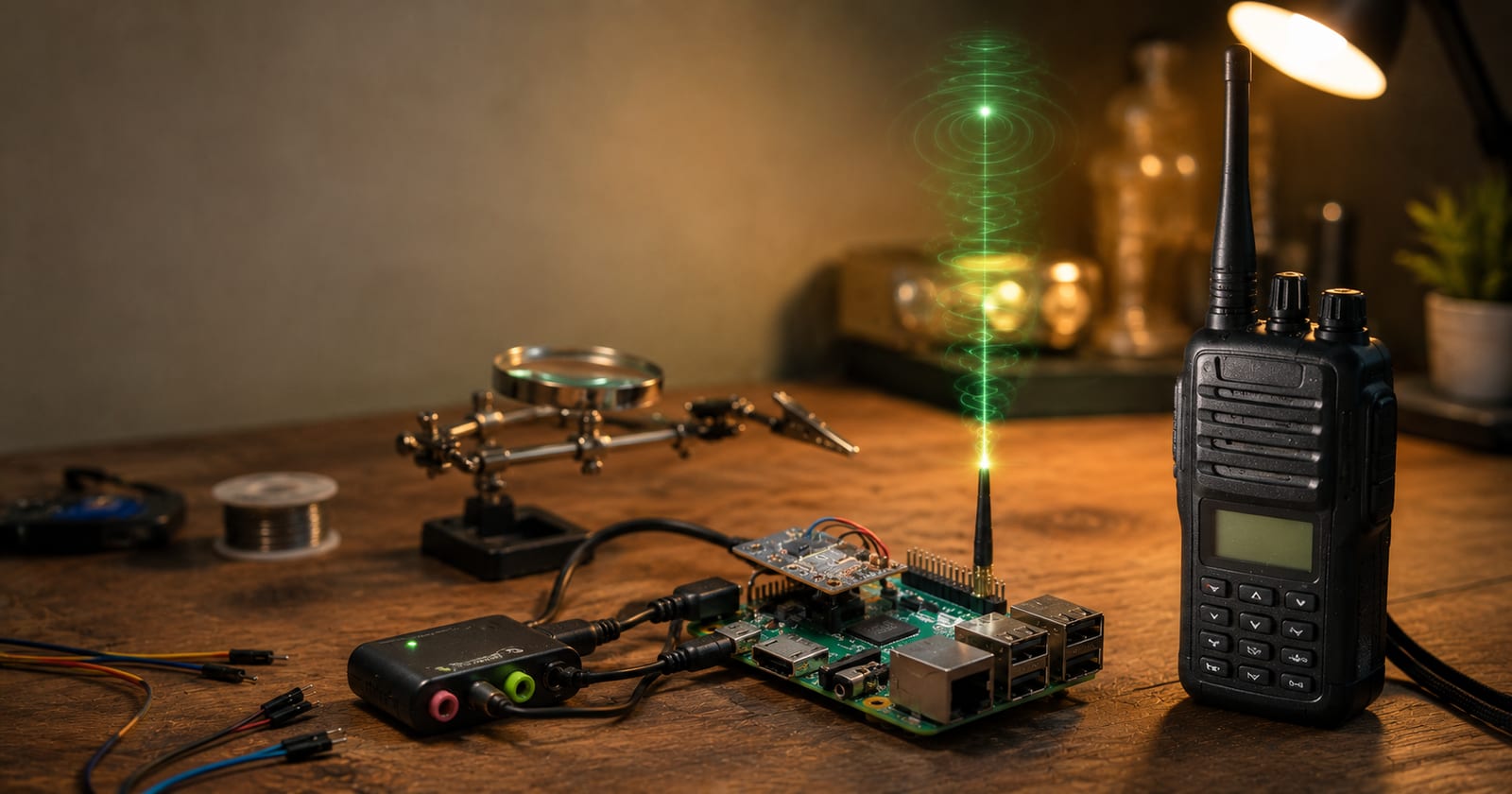
- Raspberry Pi — a Zero 2 W, 3 or 4 is more than sufficient.
- MMDVM modem — a plug-on board (e.g. MMDVM_HS_Hat or ZUMspot). Ready-made hotspots (Jumbospot & Co.) already combine the Pi and modem in one unit.
- SD card, power supply, small antenna.
Flashing the Image
Download the Pi-Star (or WPSD) image and write it to the SD card using a tool such as Balena Etcher. Insert the card into the Pi, connect the antenna and supply a stable 5 V.
Initial Configuration
- Connect to the setup Wi-Fi: On first boot, Pi-Star opens an access point called "Pi-Star-Setup". Connect your phone or laptop to it.
- Join your home network: Open the dashboard in a browser (
http://pi-star/orpi-star.local), enter your home Wi-Fi credentials and reboot — the hotspot will then be on your home network. - Basic settings: Under Configuration enter your callsign, DMR ID, node type (Simplex or Duplex) and frequency (RX/TX).
- Enable modes: Switch on DMR, D-STAR and/or C4FM — depending on what you want to use.
- Choose networks: for DMR select the network (BrandMeister or DMR+) along with the hotspot security password; for D-STAR choose the default reflector; for C4FM choose the YSF/YCS server.
You set the hotspot security password for BrandMeister in advance via the BrandMeister Selfcare portal — the same registration as for repeater operation.
Frequency and Regulations in Austria
The hotspot transmits — so a valid amateur radio licence is required, along with a frequency designated for simplex/hotspot use according to the ÖVSV band plan, and minimum power. A few milliwatts are sufficient to cover a typical home.
Analogue or Digital?
A brief overview: if you want to use analogue FM repeaters over the internet, SVXLink (with an SA818 hotspot) is the right approach. For the digital modes DMR, D-STAR and C4FM, Pi-Star is the first choice. Many operators end up with both — depending on who they want to reach.
Transparency Notice
This article was researched and written with the assistance of AI (Claude, Anthropic) on the basis of public sources — in particular the open Pi-Star documentation and the ÖVSV wiki. All content has been editorially reviewed. Questions or corrections? Write to us at [email protected].