C4FM — marketed by Yaesu as "System Fusion" — is arguably the lowest-barrier entry into digital voice radio: no ID to apply for, no codeplug to build. Switch on the radio, choose a reflector or room, and talk. This article explains how C4FM works, how the Austrian network is structured, and how you can be QRV in minutes.
How C4FM Works
C4FM transmits voice digitally and supports several operating modes — from the robust, long-range variant to one with better voice quality and stronger error correction. A standout feature is Automatic Mode Select (AMS): the radio automatically detects whether the other station is transmitting analogue FM or digital, and adjusts accordingly. That is exactly what makes Fusion so beginner-friendly.
Two Networking Worlds: WIRES-X and YSF
There are two ways to connect over the internet:
- WIRES-X — Yaesu's own proprietary system. Stations meet in Rooms, each with a Node and Room ID.
- YSF Reflectors — the open ecosystem based on MMDVM technology. It also links homebrew repeaters and hotspots, and has replaced the older FCS reflectors in Austria since 2018.
C4FM in Austria
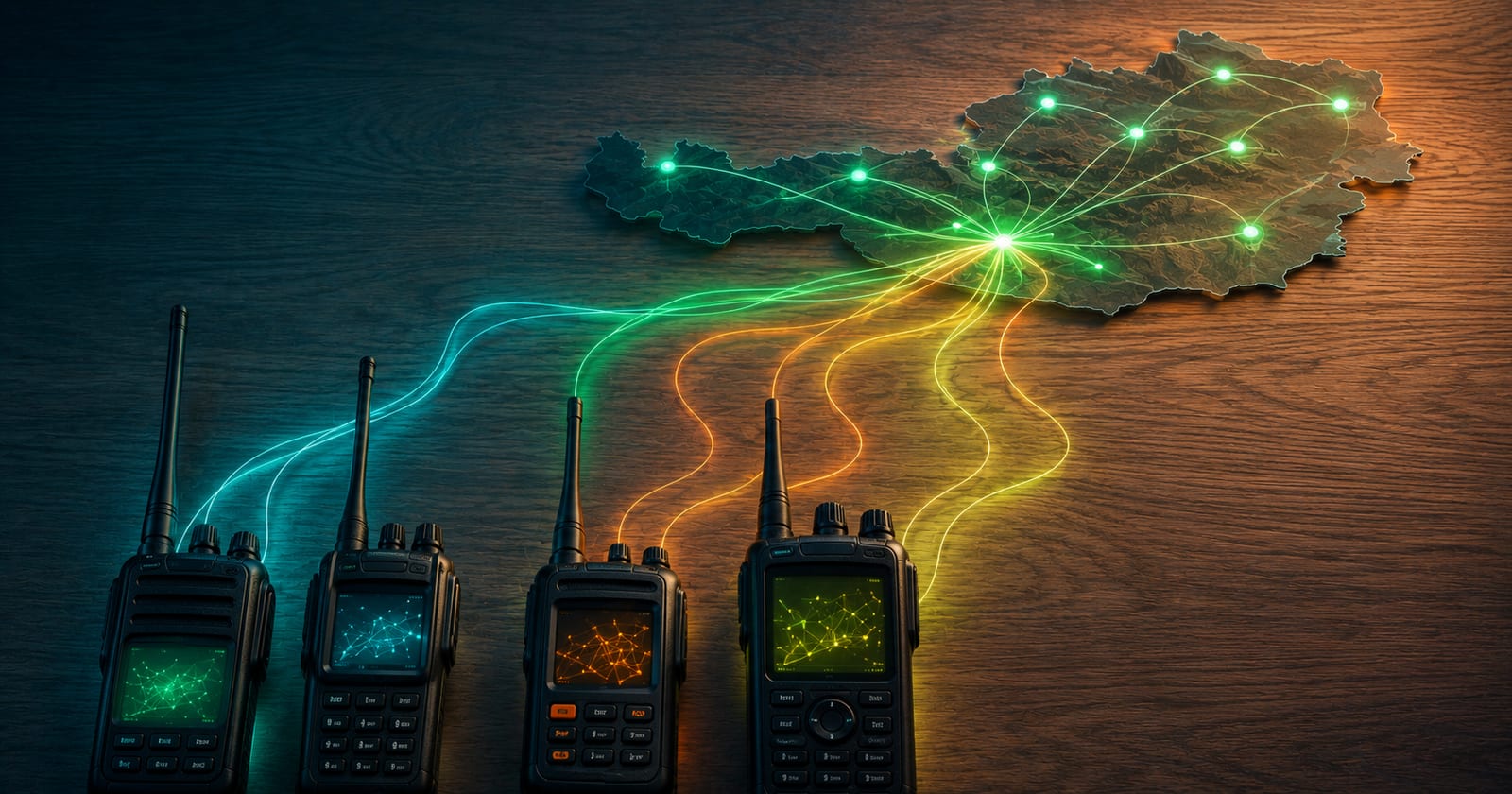
The domestic network today runs largely via a YCS server (System Fusion II) with the identifier YCS232 for Austria. What makes it special are the DG-ID groups: by setting the DG-ID on your radio you choose which group you listen to and transmit into — similar to a talkgroup, but without any registration. For Yaesu's proprietary world there is also the WIRES-X room "OE AUSTRIA ALL" as a central meeting point. And because the multi-protocol reflector XLX905 is also registered as a C4FM reflector, you share the same net there with D-STAR stations.
Which DG-ID group is currently active and which repeaters are linked is shown on the YCS232 live dashboard — hence the reference there rather than a snapshot here.
No Registration, No Codeplug
The key difference from DMR and D-STAR: with C4FM ID registration is not required at all, and there is no codeplug. You enter your callsign into the radio once — that is it. This simplicity is the main reason Fusion is many operators' first digital mode.
How to connect
The path depends on whether you go via WIRES-X or via a YSF/YCS server:
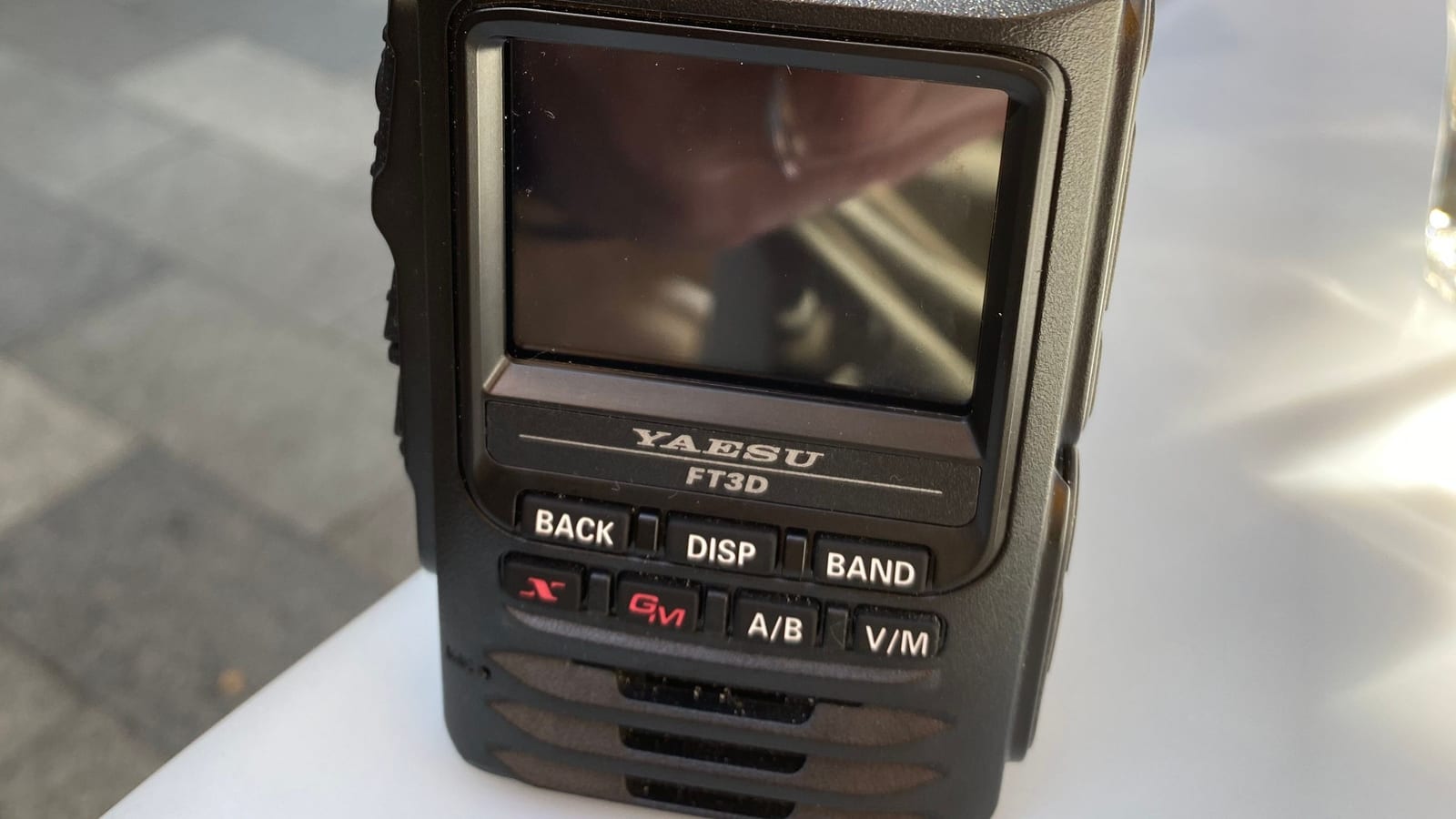
- WIRES-X: Activate the WIRES-X function on your radio (on Yaesu radios, press the X button), search for a node and connect to the room "OE AUSTRIA ALL" by its name or Room ID.
- YSF / YCS232: Dial into the server via a hotspot and select the desired group by DG-ID on your radio — the DG-ID roughly corresponds to a talkgroup.
A glance at the YCS232 live dashboard shows which group is currently active before your first call.
Radios and Hotspots
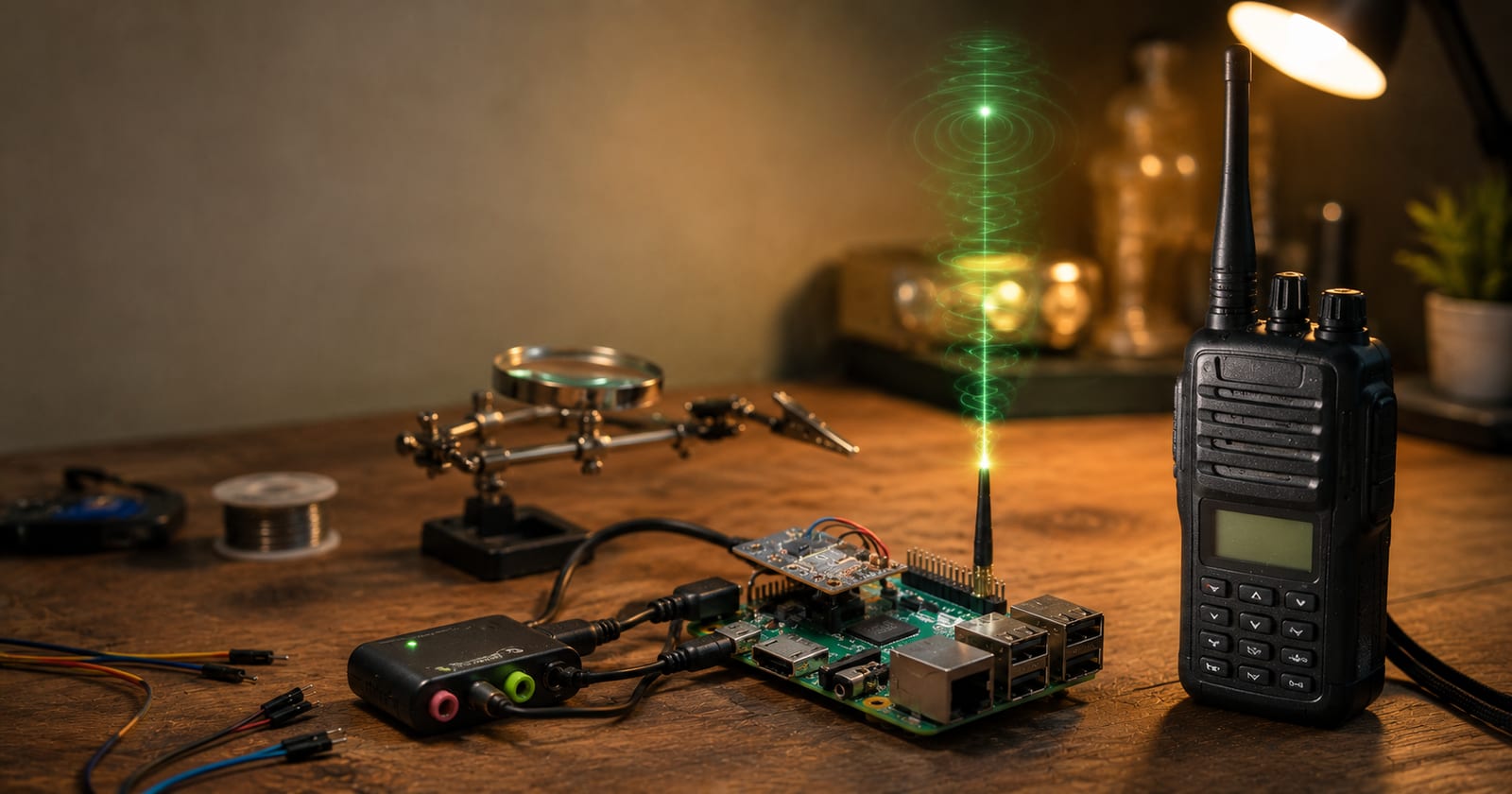
C4FM radios come exclusively from Yaesu — handhelds such as the FT-70D, FT3DE or FT5DE, plus mobile and base stations from the FTM series. If you cannot reach a repeater, a hotspot (MMDVM with Pi-Star or WPSD) is the answer: it connects to a YSF reflector or YCS server, and group selection is handled via the DG-ID. The same rules apply: valid licence, appropriate frequency per band plan, minimum power.
QRV in Three Steps
- Enter your callsign into the radio (once only — no online registration required).
- Choose an Austrian repeater, the room "OE AUSTRIA ALL", or YCS232 as your destination.
- Set the appropriate DG-ID, listen briefly, then call with your full callsign.
Further Resources
- ÖVSV Wiki – C4FM
- YCS232 dashboard (Austria) and the YSF reflector list in the ÖVSV Wiki
Related reading on our site: Yaesu C4FM Fusion explained and D-STAR vs. DMR vs. C4FM vs. M17.
This page is part of our digital voice overview — compare all modes there.
Transparency Notice
This article was researched and written with the support of AI (Claude, Anthropic) based on publicly available sources — in particular the ÖVSV Wiki and public network dashboards. All content has been editorially reviewed. Questions or corrections? Write to us at [email protected].