
Table of Contents
- What is SVXLink?
- Why SVXLink is Particularly Interesting for Austria
- Reflector and Talk Groups Explained
- Austrian Talk Groups at a Glance
- OE-LINK: Austria's Networked FM Repeaters
- Operating SVXLink: The Most Important DTMF Commands
- No Radio Required: SVXLink via Smartphone
- SVXLink in the Bigger Picture
- Getting Started Made Easy
- Thanks to the SVXLink Austria team
- Transparency Notice
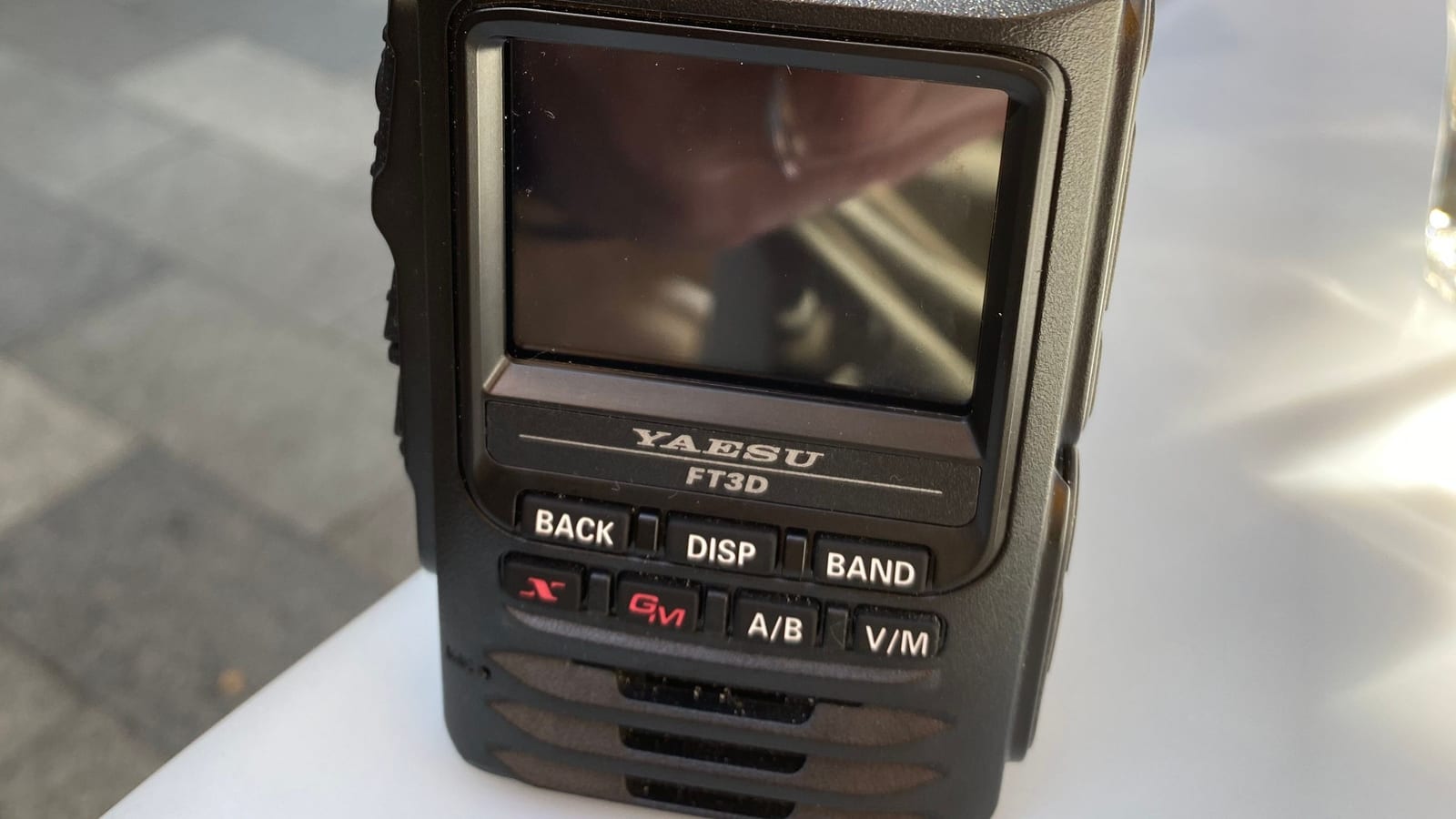
Digital voice networks like DMR, D-STAR or C4FM are great – but they require a compatible digital radio. SVXLink takes a different approach: it connects repeaters and hotspots over the internet while remaining completely analogue. Anyone with a standard 2 m or 70 cm FM handheld in the shack is already set to go. That is precisely what makes SVXLink so appealing for newcomers and for breathing new life into quiet bands.
What is SVXLink?
SVXLink is an open-source voice networking system, originally developed by Tobias Blomberg (SM0SVX). At its core it is a software package that controls a repeater or simplex node and simultaneously connects it to other SVXLink stations over the internet. Audio remains FM/analogue throughout – the networking happens in the background via a so-called reflector.
Think of it as a conference call for repeaters: multiple stations link into the same reflector, and everyone in the same group can hear each other. For the amateur radio operator at the handheld, nothing changes in operation – push to talk as always.
Why SVXLink is Particularly Interesting for Austria
The great advantage: no specialist equipment is needed. While getting started on DMR or D-STAR often means buying a new radio, SVXLink works with any FM transceiver. Two paths lead into the network:
- Via a participating repeater: If an SVXLink-capable repeater is within range, simply call it on FM as usual and you are automatically connected to the reflector.
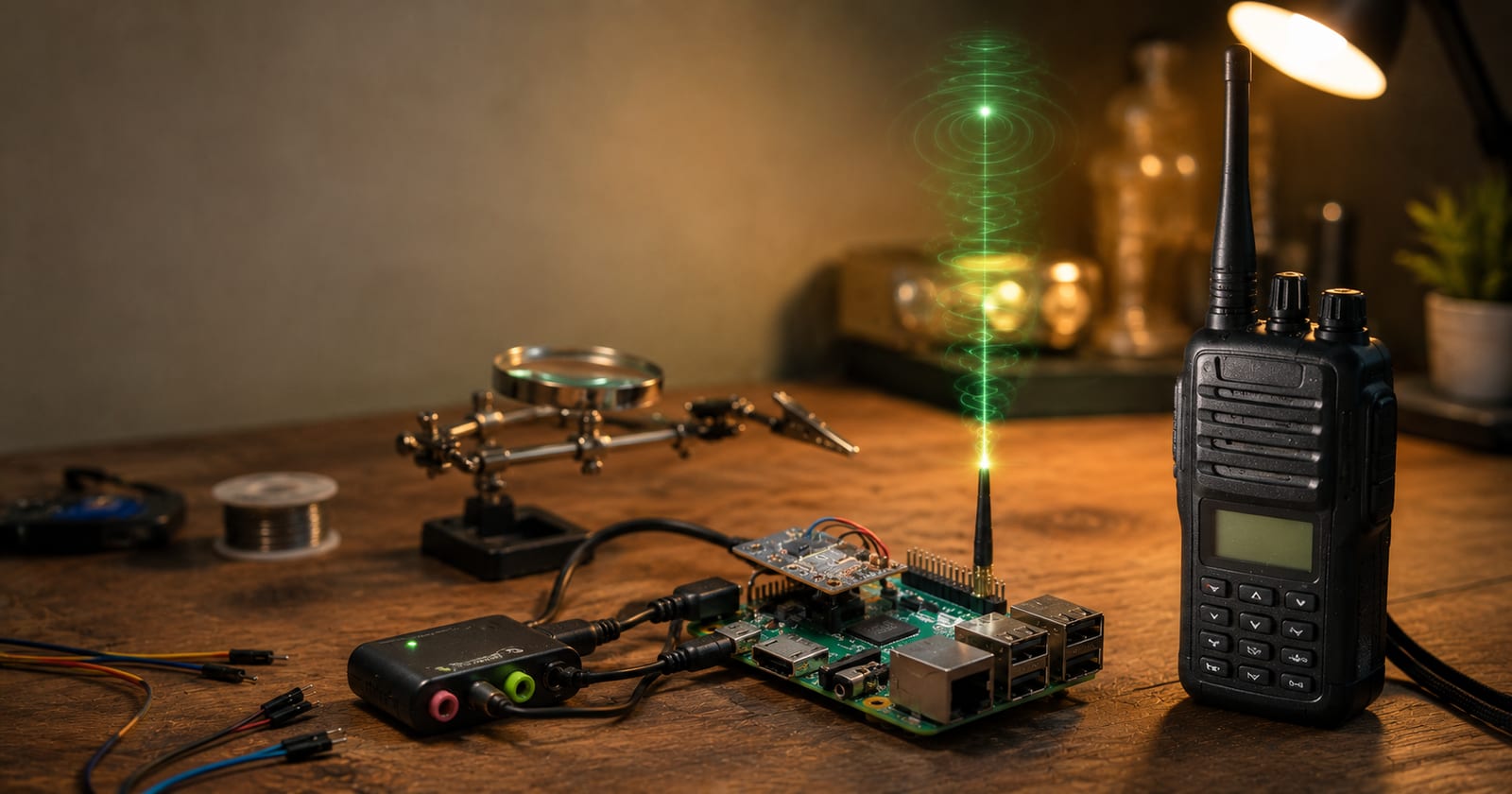
- Via your own hotspot: A small FM hotspot (e.g. based on an SA818 module) generates a low-power 2 m or 70 cm signal at home and brings the reflector right into your shack – ideal where no repeater is reachable.
SVXLink Austria went live in Vorarlberg in 2025 and has spread across several Austrian provinces within just a few months. To see which stations are currently QRV, check the Austrian dashboard at svx.oe9hamnet.at.
Reflector and Talk Groups Explained
The connecting element is the SvxReflector. It links the individual SVXLink systems and organises traffic into talk groups (TG) – much the same principle familiar from DMR. All participants in the same talk group form a shared round and can hear each other; anyone on a different TG is unaffected.
This allows clean separation of local, regional and nationwide Austria-wide operation: a local net does not disturb nationwide traffic and vice versa. In practice, manual switching is rarely needed – the networking runs largely automatically.
Austrian Talk Groups at a Glance
The SVXLink Austria talk group plan follows the Swedish model. The main ranges:
| TG | Purpose |
|---|---|
| 232 | Nationwide linking of all participating repeaters – the central "national net" |
| 301 / 302 | Announcements (OE nationwide and OE1 regional) |
| 400–499 | Dynamic groups – automatically split off from TG 232 after a few minutes of activity |
| 501 / 502 | Repeater-specific groups (e.g. individual 2 m / 70 cm nodes) |
| 800–899 | Local and regional connections |
| 900–999 | Experimental use – freely available, no coordination required |
| 112 | Intentionally left free (risk of confusion with the European emergency number) |
Further number ranges are reserved for future expansion. The current, complete plan is maintained in the ÖVSV Wiki.
OE-LINK: Austria's Networked FM Repeaters
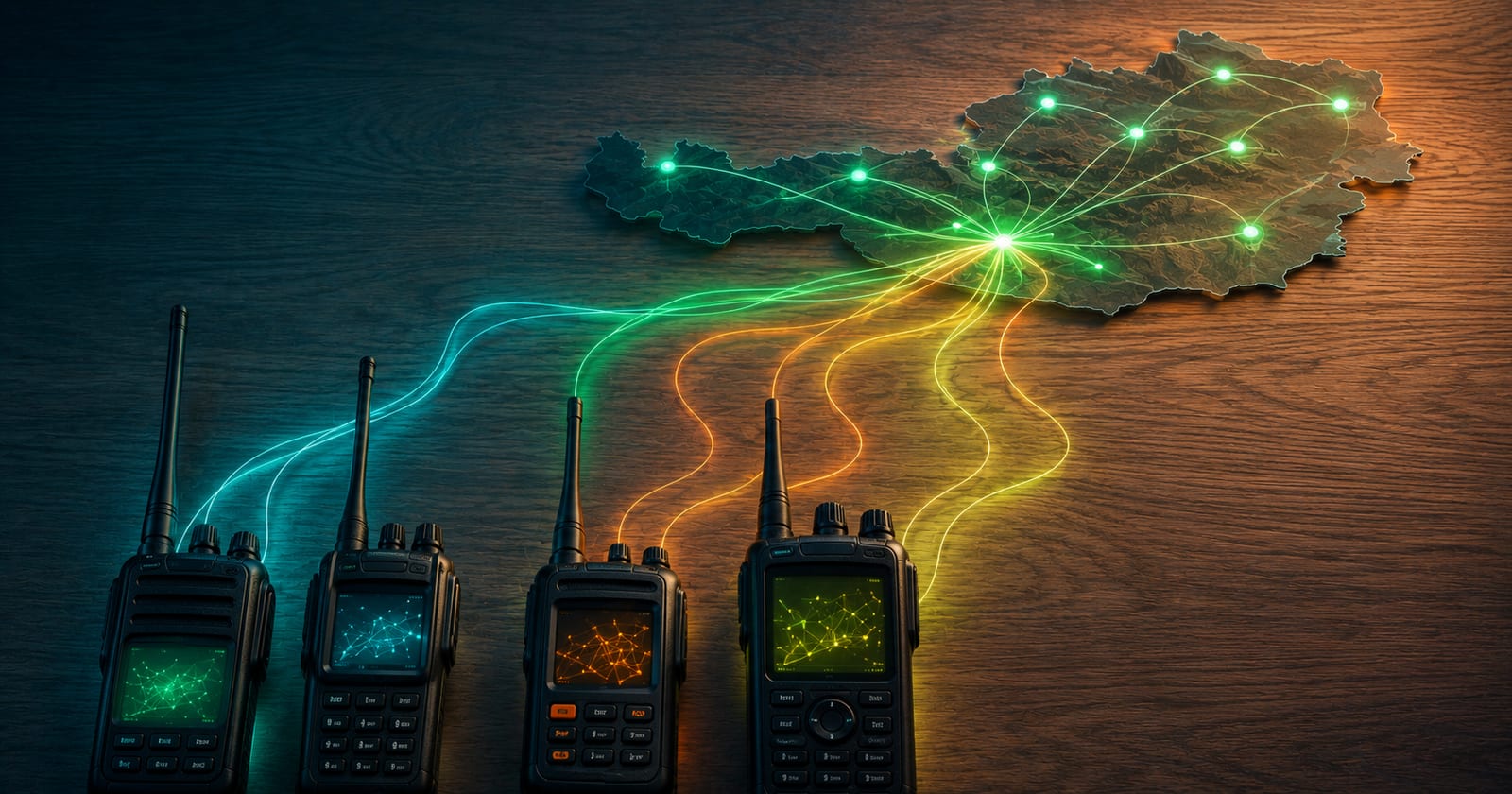
In practice, this principle has a name in Austria: OE-LINK. Analogue FM repeaters are digitally interconnected via SVXLink or IPSC2 over HAMNET and the internet — without any loss of quality through the networking. Each repeater and each hotspot selects a default talk group in the background (in OE9, for example TG 2329, in OE8 TG 2328); the nationwide TG 232 connects them all. OE-LINK is also linked to the German FM radio network.
Operating SVXLink: The Most Important DTMF Commands
You select the talk group on your radio via DTMF. SVXLink uses a simple scheme for this: a prefix (by default 9), then the talk group number, and a closing #. The exact prefix may vary depending on the node — if in doubt, ask the sysop or in the Telegram group.
| DTMF | Function |
|---|---|
| 9 <TG> # | Select talk group — e.g. 91232# for the Austria-wide TG 232 |
| 9# | Disconnect / return to default group |
| 9*# | Show status (current talk group) |
| 91# | Return to the previously selected talk group |
Additional modules such as Parrot (plays back your transmission for self-testing) or EchoLink are activated via their module number and ended with #. To access repeaters and hotspots on the SVXLink Austria network, register your callsign once via the registration form.
No Radio Required: SVXLink via Smartphone
You don't even need to own a radio to listen in or join the conversation: there are smartphone apps for SVXLink such as HamLink and Latry that connect to a talk group over the internet. This is ideal for getting to know the network first, staying QRV on the go, or simply hearing what's on the air — you select the right talk group (such as the Austria-wide TG 232) directly in the app.
SVXLink in the Bigger Picture
SVXLink is part of a growing European landscape: neighbouring networks exist in Germany, South Tyrol, Sweden, Romania, France, Poland and the United Kingdom, among others. SVXLink is related to other VoIP linking systems such as EchoLink and AllStarLink – how these interact is described in our article EchoLink, AllStarLink and SVXLink: Worldwide Repeater Linking via VoIP. Those wanting to know which repeaters exist in Austria will find an interactive map in our Relaisblick and background information in our article on VHF Repeater Stations in Austria.
Getting Started Made Easy
For your first contact, all you need is an FM radio and an SVXLink repeater within range: announce your callsign, briefly listen to which talk group is currently active, and join in. If no repeater is reachable, build your own access point with an SA818 hotspot – a topic we will cover step by step in a dedicated article. Either way: SVXLink is one of the most affordable ways to bring analogue repeaters back to life.
Thanks to the SVXLink Austria team
The SVXLink Austria network is kept alive by a dedicated team – led by Michi (OE8VIK) and Klaus (OE9PKV), who operates the reflector XLX905. Thanks for building and maintaining it. Anyone with questions or who wants to get involved is welcome in the SVXLink Austria Telegram group – you'll get quick and friendly help there.
This page is part of our digital voice overview — compare all modes there.
Transparency Notice
This article was researched and written with the support of AI (Claude, Anthropic) on the basis of public sources – in particular the ÖVSV Wiki and the official SVXLink documentation. All content has been editorially reviewed. Questions, corrections or additions? Write to us at [email protected].