Table of Contents
- How DMR Works Technically
- The Networks: BrandMeister and DMR+
- Talkgroup or Reflector?
- Austrian Talkgroups at a Glance
- Static or Dynamic
- Timeslots in Austria
- Prerequisite: Your Own DMR-ID
- Registration Step by Step
- Radios and the Codeplug
- No Repeater in Range: the Hotspot
- More Than Voice
- Monitoring Without Your Own Radio
- QRV in Four Steps
- Further Resources
- Transparency Notice
DMR (Digital Mobile Radio) is one of the most popular digital voice modes in amateur radio — including in Austria. Its appeal: affordable radios, clear audio, and worldwide connectivity via the internet. This article explains how DMR works, which networks exist, how Austrian talkgroups and timeslots are structured, and how to get on the air yourself.
How DMR Works Technically
DMR is an open ETSI standard. On a 12.5 kHz channel, DMR uses time-division multiple access (TDMA) to place two timeslots on a single carrier — Timeslot 1 and Timeslot 2. A single repeater can therefore carry two independent conversations simultaneously. Three terms come up immediately:
- Colour Code (CC): a number from 0–15, comparable to a CTCSS tone on an FM repeater. It must match the repeater; otherwise the repeater will not open.
- Talkgroup (TG): a "conversation group". Only stations tuned to the same TG hear the transmission — this keeps local, national and international traffic separated.
- Group call vs. private call: a group call reaches everyone in a TG; a private call reaches exactly one station — or, with a specific prefix, controls network functions.
The Networks: BrandMeister and DMR+
DMR is not a single network — several exist. In amateur radio, two dominate:
- BrandMeister: the largest and most flexible network, with dynamic talkgroups and self-management via a web portal.
- DMR+ / IPSC2: the older, more structured network with reflectors. In Austria, both worlds are bridged, so many groups are reachable on both.
Talkgroup or Reflector?
Both bundle conversations, but work differently. A talkgroup is programmed into the radio as a channel; a reflector (typical in the DMR+ network) is activated via a private call — you call the reflector number prefixed with 8 (so reflector 4580 becomes Private Call 84580). Reflectors often give access to special-interest and topic groups. For getting started, thinking in terms of talkgroups is perfectly sufficient.
Austrian Talkgroups at a Glance
Austria's country code in DMR is 232. The domestic TG plan is derived from this:
| Talkgroup | Meaning |
|---|---|
| 232 | Austria nationwide — the standard in many codeplugs, widely audible |
| 2320 | Austria Master — carries the OE net (Rundspruch) among others; also serves as a bridge to other modes |
| 2321–2329 | Regional groups for the provinces OE1 (Vienna) through OE9 (Vorarlberg) |
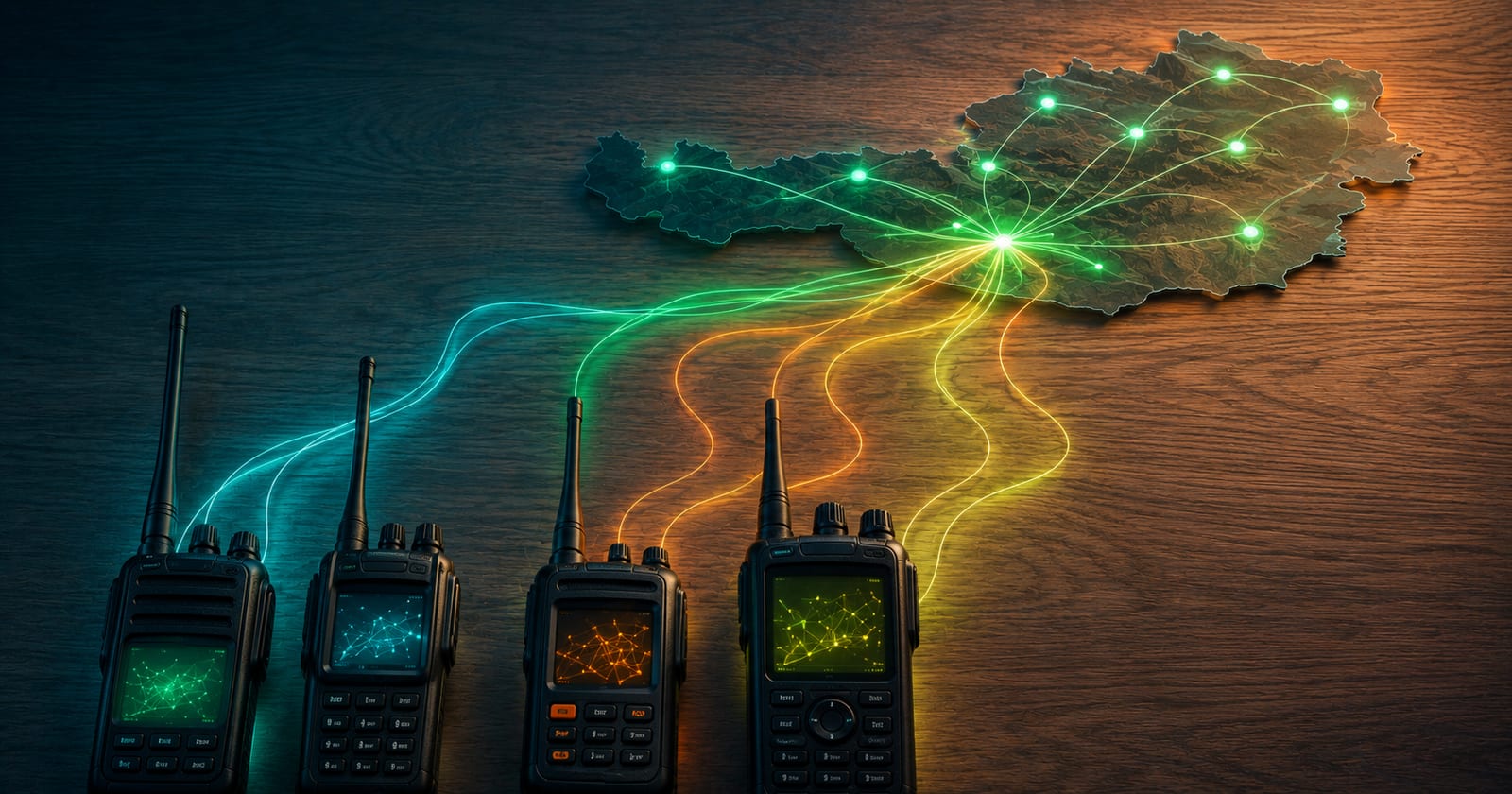
Via bridges, DMR is connected to other digital modes — so certain Austrian groups are also reachable from C4FM/Yaesu Fusion and D-STAR. The current, complete list is maintained by the ÖVSV Wiki and the live dashboard at brandmeister.network — that is always the authoritative source, which is why we deliberately link there rather than print a snapshot.
Static or Dynamic
Talkgroups are either static (permanently linked to a repeater or hotspot and always present) or dynamic (temporarily activated by the user via a transmission and automatically dropped after a period of inactivity). For beginners, the dynamic approach is easiest: transmit briefly on the desired TG and the connection establishes itself.
Timeslots in Austria
The distribution across the two timeslots is convention, not a law of nature — it keeps the channels organised. In practice, the nationwide TG 232 is broadly available on many Austrian repeaters, while regional and local groups can sensibly be placed on the second timeslot. On your own hotspot you decide the assignment yourself; on a repeater you follow the allocation set by the repeater operator.
Prerequisite: Your Own DMR-ID
Every DMR radio transmits a unique number, the DMR-ID. It is tied to the callsign and — provided you hold a valid amateur radio licence — is applied for once, free of charge, at radioid.net. For access to BrandMeister, you also register your callsign and ID in the BrandMeister Selfcare portal and set a freely chosen hotspot password (required since 2021 for network access via hotspots).
Registration Step by Step
- Apply for a DMR-ID: Register at radioid.net, provide your callsign and upload proof of your licence. The ID usually arrives by e-mail within a few hours to a few days.
- Create a BrandMeister account: Log in to BrandMeister-Selfcare with your DMR-ID.
- Set a hotspot password: In the Selfcare settings, assign a freely chosen hotspot password — required since 2021 for network access via hotspots.
- Enter your DMR-ID: Store the ID in your radio or hotspot — then you are ready to get started with the codeplug.
Radios and the Codeplug
DMR handheld radios are available from Anytone, TYT, Retevis, Hytera and Motorola. Their configuration is held in the codeplug — a file that brings together channels, repeaters, colour codes, timeslots and talkgroups. A good starting codeplug saves a lot of manual entry; regional templates for Austria circulate within the community and can be adapted to your own callsign and DMR-ID. If you'd rather not type in the repeater and channel list by hand, the Memory Channels Processor builds channel lists automatically from online databases.
No Repeater in Range: the Hotspot
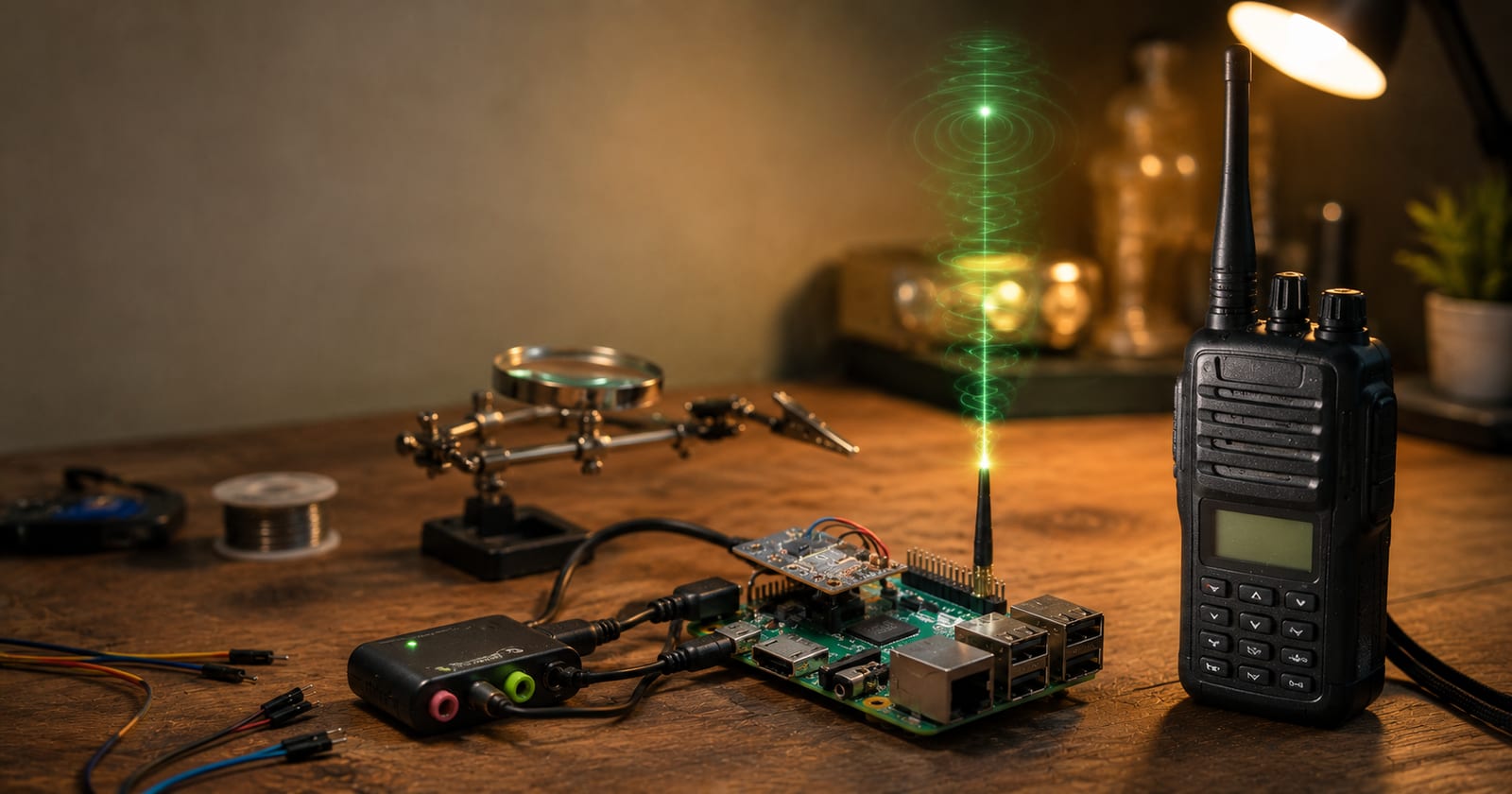
Where no DMR repeater is reachable, a hotspot helps — a small device (for example MMDVM-based running Pi-Star, or a ready-made openSPOT) that dials into the DMR network over the internet and generates a low-power RF signal at home. This makes you QRV worldwide with just a handheld, without any local infrastructure. The hotspot transmits — so the usual rules apply: a valid licence, an appropriate frequency per the band plan, and minimum power.
More Than Voice
DMR can do more than voice:
- Text messages (SMS): short messages from radio to radio or to services.
- GPS/APRS: many radios transmit their position, which BrandMeister feeds into the APRS network.
- TalkerAlias: the radio transmits the callsign in plain text alongside the ID, so the other station sees it directly.
Monitoring Without Your Own Radio
Anyone wanting to listen first can find a live audio stream ("Hoseline") on the BrandMeister dashboard: every talkgroup can be monitored directly in the browser — ideal for getting a feel for activity before your first transmission.
QRV in Four Steps
- Apply for a DMR-ID at radioid.net (licence required).
- Create a BrandMeister Selfcare account and set a hotspot password.
- Load a codeplug into the radio, enter your callsign and ID, add local repeaters and talkgroups.
- Listen briefly on TG 232, then call with your full callsign.
Further Resources
- ÖVSV Wiki – BrandMeister and TG overview
- BrandMeister Wiki – Austria
- Live talkgroups and Hoseline: brandmeister.network
Related articles on our site: DMR for Beginners and Inside the BrandMeister Network.
This page is part of our digital voice overview — compare all modes there.
Transparency Notice
This article was researched and written with the assistance of AI (Claude, Anthropic). The editorial team has reviewed and edited all content. Despite careful review, occasional inaccuracies may occur — we welcome corrections via email to [email protected].