Table of Contents
- SSTV: Slow-Scan Television
- Key SSTV Modes
- SSTV Software
- SSTV Frequencies and Activity
- ISS SSTV: Images from Space
- ATV: Amateur Television — Live Video over Radio
- Analogue ATV Modes
- DATV: Digital Amateur Television
- ATV Hardware
- ATV Repeaters in Austria and Europe
- SDR Reception of SSTV and ATV
- SSTV with a Smartphone
- Maker Projects: SSTV with ESP32 and Raspberry Pi
- Getting Started Tips
- Sources and Further Reading
- Image Credits
- Transparency Notice
Amateur radio is not just voice and Morse code — for decades, radio amateurs have also been sending images and even live video over the airwaves. From the International Space Station to local ATV repeaters: image transmission by radio fascinates and connects two exciting worlds — radio technology and visual communication.
SSTV: Slow-Scan Television
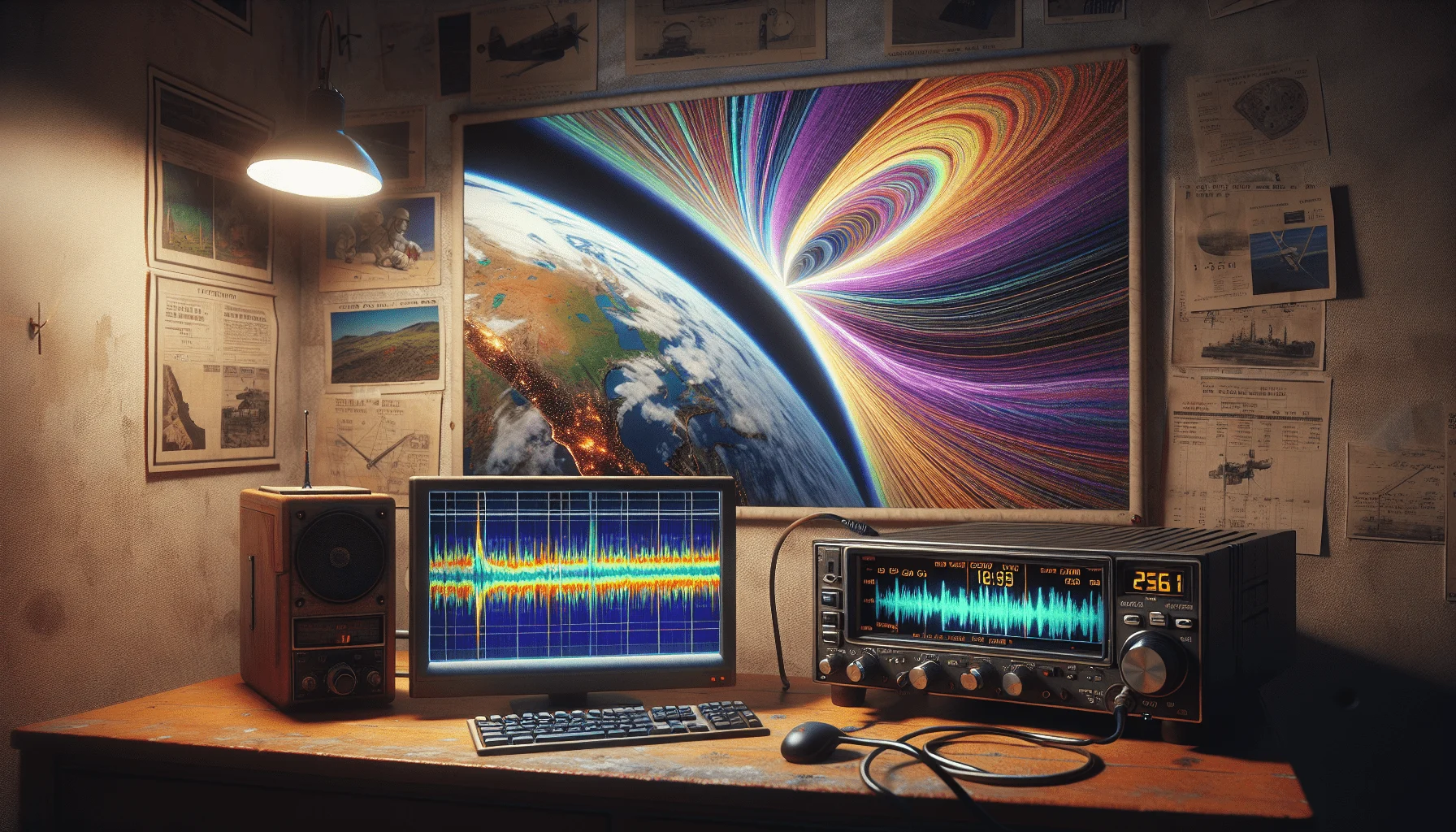
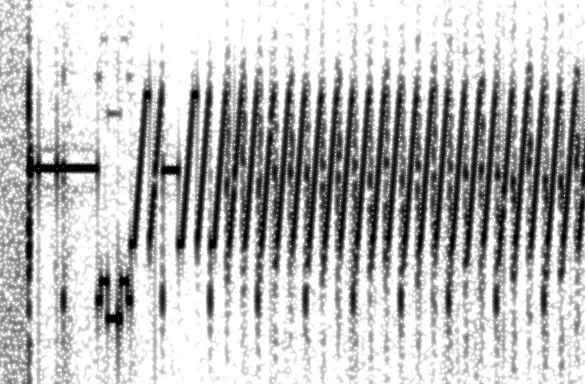
Slow-Scan Television (SSTV) transmits still images over radio links. Unlike conventional television, SSTV only needs the bandwidth of an SSB voice signal — about 3 kHz. A single image is encoded as an audio signal and transmitted in 8 to 120 seconds, depending on the selected mode.
The principle: Each scan line is converted into audio frequencies. Dark pixels produce low tones (about 1,500 Hz), bright pixels high tones (about 2,300 Hz). The receiver decodes the tones back into pixels. Synchronization pulses mark the start of each line.
Key SSTV Modes
- Martin M1: 320×256 pixels, colour, 114 seconds — the European standard
- Scottie S1/S2: Similar to Martin, popular in the US, 110 or 71 seconds
- Robot 36: 320×240, colour, only 36 seconds — ideal for weak signals and the favourite mode for ISS SSTV events
- PD120/PD180: Higher resolution (640×496), 120 or 180 seconds — for detailed images
- Wraase SC2-180: 320×256, 180 seconds, excellent colour reproduction
SSTV Software
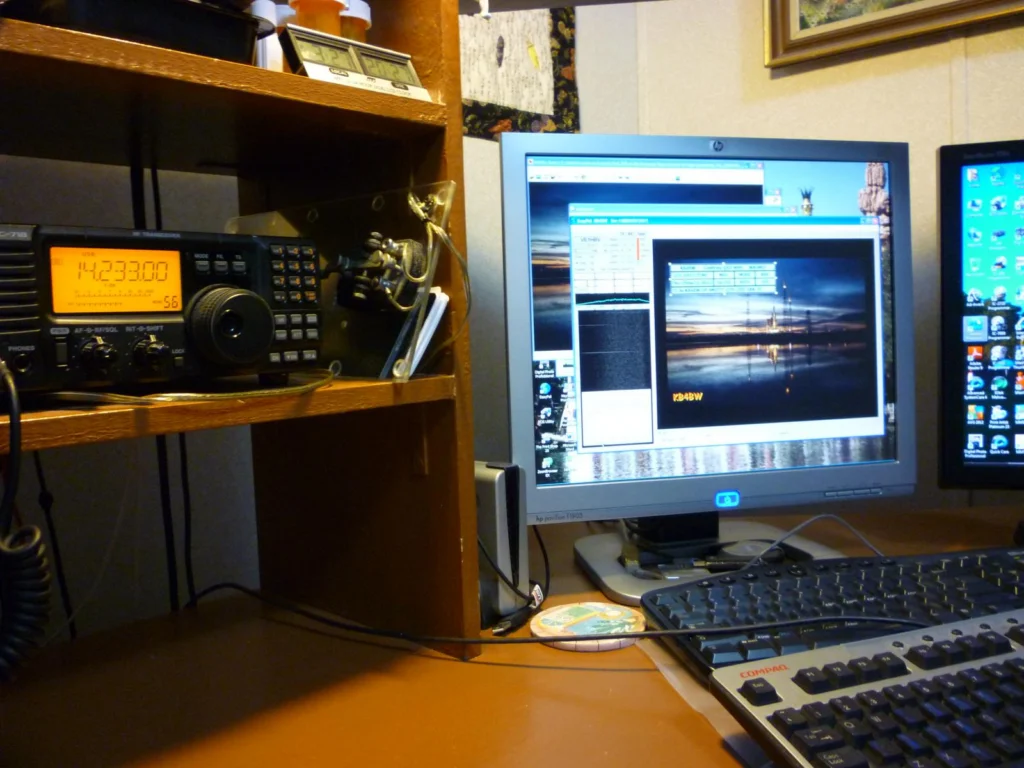
Getting started requires just a PC, a sound card, and a radio connection:
- MMSSTV (Windows): The classic — free, supports all common modes, integrated waterfall display and template editor
- QSSTV (Linux): Open source, supports SSTV and DRM (Digital Radio Mondiale) for higher quality
- EasyPal (Windows): Digital SSTV via DRM — error-corrected, crystal-clear images even with weak signals
- Robot36 (Android) and SSTV Slow Scan TV (iOS): Smartphone apps that decode SSTV directly via the microphone — ideal for receiving ISS SSTV
SSTV Frequencies and Activity
The main calling frequencies for SSTV:
- 14.230 MHz USB — the international SSTV calling frequency on 20 m, almost always active
- 7.171 MHz LSB — Europe, 40 m, often in the evenings
- 3.730 MHz LSB — 80 m, regional activity
- 21.340 MHz USB — 15 m, when propagation is good
- 144.500 MHz FM — 2 m, local SSTV nets
ISS SSTV: Images from Space
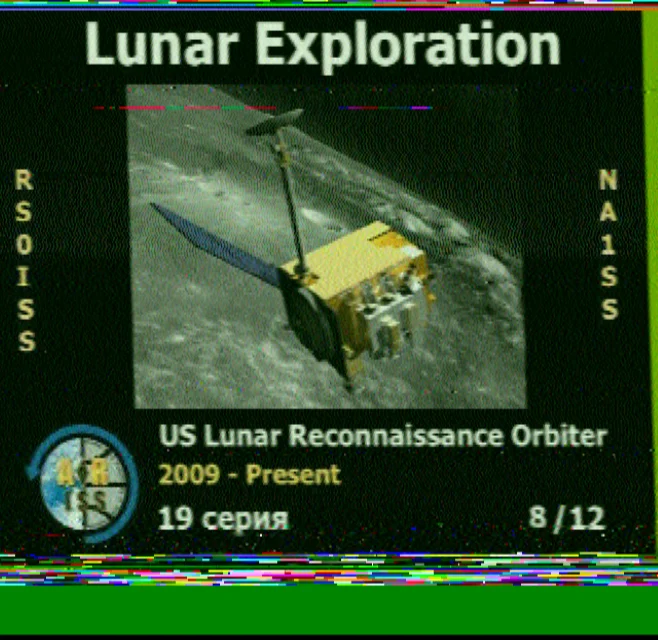
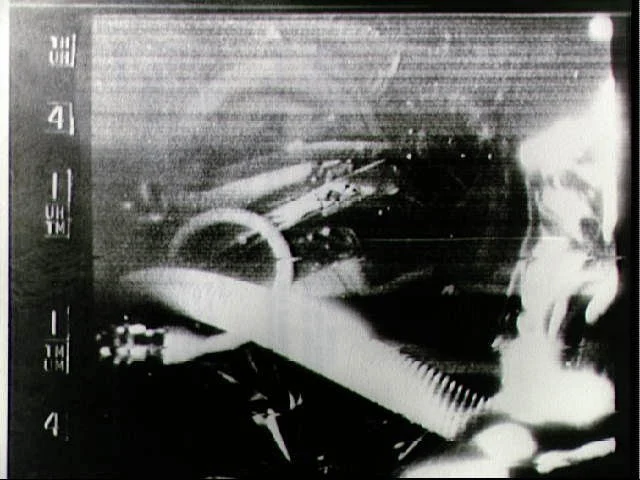
One of the most fascinating SSTV experiences: the International Space Station regularly transmits SSTV images on 145.800 MHz FM. Usually for special occasions — Yuri Gagarin memorial day, ARISS anniversaries, or Cosmonautics Day — images are broadcast for several days in Robot 36 mode.
Reception is surprisingly easy: A handheld radio with a rubber duck antenna is often enough. The ISS transmits with about 25 watts and is visible for 5-10 minutes per pass. During this time, one to three images can be received. Decoding is done directly on a smartphone with the Robot36 app — hold the radio to the speaker, done.
Tips for ISS SSTV reception: ARISS announces events via ariss-eu.org and social media. Tracking the ISS position works best with satellite tracking apps like Heavens-Above or ISS Detector.
ATV: Amateur Television — Live Video over Radio
While SSTV transmits still images, ATV (Amateur Television) goes much further: full-motion video in real time. ATV has existed since the 1950s and has evolved from analogue black-and-white transmission to digital HDTV.
Analogue ATV Modes
- AM-ATV (Amplitude Modulation): The classic on 70 cm (430-440 MHz). Requires 20-30 MHz bandwidth, rarely used today.
- FM-ATV: On 23 cm (1,240-1,300 MHz) and higher bands. Better picture quality than AM, long used as the standard.
DATV: Digital Amateur Television
The future of ATV is digital. DATV uses DVB-S or DVB-S2 modulation — the same standard as satellite TV. The advantages are enormous:
- Bandwidth efficiency: A DVB-S signal with 2 MHz bandwidth delivers better picture quality than an FM-ATV signal with 20 MHz
- Error protection: Digital forward error correction (FEC) provides noise-free pictures down to the reception threshold
- HD quality: DATV can transmit Full HD (1080p)
- Lower transmit power: DATV requires less power than analogue ATV
For DATV via QO-100, the topic is particularly exciting: The geostationary amateur radio satellite allows DATV signals to be sent across Europe — in real time.
ATV Hardware
Specialized hardware is available for getting started with DATV:
- Portsdown: Open-source DATV transmitter based on a Raspberry Pi — the standard project of the British BATC. Transmits DVB-S/S2 from 70 cm to 3 cm.
- MiniTiouner: Low-cost USB DATV receiver. With F5OEO’s software, it receives DVB-S/S2 and displays the picture directly on a PC.
- Pluto SDR: The ADALM-Pluto from Analog Devices works excellently as a DATV transmitter and receiver, especially for QO-100.
- Standard satellite receivers: For receiving DATV on 23 cm or via QO-100, a normal DVB-S2 satellite receiver can be used.
ATV Repeaters in Austria and Europe
Austria and neighbouring countries have several ATV repeaters that serve as translators for analogue and digital video signals. These repeaters receive on one frequency (usually 23 cm or 13 cm) and transmit on another (usually 23 cm or 70 cm) — similar to voice repeaters, but with video.
An overview of active ATV translators can be found in common repeater directories. Via HAMNET, some ATV repeaters are additionally accessible by IP stream, so their picture can be viewed worldwide.
SDR Reception of SSTV and ATV
Software Defined Radio has simplified receiving image signals. An RTL-SDR dongle for 30 euros can receive SSTV on 2 m and feed the signal to MMSSTV or QSSTV. For ATV on 23 cm or higher bands, a HackRF PortaPack or a dedicated DVB-S USB stick is suitable.
Particularly interesting: WebSDR receivers on the internet allow SSTV reception without your own hardware. On 14.230 MHz, you can receive the audio signals via a WebSDR and decode them locally with MMSSTV.
SSTV with a Smartphone
The easiest entry into SSTV is via smartphone. The Robot36 (Android) and CQ SSTV (iOS) apps decode SSTV signals directly via the microphone. That means: switch on the radio, start the app, hold the speaker to the phone — and watch the image build up line by line. The amazement is particularly great during ISS SSTV reception, when an image from 400 km altitude appears on the phone screen.
For sending SSTV, the app can trigger the encoded audio signal directly via the radio’s VOX control — smartphone to the microphone input, select image, transmit. It doesn’t get simpler than that.
Maker Projects: SSTV with ESP32 and Raspberry Pi
For hobbyists and makers, ESP32 and Raspberry Pi projects open up exciting possibilities:
- ESP32 SSTV beacon: An ESP32 with a camera module (OV2640) automatically takes pictures and transmits them as SSTV signals via a small FM transmitter — ideal as an automatic weather camera on a mountain summit
- Pi-SSTV: Software for the Raspberry Pi that automatically sends still images or webcam captures as SSTV
- DATV-Express: Open-source DATV transmitter with Raspberry Pi and SDR hardware
Getting Started Tips
- Receive SSTV: Start by listening on 14.230 MHz USB — someone is almost always active there. With MMSSTV or the Robot36 smartphone app, your first images will be decoded quickly.
- Try ISS SSTV: Wait for the next ISS SSTV event (ariss-eu.org) and try receiving with a handheld radio and smartphone app.
- Send your own images: Get started with MMSSTV and an HF transceiver in Martin M1 mode. Include your callsign and greetings in the image!
- Discover DATV: Get a MiniTiouner or DVB-S USB stick and receive local ATV repeaters or QO-100 DATV.
- QO-100 wideband transponder: The QO-100 satellite offers a dedicated transponder for DATV — with a Pluto SDR and a dish, getting started is possible.
SSTV and ATV show a side of amateur radio that surprises many newcomers: images and video over radio — from homebrew hardware to satellite reception. Whether a single SSTV picture on HF or Full HD video via QO-100 — the fascination of wireless image transmission remains undiminished.
73 – your oeradio.at editorial team
Sources and Further Reading
- Wikipedia: Slow-scan television
- Wikipedia: Amateur television
- YouTube: SSTV Live Demo (Ham Radio Tube)
- YouTube: How to receive SSTV images from the ISS
- YouTube: DATV empfangen via QO-100
- YouTube: Introduction to DATV through QO-100
- AMSAT-UK: ISS Slow Scan TV (SSTV)
- ARRL: SSTV – Slow Scan Television
- Signal Identification Wiki: SSTV
Image Credits
- SSTV decoding screen: Wikimedia Commons, CC BY 2.0, Photo: dvanzuijlekom/Flickr
- SSTV image from ISS: Wikimedia Commons, CC BY-SA 4.0, Uploader: Sasha1250
- SSTV signal spectrogram: Wikimedia Commons, Public Domain, Author: Mysid
- First SSTV from space (Mercury, 1963): Wikimedia Commons, Public Domain, NASA
Transparency Notice
This article was researched and written with the assistance of AI (Claude, Anthropic). Any illustrations used were generated with AI (ChatGPT/DALL·E, OpenAI) unless otherwise noted. The editorial team has reviewed and edited all content. Despite careful review, occasional inaccuracies may occur — we welcome corrections via email to [email protected].