
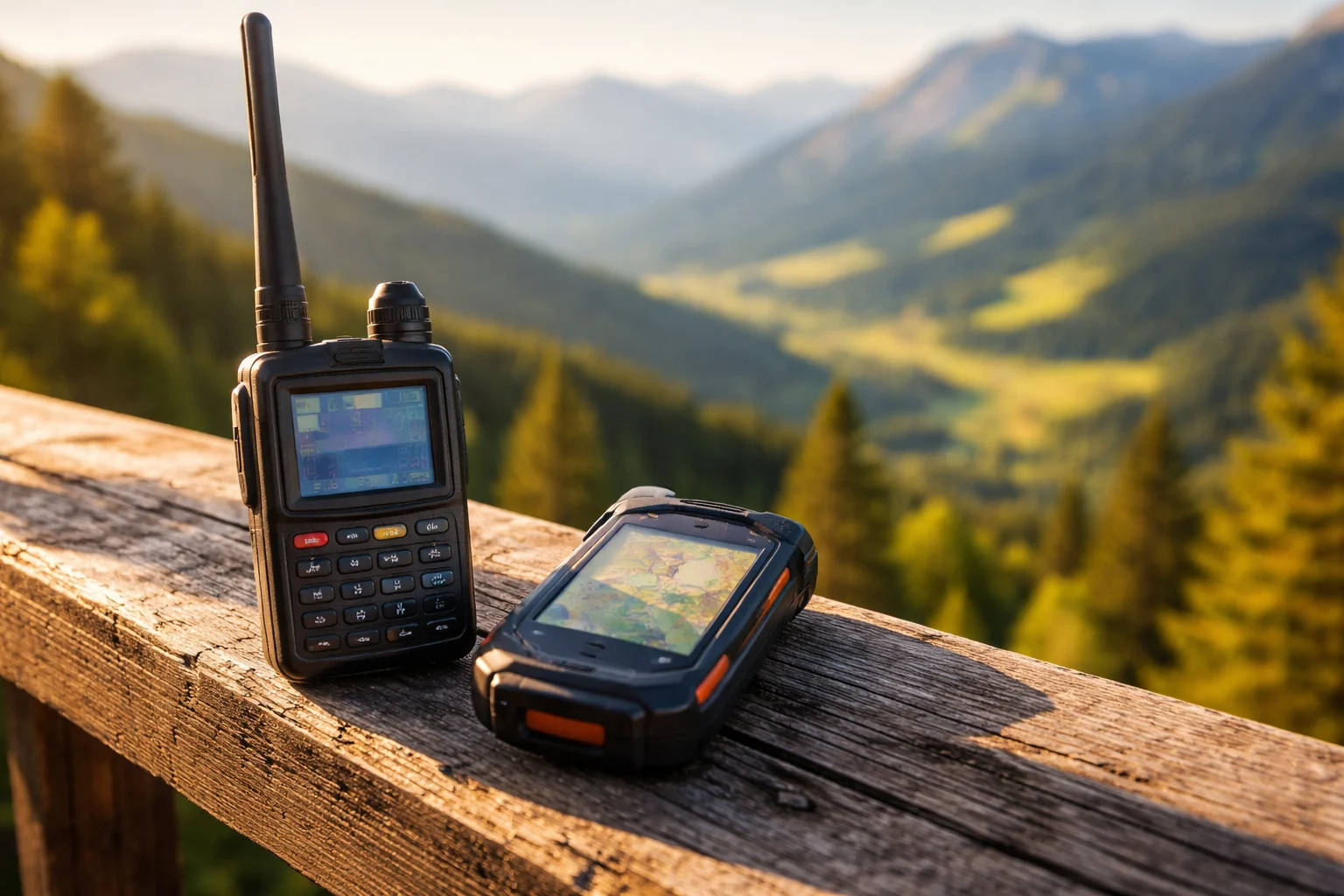
You’ve read our introductory article on TOTA and want to get started? Then there’s one crucial detail missing: How do you actually become visible as an activator? Without a spot, you’re invisible at the tower – no matter how loud you call CQ.
What’s this about
Towers On The Air (TOTA) is a young but rapidly growing outdoor programme from Czechia (OK2IH, Ivan Holinka). By now OE, DL, OM, SP – and outside Europe KP4 and HI – have joined with their own country prefixes. Austria’s prefix is OER (Austrian Lookout References). The OE programme is coordinated by OE4GTU (Gerhard) and OE4FJM (Fritz).
Unlike SOTA or POTA, TOTA has no classic live cluster website. Self-spotting works via three routes – and since recently the easiest one goes straight from the logger app.
Quick definition – Spot: The public announcement “I’m now QRV from tower OER-xxxx on 7.144 SSB”. Without a spot, hardly any hunter will find you. With a spot, you can build a pile-up in minutes.
The three spotting routes at a glance
| Route | Effort | Reach | Recommended for |
|---|---|---|---|
| Ham2K PoLo (self-spot direct to TOTA API) | low | high (TOTA + cross) | Standard workflow |
| WhatsApp group | medium (one-time join) | TOTA community | Supplementary, backup |
| Cross-spot on SOTA/POTA/GMA | low | very high | Mandatory for multi-activations |
Route 1: Ham2K PoLo – the clean way
Ham2K PoLo (Portable Logger, iOS + Android, free) now supports TOTA as a standalone activity. Self-spots go directly to the TOTA server. In March 2026 there was a brief API bug that OK2IH fixed within three days – the system is live and actively maintained.
Setup (one-time)
- Install PoLo, enter your callsign (e.g. OE8YML).
- Settings → Activities → enable TOTA.
- The TOTA data file (tower list) downloads automatically.
At the tower
- New Operation → choose the TOTA template.
- “Nearest” uses your GPS and suggests the closest OER reference – or search for the tower manually.
- Enter the frequency, select the mode (SSB/CW/FT8/…).
- Tap Spot, optionally add a comment (e.g. “QRV 40m”) → done.
- For auto re-spotting: within 15 seconds open the spot dialog again → confirm Auto-spot every 10 min.
Tip: The shortcuts QRV, QSY, QRT in the callsign field let you re-spot instantly – no menu clicking required.
Route 2: WhatsApp group (official)
The official TOTA WhatsApp group is specifically for activation info and self-spots – no chatter. Here’s the direct link to the Austrian TOTA WhatsApp group.
Spot format is free, but this has proven effective:
OE8YML OER-1234 7.144 SSB QRVUseful when you’re not doing smartphone logging, or as a backup when the TOTA API is having issues.
Route 3: Cross-spotting on SOTA / POTA / GMA
According to the official rules, TOTA is fully combinable with SOTA, POTA, WWFF, GMA, BOTA and other programmes. The pile-up on SOTAwatch3 or pota.app is significantly bigger than the TOTA community alone – so: if the tower overlaps, always spot there as well.
In practice in the Gailtal/Carinthia:
- Many lookout towers sit on SOTA summits (e.g. Dobratsch area) → SOTAwatch + TOTA ref in the comment.
- Towers in nature reserves → POTA + TOTA.
- GMA covers nearly everything SOTA doesn’t – a useful backup platform.
The spot comment should always include the TOTA reference:
+TOTA OER-1234 / Lookout Tower MüllerbergThis way TOTA hunters can see the tower even without a TOTA login.
Bonus: QRV Board on oeradio.at
In addition to the three classic spotting routes, there is now the QRV Board on oeradio.at – a real-time overview of who is currently QRV on which band and mode. The board is a perfect complement to your TOTA spot:
- Before the activation: Enter your planned TOTA activation with band, mode and time slot. Other OMs instantly see you are QRV – even without a TOTA account.
- Use the comment field: Write e.g. “TOTA OER-1234 / Lookout Tower” in the comment – hunters know exactly where you are.
- Telegram channel: Every QRV entry is automatically pushed to the Telegram channel @oeradioqrv. Subscribe and get every spot straight to your phone.
- No mobile signal at the tower? Enter your activity in the valley beforehand – pre-plan with start and end time.
Read more in our article New: QRV Board — Find QSO Partners in Real Time.
Common spotting mistakes
- 200-metre rule violated – you must transmit within 200 m of the tower, otherwise the QSO doesn’t count. GPS check before your first CQ.
- Repeater QSOs – are not valid in the TOTA programme (satellite is fine, though).
- Wrong reference format – always
OER-xxxx(four digits, with hyphen). PoLo gets this right automatically; be careful with manual spots. - Forgotten log upload – the activation only counts once the ADIF is uploaded to wwtota.com. PoLo exports ADIF with the correct
MY_SIG_INFOencoding; FLE v3 and PoLo (with POTA setting) are compatible.
Calling frequencies and CQ call
- 2 m FM: 145.525 MHz (official TOTA calling frequency)
- 40 m SSB: 7.144 MHz (recommended)
- 40 m CW: 7.032 MHz (recommended)
- HF otherwise: usual portable segments
CQ call:
- CW:
CQ TOTA - SSB/FM: “Towers On The Air call” or simply “TOTA call”
When there’s no mobile signal at the tower
Realistic scenario in the Gailtal: stone shelter at the summit tower, no LTE.
- Pre-alert on SOTAwatch / pota.app – hunters know when to look for you.
- CW + RBN hole spots you automatically as soon as you send
CQ. - HT on 145.525 MHz – another OM spots for you (the SOTA/POTA community is extremely helpful here).
- First QSO – explicitly ask for a spot: “Please spot me on TOTA OER-1234”.
TL;DR
Standard workflow for 90% of cases:
- Install PoLo, enable the TOTA activity.
- At the tower: start an operation → tap self-spot → enable auto re-spot.
- For multi-activations, spot on SOTA/POTA in parallel, include the TOTA ref in the comment.
- After the activation: upload the ADIF to wwtota.com.
Minimal effort, maximum visibility – and the TOTA database grows with every OER activation you log from OE.
Links
- TOTA homepage and tower database: wwtota.com
- TOTA rules: wwtota.com/rules
- Ham2K PoLo: polo.ham2k.com
- DARC article on TOTA: darc.de
- OE coordinators: OE4GTU ([email protected]), OE4FJM ([email protected])
- WhatsApp group OE TOTA: Join here
- Our TOTA intro article: TOTA – Towers On The Air: Climb the Tower and Call CQ!
