Table of Contents
- What is Winlink?
- Architecture: How does Winlink work?
- Supported modes
- Hardware setup: What do I need?
- Option A: Modern transceivers with built-in USB soundcard
- Option B: External interface
- Option C: TNC for packet
- Austrian Winlink gateways
- VARA FM Access Points in Lower Austria and Vienna
- Emergency communications: Winlink in disasters
- Features and capabilities
- Getting started: Step by step
- Practice makes perfect
- Pat: The open-source alternative
- Videos: Winlink in Practice
- Sources and Further Reading
- Transparency Notice
Imagine the internet goes down — no Wi-Fi, no mobile data, no fibre. For most people, that would be a disaster. For radio amateurs with Winlink, it is not. Winlink is a worldwide email system that works over HF and VHF radio — with no internet connection needed at your own location (see also our article on Blackout Preparedness). What was once a niche topic has grown into the most important digital emergency communications tool in the world.
What is Winlink?
Winlink is a global radio communications system that transmits emails over amateur radio frequencies. Every licensed radio amateur receives an email address in the format [email protected] — for example [email protected]. Messages can be up to 120 KB in size (including attachments) and are seamlessly routed between the radio path and the internet. This means you can send an email from your radio to any internet email address, and vice versa.
The system is operated by the Amateur Radio Safety Foundation, Inc. (ARSFI) and run entirely by volunteers. There are over 1,000 RMS gateways worldwide and currently two central Common Message Servers (CMS) running in different Amazon AWS data centres (the system is designed for up to five CMS sites). Winlink is free to use — all you need is a valid amateur radio licence.
Architecture: How does Winlink work?
Winlink is built in three layers:
- Client software: A programme such as Winlink Express (Windows) or Pat (Linux/macOS) runs on your computer. You use it to compose and receive messages.
- RMS Gateways (Radio Message Server): These are amateur radio stations run by volunteers that operate around the clock. They receive your message over radio and forward it to the internet.
- CMS (Common Message Server): The central servers in the Amazon cloud store messages and provide the bridge to the internet email system.
Particularly exciting is the Peer-to-Peer (P2P) mode: two Winlink stations can communicate directly with each other — entirely without internet, without a gateway, without a server. This is the ultimate emergency mode when absolutely nothing else works.
Supported modes
Winlink supports several digital modulation methods that differ in speed, cost and suitability:
- VARA HF: The recommended mode for shortwave. Achieves up to approximately 8490 bps and automatically adapts to propagation conditions. The licence costs a one-off 69 USD — a worthwhile investment.
- VARA FM: Optimised for VHF/UHF. Faster than HF variants and ideal for local connections via gateways.
- VARA AC (Access Channel): A newer VARA variant specifically designed for fast channel access on FM repeaters and gateways. VARA AC offers significantly better performance than VARA HF and is particularly recommended for local and regional Winlink operation on VHF/UHF. If you're using VARA FM, you should definitely try VARA AC.
- ARDOP: A free, open-source alternative. Slower than VARA (max ~1,336 bps), available at no cost — however usage is declining as most gateways now prefer VARA.
- Pactor: The gold standard among hardware modems. Excellent performance even under poor conditions. The current modem is the SCS P4dragon — priced from around $1,800–2,000 USD, more suited to serious emergency communication stations.
- AX.25 Packet: Classic packet radio on VHF/UHF at 1200 baud. Simple and proven.
For getting started, we recommend VARA HF on shortwave, VARA FM on 2 m/70 cm, or VARA AC on VHF/UHF including 6 m. VARA AC is particularly recommended when local gateways supporting it are available — it offers noticeably faster channel access. This combination provides the best balance of cost, speed and reliability.
Hardware setup: What do I need?
The good news: many modern transceivers make getting started particularly easy. There are essentially three paths:
Option A: Modern transceivers with built-in USB soundcard
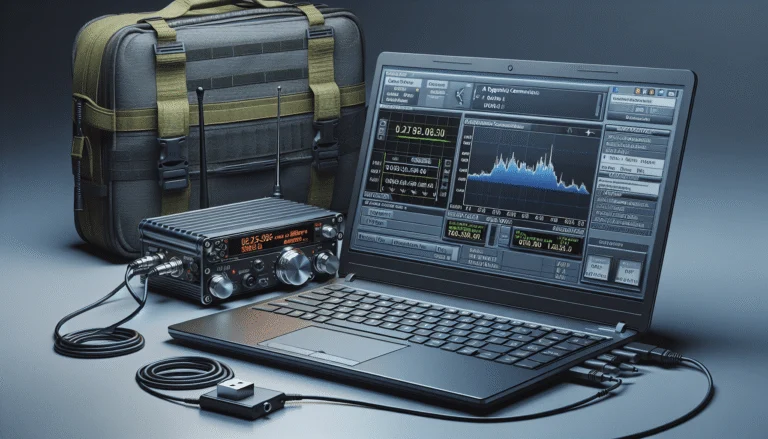
Radios such as the Icom IC-7300, Icom IC-705 or Yaesu FT-991A have a built-in USB soundcard and CAT control over a single USB cable. Simply plug in the cable, install drivers — done. This is the most straightforward path and works excellently with VARA HF.
Option B: External interface
For older transceivers without USB, you need an audio interface. Recommended options:
- Digirig (~50 USD): Compact, affordable, works with most transceivers. Perfect for portable setups.
- SignaLink USB (~120 USD): The classic among digital interfaces. More robust, with adjustable volume and PTT control.
Option C: TNC for packet
If you want to use AX.25 packet on VHF, you need a TNC (Terminal Node Controller) such as the Mobilinkd TNC3 or a software modem approach.
Austrian Winlink gateways
Austria has several important Winlink gateways that are regularly active and accessible:
- OE3XEC (Amstetten) — HF gateway, excellent for VARA HF connections
- OE9XRK-10 (Feldkirch) — Packet gateway on VHF
- OE5XFR-10 (Frankenmarkt) — Packet gateway
- OE1XIK-10 (Wien/Bisamberg) — Packet gateway in the greater Vienna area
- OE3XNR-10 (Nebelstein) — Packet gateway in the Waldviertel region
VARA FM Access Points in Lower Austria and Vienna
For practice and local Winlink operation via VARA FM, the following gateways are available in Lower Austria and Vienna (as of April 2026):
- OE3XIR-6 (Hegerberg) — 50.800 MHz
- OE3XWJ-6 (Jauerling) — 50.675 MHz
- OE3XIA-6 (Exelberg) — 50.700 MHz
- OE3XPA-6 (FH Wr. Neustadt) — 50 MHz (6 m)
- OE3CRA-2 (Sieghartskirchen) — 144.875 MHz
- OE3XPA-15 (Kaiserkogel) — 438.550 MHz
- OE1XAR-12 (Bisamberg) — 430.125 MHz
- OE3XKL / OE3XRB (Amstetten) — 144.550 MHz
The 6 m access points (50 MHz) are particularly interesting: they often provide better range than 2 m and 70 cm and are still underutilized — ideal for experimenting.
Additionally, the Austrian HAMNET (Highspeed Amateurradio Multimedia Network) provides further connectivity. Some gateways are accessible via HAMNET, which significantly increases connection speed and stability. The current gateway list can be found in Winlink Express under "Channel Selection" or on the Winlink website.
Emergency communications: Winlink in disasters
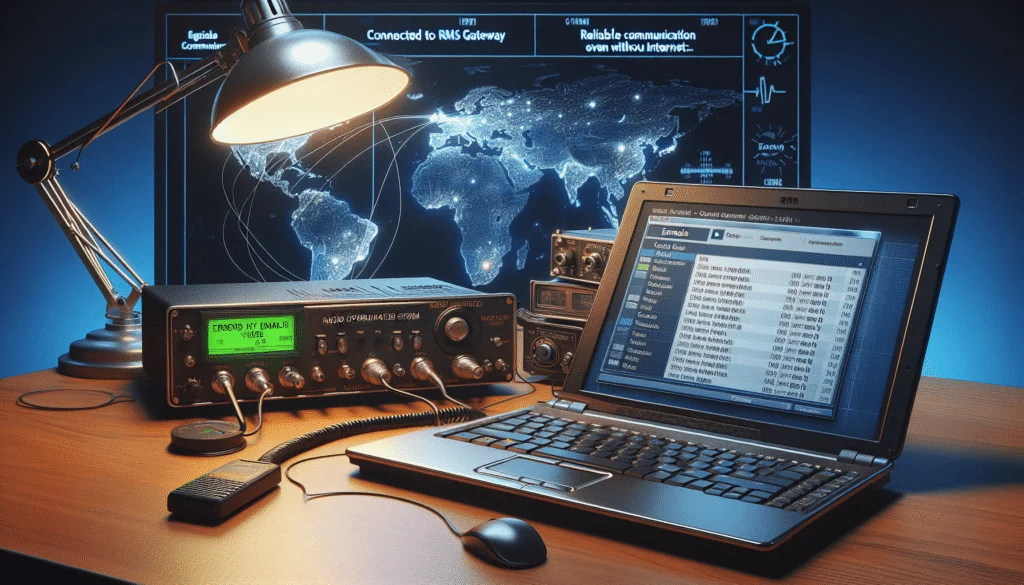
Winlink is the backbone of amateur radio emergency communications in many countries — and Austria is no exception. A.R.E.N.A. (Amateur Radio Emergency Network Austria) uses Winlink as its primary digital communications tool.
The Austrian Red Cross operates its own Winlink gateways on SKKM frequencies (State Crisis and Disaster Management). Regular exercises take place jointly with the Landeswarnzentralen (provincial warning centres), where Winlink messages are sent as situation reports and resource requests.
The decisive advantage of Winlink in emergency communications is that it is asynchronous. A message is sent, stored at the gateway and collected by the recipient when they can. This is fundamentally different from voice communication, where both parties must be available at the same time. Furthermore, attachments such as photos, forms or maps can be sent along — making Winlink especially valuable for coordination centres.
Features and capabilities
Winlink can do much more than simply send and receive emails:
- Email with attachments: Text messages with file attachments up to 120 KB total (images are automatically compressed).
- Position reporting: Automatic or manual position reports displayed on maps — similar to APRS, but over email infrastructure.
- Weather bulletins: Receive weather reports and warnings via the Winlink catalogue.
- ICS-213 forms: Standardised emergency communication forms (General Message Form) that can be filled in and sent directly within Winlink Express.
- Query Catalog: Automated queries for weather forecasts, propagation forecasts, GPS positions and more — simply send a pre-formatted message to the system.
Getting started: Step by step
Getting into Winlink is easier than many think. Here is the recommended path:
Step 1: Install Winlink Express. The programme is available free from winlink.org — Windows is directly supported. After installation, register an account with your callsign.
Step 2: Test via Telnet. Before connecting a radio, you can test Winlink over the internet via Telnet. This is perfect for learning the software, composing messages and understanding the interface — all without an HF setup.
Step 3: VHF/UHF with VARA FM. The next step is a connection via a local VHF/UHF gateway using VARA FM. The range is shorter, but the connection is faster and more stable than on HF. Ideal for practising.
Step 4: HF with VARA HF. Once VHF works, the step to shortwave is just a matter of choosing the right frequency. Licence VARA HF (69 USD), select an HF gateway from the list, set the frequency — and your first email over shortwave is on its way.
Tip: Start with short text messages to yourself (to your own internet email address). This way you can immediately see whether everything is working.
Practice makes perfect
Winlink is only useful in an emergency if you have practised it beforehand. There are several ways to do this:
- Winlink Wednesday: Every Wednesday a global Winlink exercise takes place. Simply send a message — this keeps the gateways active and your own skills fresh.
- Practise with forms: Regularly fill in ICS-213 forms and send them. In a real emergency, this needs to work without hesitation.
Pat: The open-source alternative
Linux and macOS users can turn to Pat — an open-source Winlink client available at getpat.io. Pat runs on Windows, Linux, macOS and even Raspberry Pi. It is operated via a web interface in the browser, making the software platform-independent and flexible.
Pat natively supports ARDOP and AX.25 and can be used with VARA through a bridge. For portable setups on a Raspberry Pi, Pat is the first choice — lightweight, stable and well documented. The project is actively developed and the community is supportive.
Winlink combines the best of two worlds: the reliability of amateur radio and the convenience of email. Whether as an emergency communications tool, for maritime communication or simply as a fascinating technical experiment — Winlink belongs in every serious radio amateur's repertoire. The barrier to entry is low, the technology is mature and the system is constantly improving. Give it a try — ideally this very week.
73 – your oeradio.at editorial team
Videos: Winlink in Practice
These videos demonstrate setting up and using Winlink:
Sources and Further Reading
- Winlink.org — Official website with software downloads, gateway lists and documentation
- getpat.io — Pat: Open-source Winlink client for Linux, macOS and Raspberry Pi
- VARA Modem — Official VARA website (EA5HVK)
- OH8STN — Off Grid Winlink — Practical reports on portable Winlink operations
- Winlink Wednesday — Weekly practice event every Wednesday
Transparency Notice
This article was researched and written with the assistance of AI (Claude, Anthropic). Any illustrations used were generated with AI (ChatGPT/DALL·E, OpenAI) unless otherwise noted. The editorial team has reviewed and edited all content. Despite careful review, occasional inaccuracies may occur — we welcome corrections via email to [email protected].