
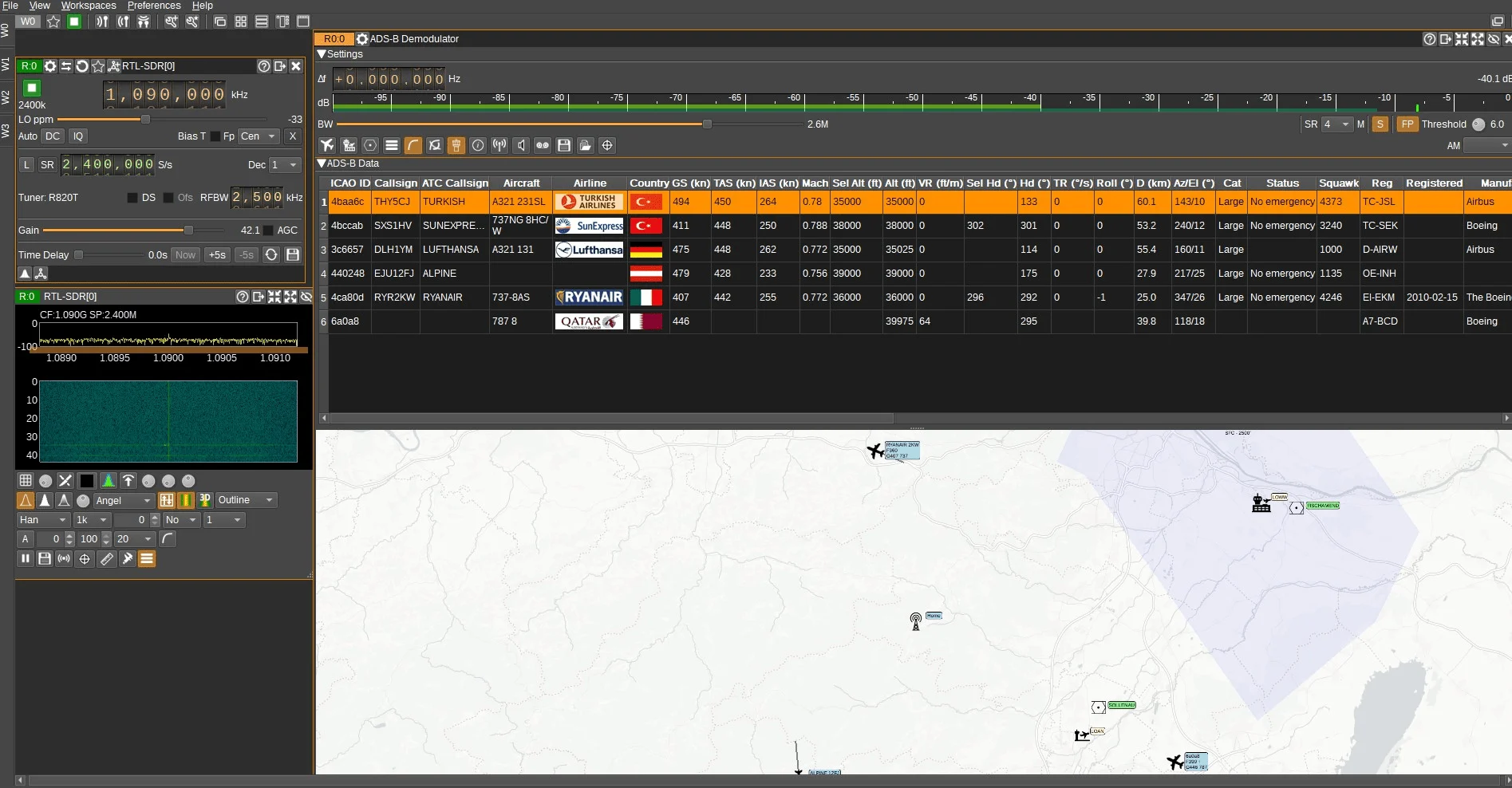
At the flea market in Vienna Aderklaa, in addition to the sale of used goods, there was also an interesting conversation with the radio amateur OE3LCR. He explained how to receive aircraft data inexpensively using simple equipment.
After this conversation I found a suitable video from Arthur DL2ART (channel “Funkwelle”), which confirms that reception is actually possible with little effort.
You need to receive:
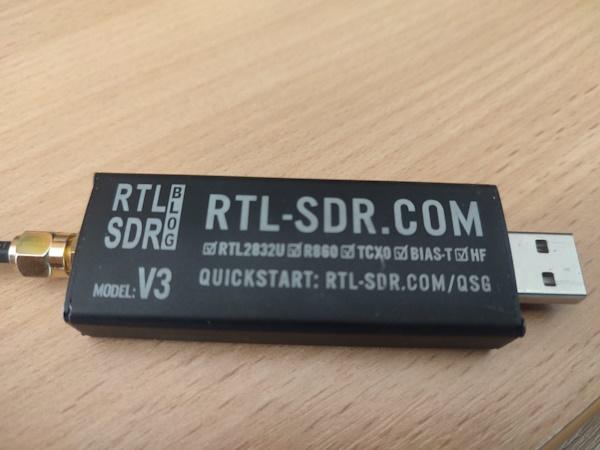
- SDR stick
2. Coaxial cable
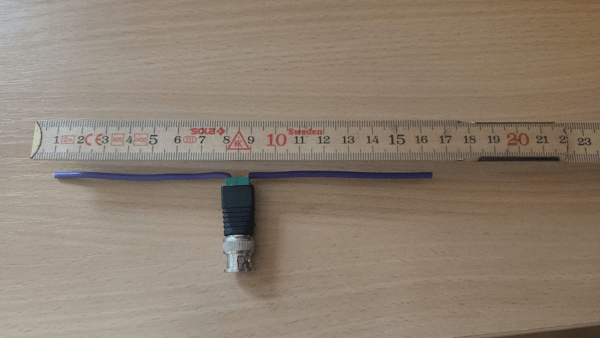
3. BNC connector
4. Rigid wire or enamelled copper wire (approx. 16 cm)
Hardware structure:
- Mount the antenna vertically
- Tuning to 1090 MHz with Nano VNA
Software installation:
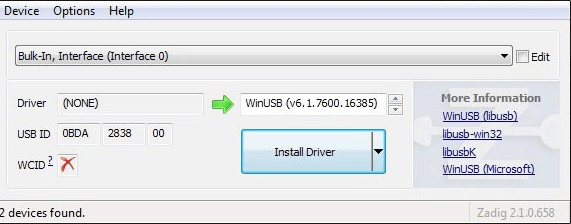
- Install Windows driver for SDR from zadig.akeo.ie
2. Download SDRangel software from sdrangel.org https://www.sdrangel.org/
Configuration in SDRangel:
- Open empty workspace and select SDR
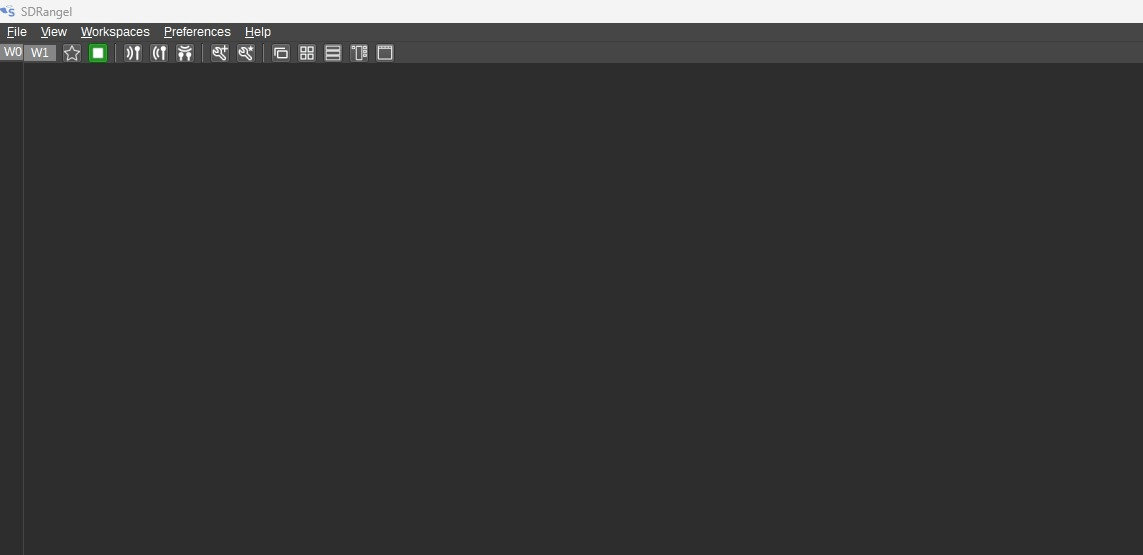
SDR is selected by clicking on the following icon:

- Basic settings:
- Frequency: 1090 kHz
- DEC: 1
- Sample Rate: 2400
- Gain: approx. 40
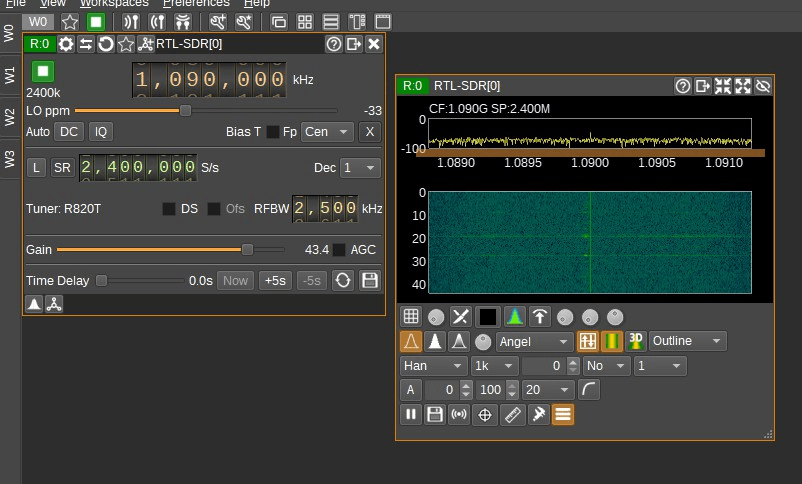
Set up reception:
- Press play button
- Signals (dashes) should now appear in the waterfall
- Select the ADS-B demodulator using the button above the frequency (the first in the selection list)

4. Adjust threshold value from 10 to 6
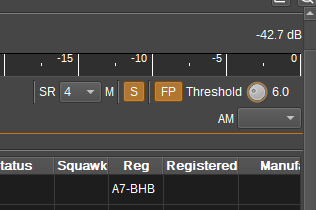
5. It’s ready to start
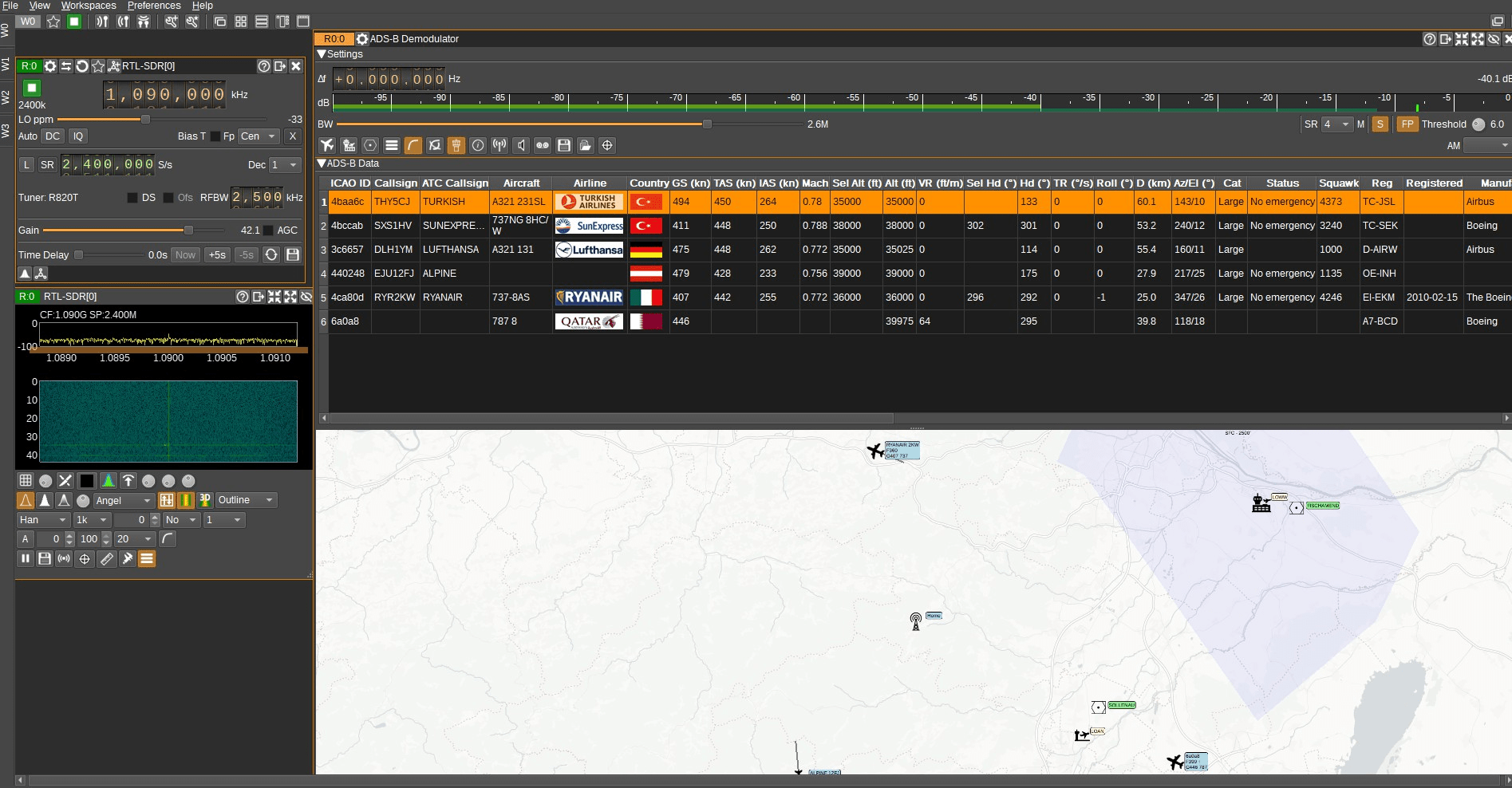
Optional:
- Additional data about aircraft, airfields and no-fly zones can be downloaded
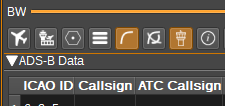
For the 3D view you still need 2 GB of download – but then it really works! Everything is very easy and really cool what you can do.
HAVE FUN! 73 & 55 Josef OE3FJS
