
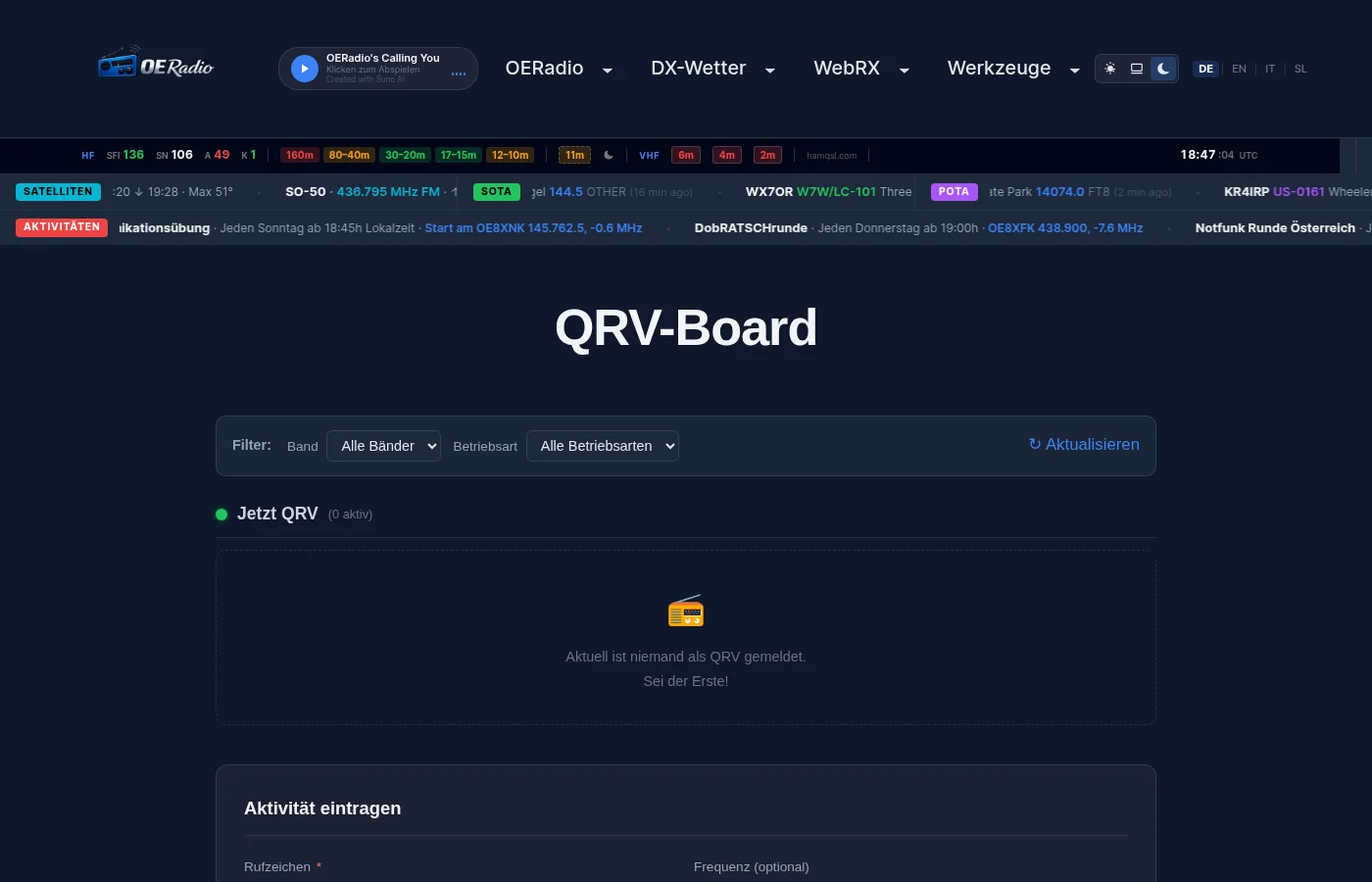
There’s a brand new feature on oeradio.at: The QRV Board! Ham radio operators can now post their planned activity times and see in real time who is currently QRV.
How it works
Planning a SOTA activation, heading to a park, or just spending the evening on 40m? Post your activity and other hams will instantly see that you’re QRV. Finding QSO partners has never been easier.
- Enter callsign, band, mode, and time range — optionally with frequency and comment
- Active and upcoming entries are displayed as clear overview cards
- Filter by band and mode — find exactly the activity you’re looking for
- Up to 3 entries at once — perfect for band changes or parallel activities
- QRT button — end your activity early when you’re done
- All times in UTC — internationally consistent, no timezone confusion
- Automatic cleanup — expired entries are deleted after 24 hours
Real-time notifications
Never miss a spot — there are two ways to stay informed about new QRV entries:
Telegram channel
Every new QRV entry is automatically pushed to our Telegram channel @oeradioqrv. You’ll instantly see callsign, band, mode, frequency and time — right on your phone. Simply subscribe to the channel and get every spot in real time.
Homepage widget
On the oeradio.at homepage, there’s a floating widget in the bottom right showing currently active and upcoming QRV entries. See at a glance who’s on which band — without having to open the QRV Board. The widget can be minimized and remembers your preference.
Step by step
- Open the QRV Board
- Enter your callsign (e.g. OE1ABC)
- Select band (160m to 23cm) and mode (SSB, CW, FT8, FM, DMR, D-STAR, …)
- Set start and end time (in UTC) — maximum 12 hours activity duration
- Optional: frequency (e.g. 145.500) and comment (e.g. “SOTA OE/ST-001”)
- Solve the math question (spam protection) and accept the privacy policy
- Click QRV melden — done!
Your entry appears instantly on the board, gets pushed to the Telegram channel, and is visible in the homepage widget. When you’re done, you can end your entry at any time using the QRT button.
Privacy
We take privacy seriously: IP addresses are only stored as cryptographic hashes (abuse prevention), and all entries are automatically deleted. The form is protected by a math CAPTCHA, honeypot, and rate limiting. Details in our privacy policy.
Try the QRV Board now! | Subscribe to Telegram channel
73 — your oeradio.at editorial team
Transparency Notice
This article was researched and written with the support of AI (Claude, Anthropic). Editorial responsibility lies with the oeradio.at editorial team.
