
Software instead of hardware: The SDR principle
A Software-Defined Radio (SDR) is a radio receiver in which a large part of the classic hardware is replaced by software. Instead of requiring separate devices for each operating mode or frequency band, the software takes over the signal processing with SDR.
This makes SDRs extremely flexible and versatile:
With the right software, you can freely adjust the frequency spectrum and receive very different radio services – including:
- Amateur radio
- Aviation radio
- Satellite radio
- Shortwave, VHF and much more
On WebRX.at, however, the clear focus is on amateur radio.
Cheap, small and popular: RTL-SDR
SDRs with the RTL2832U chip are particularly widespread. Originally intended as DVB-T receivers, they have developed into real all-round tools:
- very cheap
- compact
- large community
- tremendous software support
Perfect for beginners – but also for experienced radio amateurs.
WebRX.at – Austria-wide SDR card to participate in
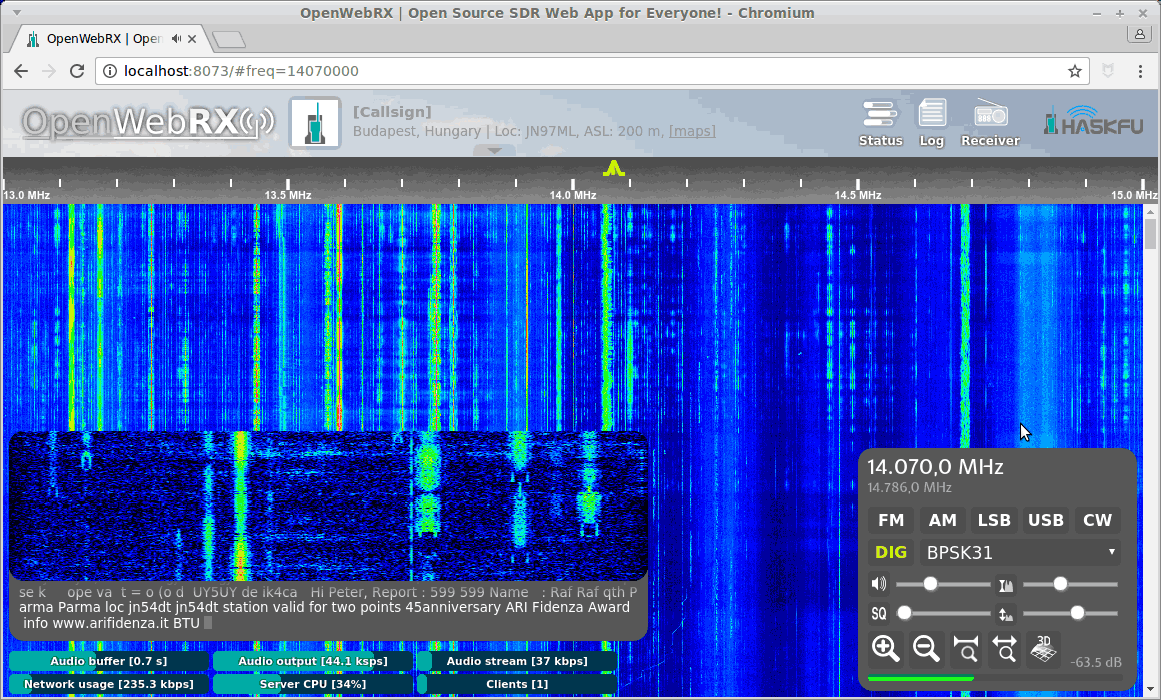
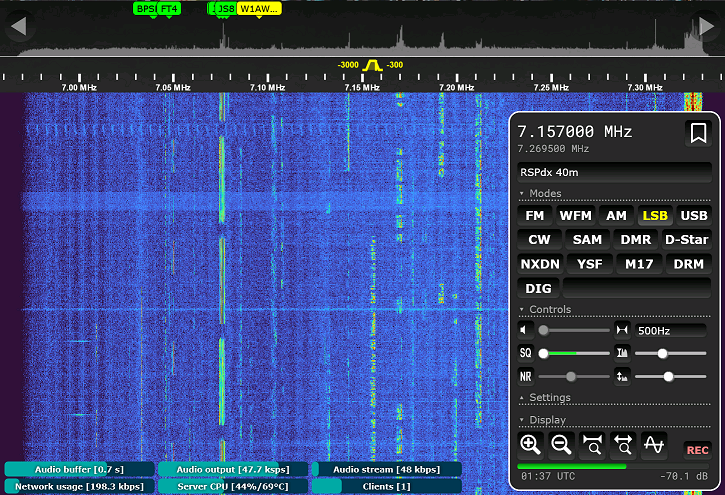
WebRX.at is a network of OpenWebRX and OpenWebRX+ receivers throughout Austria.
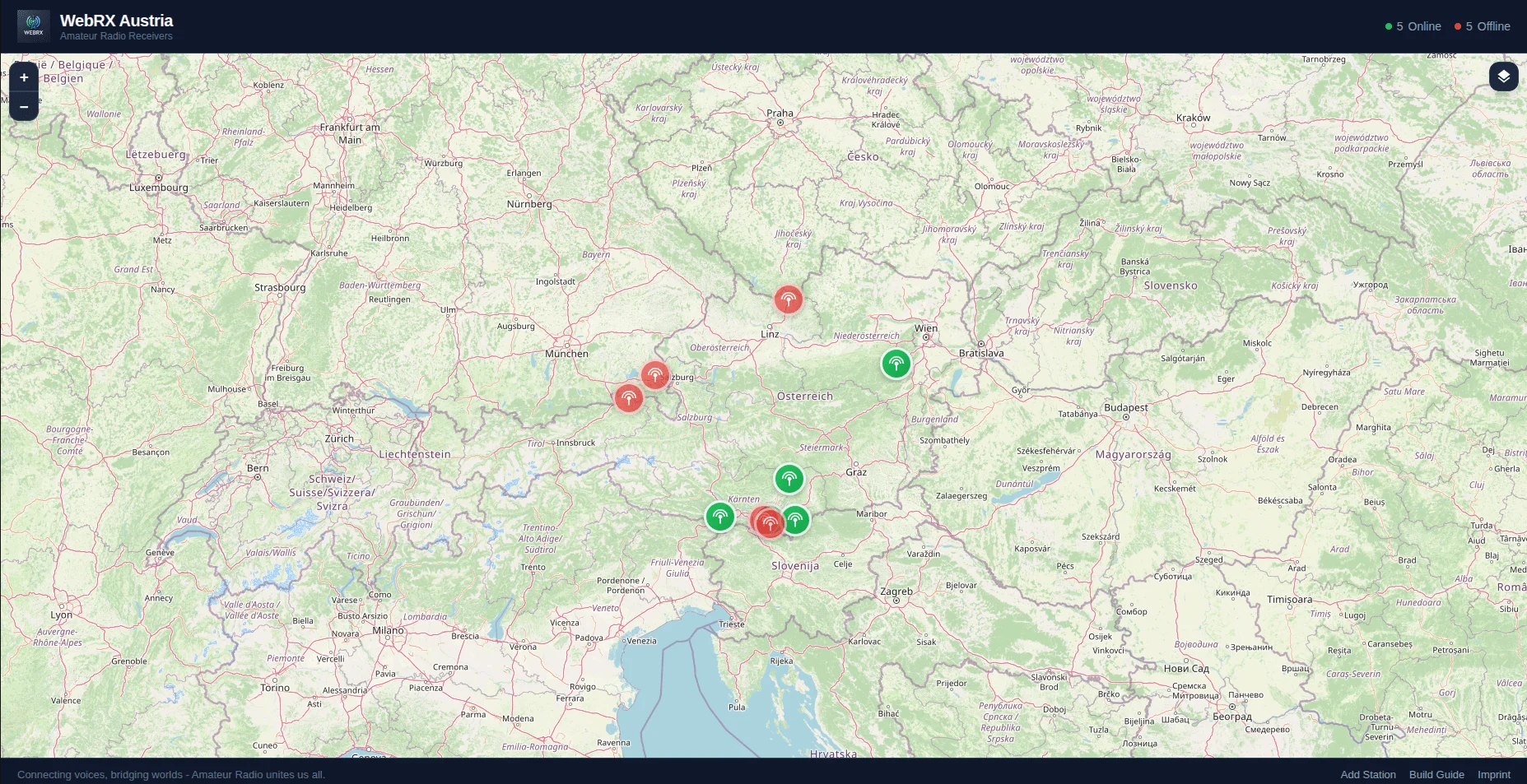
The platform offers an interactive map on which you can immediately see which SDRs are currently online.
Status at a glance
The colors on the map show you the status of the individual recipients:
- 🟢 Green – Running!
The SDR is fully ready for use, you can listen straight away. - 🟡 Yellow – Attention!
There may be problems, but reception is partially possible. - 🔴 Red – Offline
The SDR is currently not accessible.
What happens when you click on an SDR?
Clicking on a point on the map opens a detailed view with lots of useful information:
- Name & Location
For example: OE8CNI WebRX Maria Rain JN76dn – often with a call sign and locator. - Status
Whether the recipient is “working and operational” or reporting problems. - Receivable frequencies
Approximately 14.1 MHz for shortwave – so you know immediately what you can hear. - Ping value
Shows the connection quality (the lower, the better). - Hardware
Often e.g. B. a Raspberry Pi 4B+ with RTL-SDR stick. - Antenna
Approximately an X300 or other proven amateur radio antenna.
Just listen – without registering
The best:
You can access the SDRs worldwide, free of charge and without registration.
Simply open the map, select a receiver and follow the radio traffic live.
Ideal for:
- Get a taste of amateur radio
- Comparing propagation conditions
- Experimenting with antennas and locations
Join us! – Operate your own SDR
Do you already have an SDR or would you like to set one up yourself?
On WebRX.at you will find instructions on how to get started with OpenWebRX in the menu under WebRX → Build your own SDR.
If you would like to make your own SDR available to the community, you are very welcome!
👉 Just write us a short message to [email protected] – we are happy to integrate your SDR on the WebRX.at map and together make radio a experience for everyone.
73 OE8YML
