
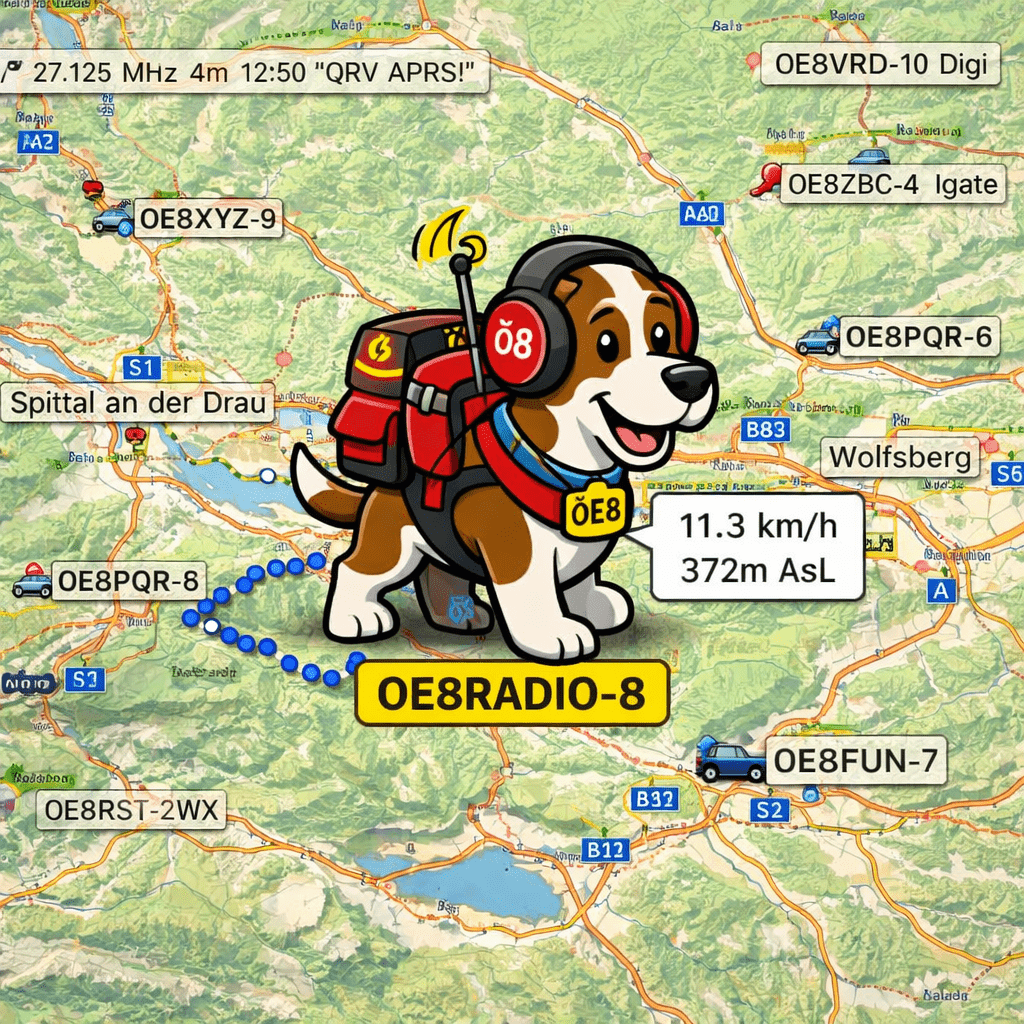
He knows no boundaries. No mountains. No rivers. No lakes. The OE8RADIO dog is on the move in Carinthia, spreading the good word – at a solid 80 km/h, straight across the landscape, through forests, over mountain peaks and right through Lake Wörthersee. Obstacles? He doesn’t know them. Breaks? He doesn’t need them. He just keeps running and running and running.
And the best part: You can watch him do it – live on aprs.fi!
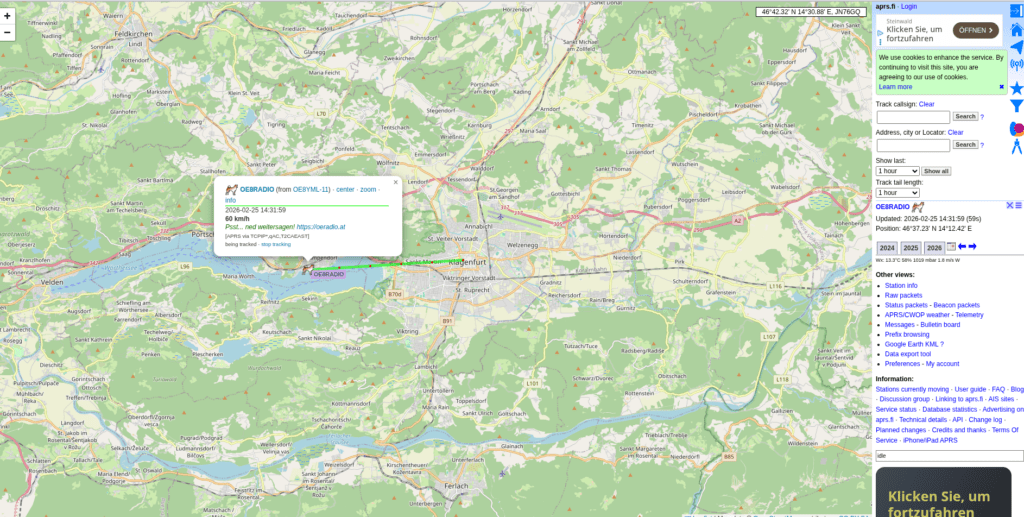
Small confession: The idea with the dog was shamelessly stolen from OE8CKK Chris. And unfortunately there was no better APRS icon – or at least none that I liked. So now a dog runs through Carinthia. Hi!
What’s Behind It?
Behind the tireless four-legged friend is APRSRunner – an open-source tool that moves an APRS object along a defined route via the APRS-IS network. This lets you visually advertise amateur radio events, nets, or simply your own club on the APRS map.
In the case of OE8RADIO, the dog runs its rounds through Carinthia carrying the message oeradio.at in the APRS comment field – a running advertisement for our club, visible to anyone watching the APRS map.
Build Your Own APRS Runner!
Want to run a virtual object across the APRS map too? With APRSRunner, you can set it up in just a few minutes:
What You Need
- Python 3.8+ or Docker
- A valid amateur radio callsign
- An APRS-IS passcode (available via various online tools)
- A route – either as waypoints in the config or as a GPX file
How It Works
APRSRunner takes a YAML configuration file where you define:
- Callsign & Passcode – your APRS-IS credentials
- Object name – max 9 characters, e.g. “OE8RADIO”
- Symbol – the APRS icon (in our case, the dog)
- Comment – the text that appears on the map
- Speed – how fast the object moves (our dog: 80 km/h, respect!)
- Route – waypoints as coordinates or a GPX file
- Loop – whether the route should repeat endlessly
The runner then calculates intermediate positions, regularly sends position reports to APRS-IS, and moves the object step by step across the map. With Ctrl+C, a kill packet is automatically sent and the object disappears from the map.
Quick Start with Docker
The easiest way is with Docker – set callsign and passcode as environment variables, configure the route, and off you go:
git clone https://github.com/achildrenmile/aprsrunner.git
cd aprsrunner
cp config.example.yaml config.yaml
# Edit config.yaml (callsign, passcode, route, etc.)
docker-compose up -d
There’s also a --dry-run mode for testing that only writes packets to the console without actually transmitting. Perfect for trying it out!
Feature Overview
- Waypoint-based routing with variable speed
- GPX import for routes (tracks, routes, waypoints)
- Configurable beacon interval
- Endless loop mode
- Docker support for easy deployment
- Dry-run mode for testing
- Automatic kill packet on shutdown
- MIT licence – free to use
Follow the OE8RADIO Dog
Want to see where the dog is right now? Click the link and follow him live on the map:
Track OE8RADIO live on aprs.fi
And if you want to build your own runner – the full source code is on GitHub:
73 de OE8YML