
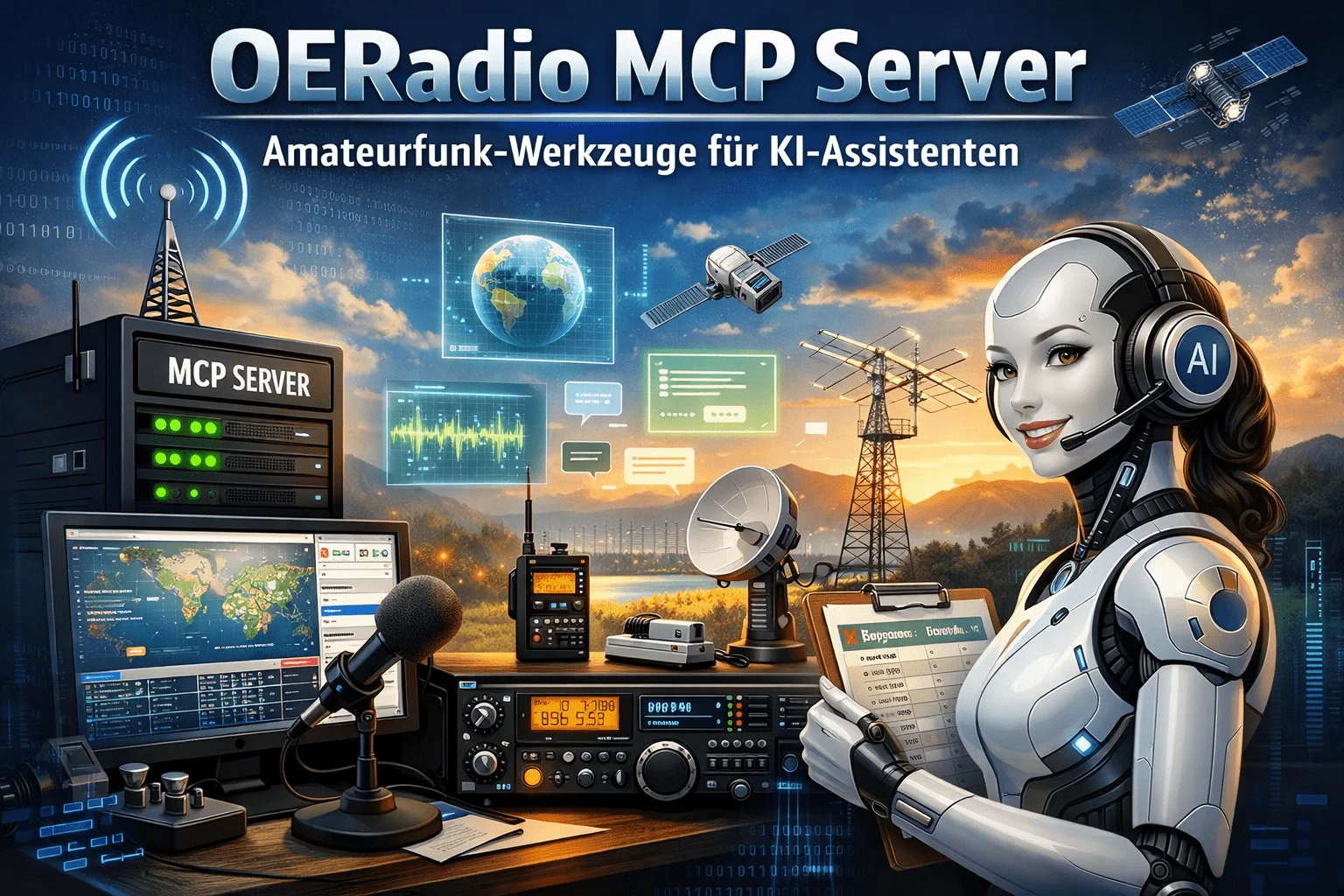
Today we are starting an exciting new project: The OERadio MCP Server! This allows AI assistants such as Claude, ChatGPT and Gemini to directly access our amateur radio computers – without you having to enter formulas or open websites yourself.
What is an MCP server?
MCP stands for Model Context Protocol – an open standard that allows AI assistants to use external tools. Imagine: You’re chatting with an AI assistant and asking “What are the band limits of the 20m band?” or “How long does my dipole have to be for 14.2 MHz?” – and the assistant calculates this for you immediately.
MCP was originally developed by Anthropic (the makers of Claude), but is now an open standard under the Linux Foundation. In 2025, OpenAI and Google also introduced MCP support.
Why is this useful?
Many radio amateurs now use AI assistants for various tasks. With the OERadio MCP Server, these assistants can now:
- Query band plans – Which modes are allowed on which frequency?
- Calculate antenna lengths – dipole, vertical, 5/8 lambda for each frequency
- Determine cable attenuation – RG58, Ecoflex, LMR400 at any frequency and length
- Calculate EIRP – For safety distances according to OENORM
- Determine SWR losses – How much power is lost with SWR 2.5?
- Plan battery life – How long will my 12Ah LiFePO4 last for SOTA?
- Convert power – Watt, dBm, dBW back and forth
Practical examples
Here are some examples of what you can ask the AI assistant:
“Calculate the antenna length for a dipole at 7.1 MHz”
Answer: Wavelength 42.2m, total dipole 20.1m, each arm 10.05m
“I have 100W transmit power, 2.5dB cable loss and a 3-element Yagi with 7dBi. How much EIRP is that?”
Answer: EIRP = 281.84 watts (24.5 dBW)
“Compare all coaxial cables for 20m length at 144 MHz”
Answer: Ecoflex15 = 1.16dB, LMR600 = 0.98dB, RG58 = 7.2dB … Recommendation: LMR600
Available tools
The MCP Server offers 11 tools:
| Tool | Description |
|---|---|
| get_band_plan | Query IARU Region 1 band plan |
| list_all_bands | All bands list |
| check_frequency | Check frequency – allowed or not? |
| calculate_eirp | EIRP/ERP for safety distances |
| calculate_cable_loss | Cable attenuation calculate |
| compare_cables | Compare all cable types |
| calculate_battery_runtime | Battery runtime for portable operation |
| get_antenna_gain | Antenna gain look up |
| calculate_wavelength | wavelength and antenna lengths |
| calculate_swr_loss | losses due to SWR |
| convert_power | Watt, dBm, dBW convert |
Which AI assistants are supported?
MCP is now an open standard that is supported by the three major AI providers:
| Product | MCP | Note |
|---|---|---|
| Claude Desktop | Yes | Full Support |
| Claude Code (CLI) | Yes | Full Support |
| ChatGPT Desktop | Yes | Developer Mode required (Pro/Plus/Team/Enterprise) |
| Gemini CLI | Yes | Since December 2025 |
| claude.ai (Web) | No | Desktop app only |
| chatgpt.com (Web) | No | Desktop app only |
How to use the MCP server
Claude Desktop
Open the configuration file:
- Windows: %APPDATA%Claudeclaude_desktop_config.json
- Mac: ~/Library/Application Support/Claude/claude_desktop_config.json
- Linux: ~/.config/claude/claude_desktop_config.json
Add this configuration:
{
  "mcpServers": {
    "oeradio": {
      "type": "streamable-http",
      "url": "https://oeradio-mcp.oeradio.at/mcp"
    }
  }
}
Restart Claude Desktop – done!
ChatGPT (with developer mode)
Requirements: ChatGPT Pro, Plus, Team or Enterprise account.
- Go to Settings – Connectors – Advanced
- Activate Developer Mode
- Click on Create and enter: Name: OERadio, URL: https://oeradio-mcp.oeradio.at/mcp
- In chat: Click on + – More – Developer mode and select OERadio
Gemini CLI
Add the server with this command:
gemini mcp add --transport http oeradio https://oeradio-mcp.oeradio.at/mcpNo MCP client? No problem!
If you don’t use an MCP-capable assistant, the same calculations are also available as web apps:
- BandBlick – Visualize band plans
- Kabelblick – Calculate cable attenuation
- Strahlblick – EIRP and safety distances
- Akkublick – Plan battery life
Technology behind it
The server was developed in TypeScript with Node.js and runs as a Docker container. He is:
- Publicly accessible – no registration required
- Read-only – only calculations, no data saved
- Open Source – Code available on GitHub
- In the MCP Registry – officially listed
Links
- MCP Endpoint: https://oeradio-mcp.oeradio.at/mcp
- GitHub: github.com/achildrenmile/oeradio-mcp
- MCP Registry: io.github.achildrenmile/oeradio-mcp
73 de OE8YML – Questions and feedback are welcome via email or on the QRG!
