Some time ago we attended a HAMNET workshop in Vienna and since then we have been playing around with the Internet for radio amateurs.
A separate number range on the Internet, starting with 44.xxx.xxx.xxx, is reserved for radio amateurs. Apparently the association that manages this sold some of it to Amazon, but there are still so many IP addresses that are currently not needed.
The Austrian radio amateurs have been given the number range 44.143.xxx.xxx and have thus set up a nationwide network that functions completely independently of the normal Internet. The network works via better WLAN link routes from network node to network node. The network nodes are marked in a separate database with a map. https://hamnetdb.net/
Many network nodes have user entry points. If there is a reasonably direct view of the network node, a WLAN device can be installed at home and with a bit of luck there will be a connection and an IP address from the Hamnet. The entire Hamnet works in the backbone more or less with hardware from Mikrotik. Programming this Mikrotik hardware is a science in itself. It’s extremely interesting and you can do an incredible amount with it, but you can also do an incredible amount wrong. Then it takes a while until the thing does what you thought it would. Hardware from Ubiquiti is also suitable as an entry point. Programming these Ubiquiti entry points is much, much easier and to start with I would advise any non-computer professional to start with Ubiquiti hardware. At home I managed to find a reasonably stable entry point with a Ubiquiti Nanostation M2 and can achieve data transfer rates of 3-5 mbit upload and download, which is quite good and usable for my circumstances.
The problem for us at the moment, however, is that our entry access point doesn’t always do what it’s supposed to do, and there are sometimes interruptions in data transmission for minutes at a time. Then all you can do is complain to the sysop and ask him to fix the thing again. That’s the problem with a network, that you are dependent on others for many components. If they don’t want to, then nothing works. For example, some servers in the clubhouse in OE2, which have been leaders in Hamnet for a long time, are currently not available and down, so the links there do not work.
Currently, OMs in oe1 and oe3 are quite busy and are trying to expand the network for emergency radio purposes and to equip every state warning center, district authority, fire department headquarters and so on with hamnet entrances and to make the network fully capable of emergency power.
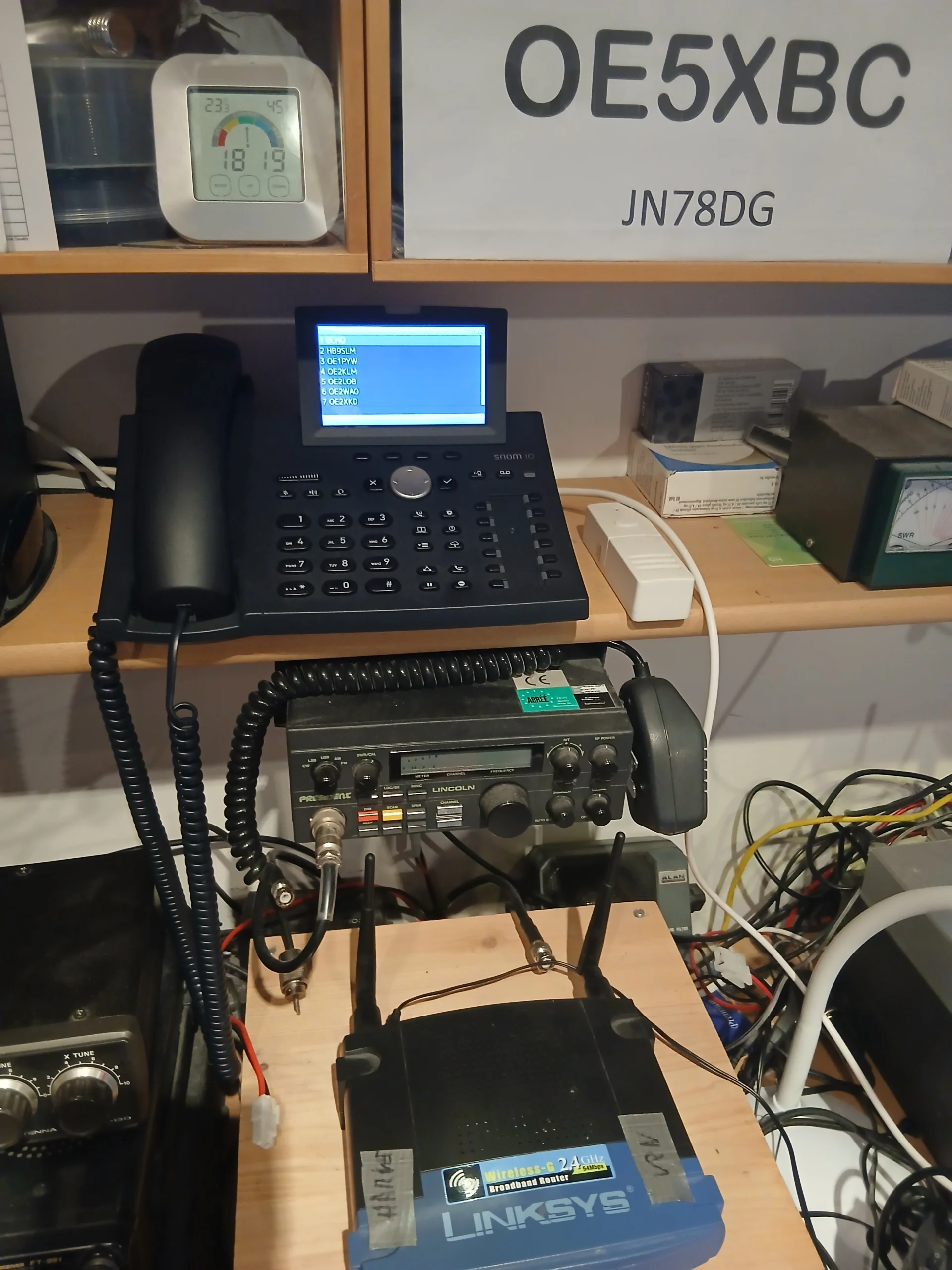
So if there is no functioning entry point within reach, as is currently the case with us, then there is still the option of connecting to a gateway via the normal Internet via a VPN tunnel connection and then obtaining a Hamnet IP address from there. We tried that and registered at www.Hamweb.at and got VPN access to Hamnet. With an old router that supports the PPTP protocol, we have now accessed the Hamnet via our normal internet and from there the applications in the Hamnet work wonderfully.
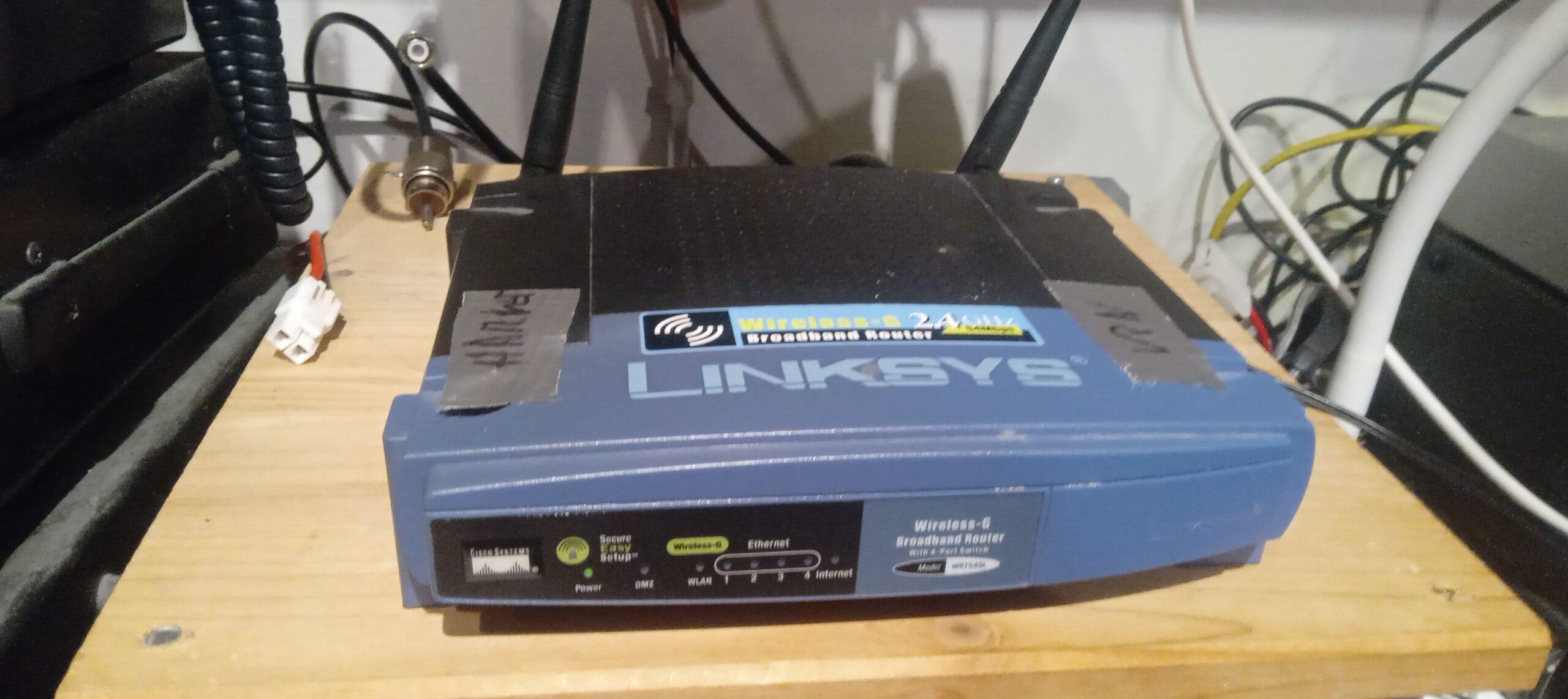
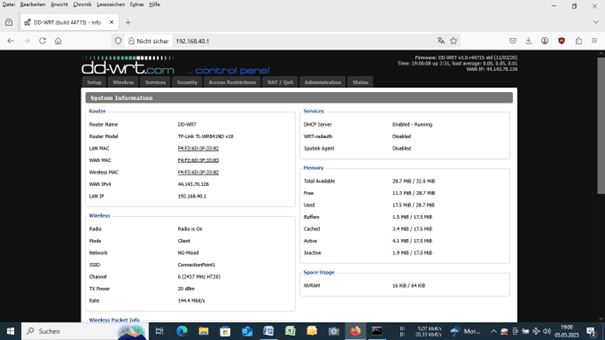
Sabine wouldn’t be Sabine if she didn’t like to chatter, and so we took a closer look at the HAMSIP application, a dedicated telephone switchboard for radio amateurs.
There are SIP servers all over Austria that compare each other, manage accounts and, upon request, tell you which device is currently online and where it is connected. The voice channel is then established directly from device to device. SIP end devices are available from softphone applications on the PC to your own VOIP telephones to telephone adapters that connect old telephones (from rotary dials to modern ones) to the SIP network. We decided on SNOM VOIP telephones, which are available in abundance in Willhaben for little money, and then registered on the website www.hamweb.at with our call sign. There is then a telephone number that is derived from the call sign (the letters on the telephone keys encode the call sign) and an access password. This SIP identifier is entered in the phone and a server is selected from the server network and you are in HAMSIP QRV.
The Snom devices have an additional function together with the server, namely that you can get all current online accounts as a list at the push of a button and then choose where the bell should ring.
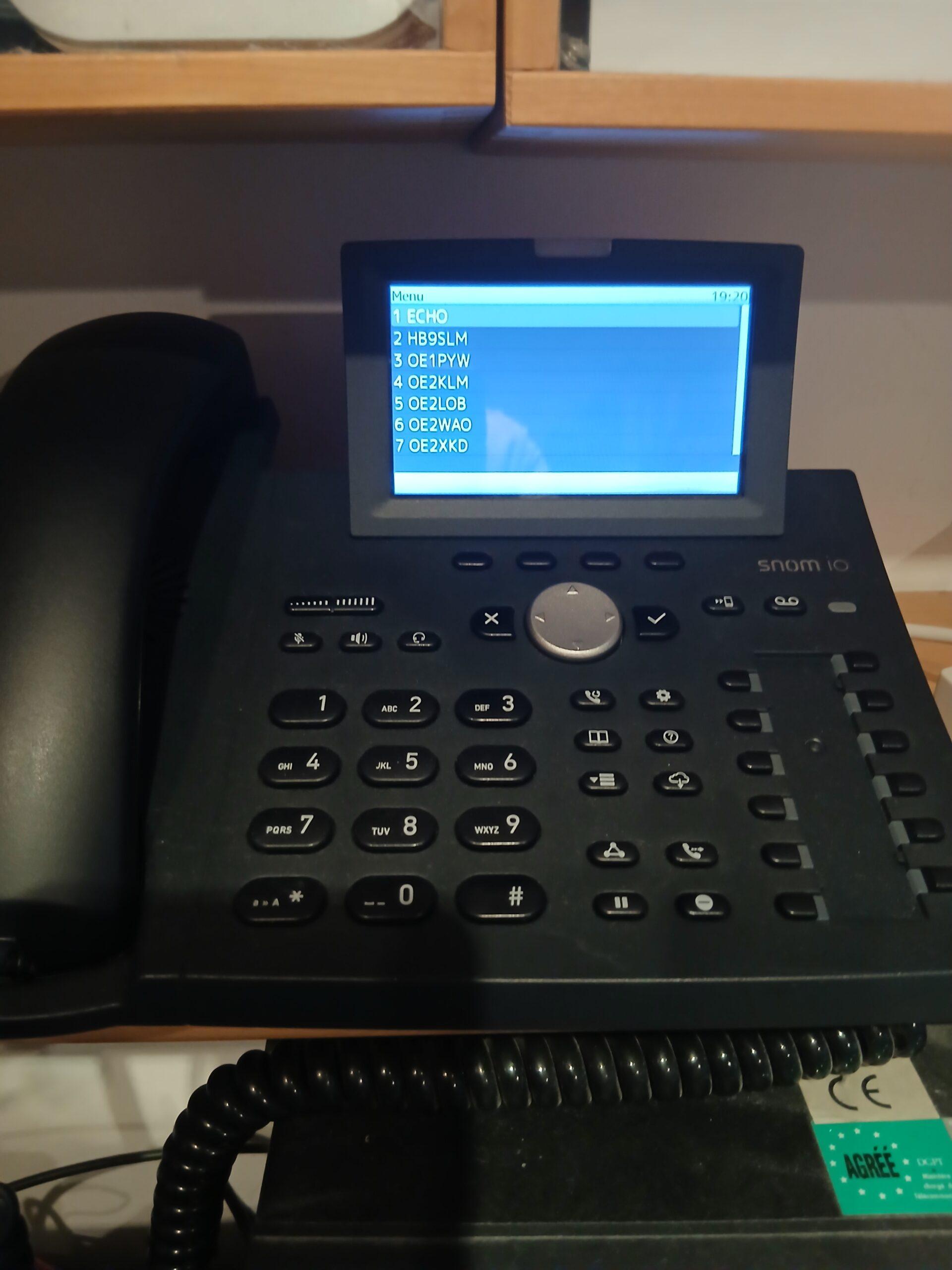
Somehow it’s a cross between telephoning and radio, and you have to keep in mind that the voice is transmitted over the link routes via HAM frequencies. But once you’ve done it a few times, it’s really fun to answer the phone with the call sign and the quality is surprisingly good. The only problem is that, apart from oe3, there are currently hardly any remote stations that are online and that you could call. So now we’re doing a little advertising for the HAMSIP toy and would be happy to have more remote stations and calls on our phone. With oe5xbc we are currently the only ones in oe5 qrv and oe8 is not represented at all.
But that can change, especially since you don’t need anything other than a SIP telephone and a VPN router via the Internet (or Hamnet radio access) to become a QRV. Both are available online for little money or even used. Many well-trained radio amateurs simply reach into the craft box and dust off their VOIP telephone, as we have already experienced. (Thanks Peter, qrv in two hours – works wonderfully)
You also learn a lot about network technology. That alone is worth dealing with the matter.
We are happy to answer any questions or suggestions and look forward to hearing from new counterparts
Manfred oe5mbp and Sabine oe5sle